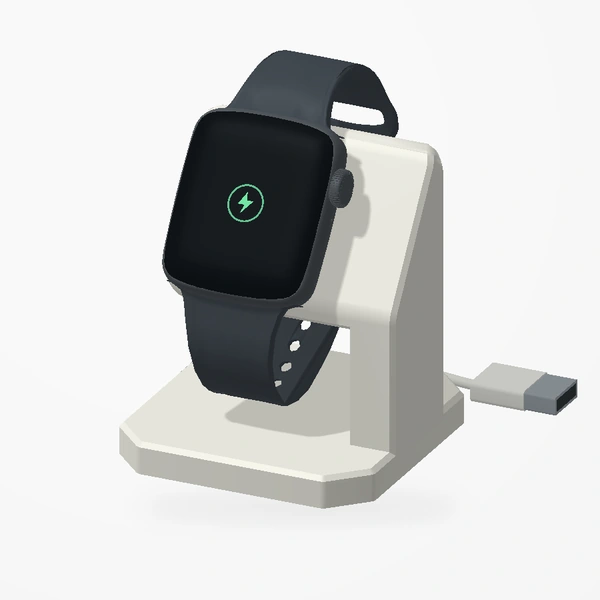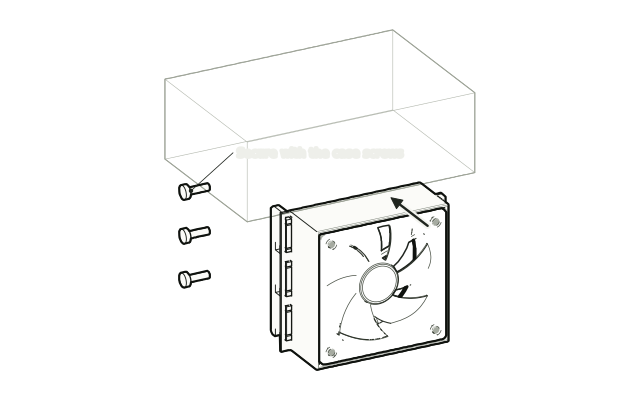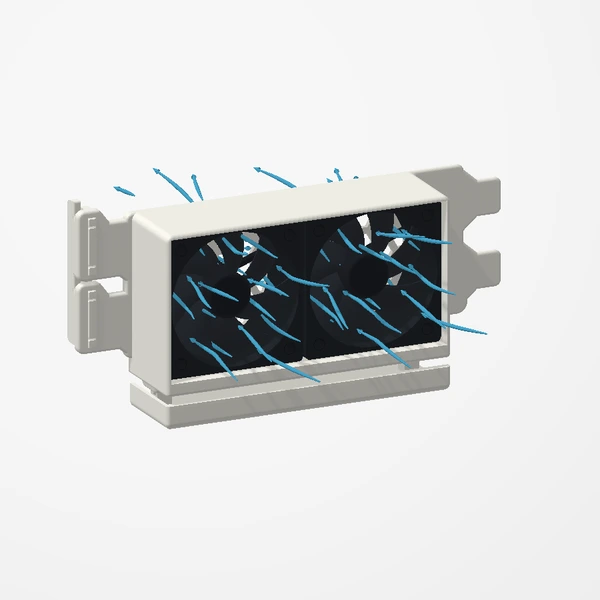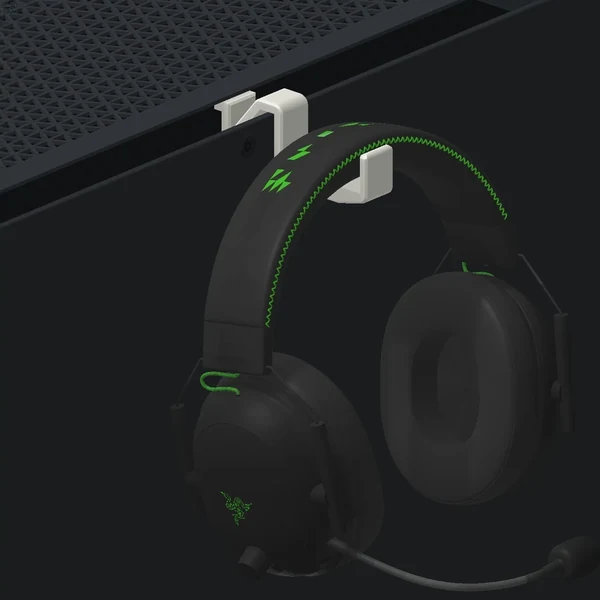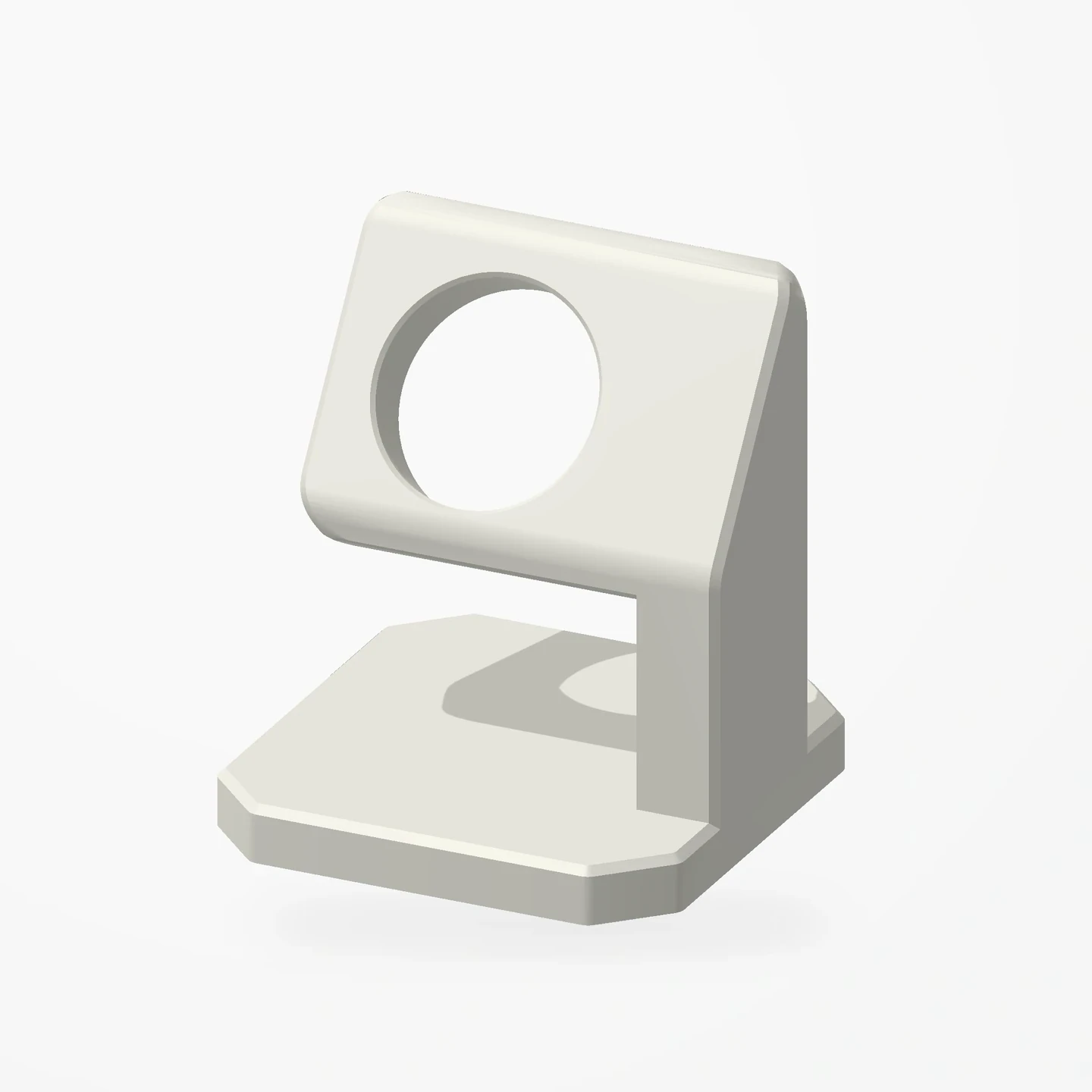
Angled charging dock · Three views
Apple Watch Stand
In stockA dedicated place for your Apple Watch: an angled charging-puck recess, a concealed cable channel and a removable cable cover keep the setup tidy.
The off-white stand is the product. Apple Watch, magnetic charging puck and cable are not included. Check your charger and band against the Etsy listing before ordering.
Manufactured from premium PETG-HF for thermal resistance and structural durability.
Why it’s designed this way
The angled head holds the magnetic charging puck upright, while the cable follows a channel through the support and out beneath the base. The removable cover conceals the route.
Before you order
- Compare the charging puck supplied with your watch with the recess dimensions in the listing.
- Check watch/band clearance. Watch, charging puck and cable are not included.
Setup & use
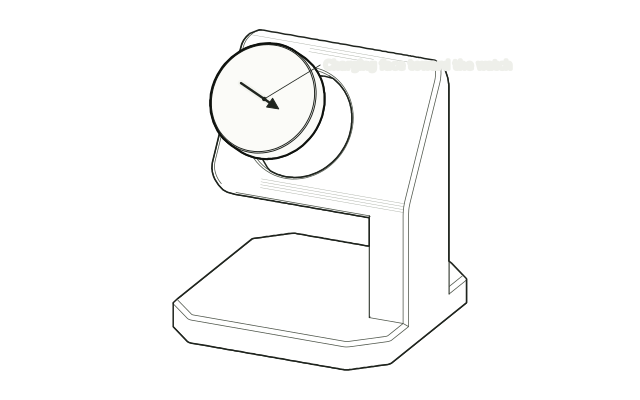 Step 1
Seat the charging puck
Press your Apple Watch charging puck into the recess with its charging face outward. It should fit the recess without force.
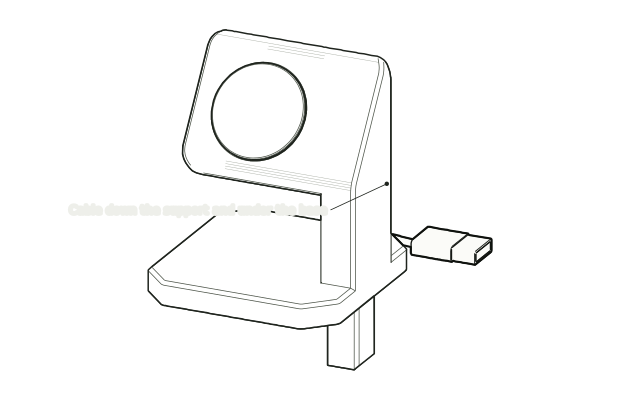 Step 2
Route the cable
Lead the cable down through the support and out under the base.
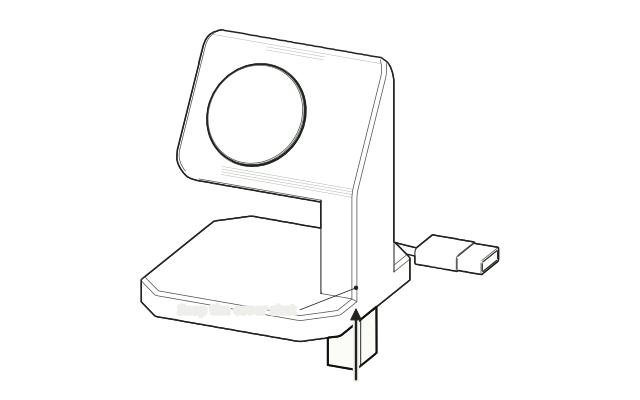 Step 3
Snap the cover shut
Close the removable cover over the cable so it is held without being pinched.
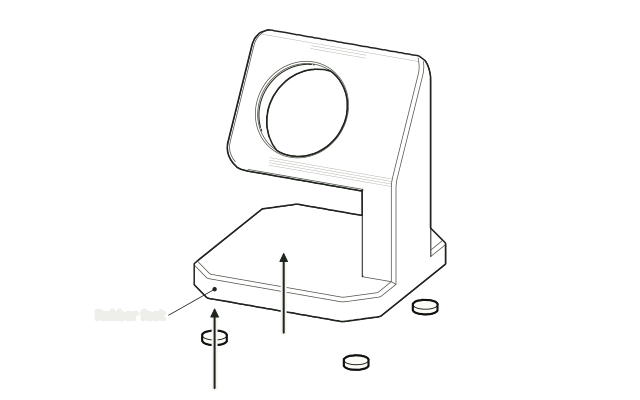 Step 4
Stick on the rubber feet
Stick the rubber feet under the base, then set the stand on a flat surface and connect your charger.
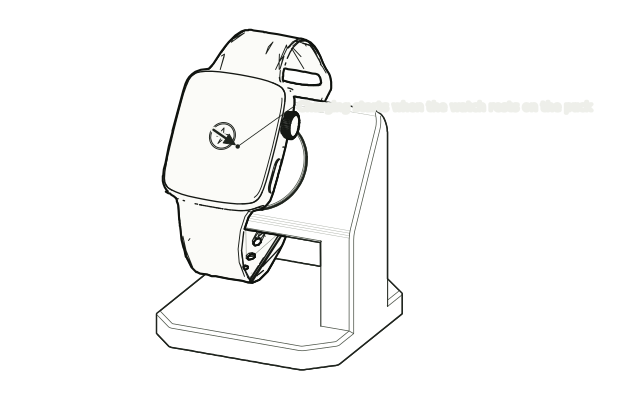 Step 5
Rest the watch on the puck
Rest the back of the watch on the puck, check the band clears the stand, and confirm it starts charging.
Drawn from the product’s 3D models. Cases, desks, devices and other surroundings are illustrative; drawings are not measured plans.
Care & troubleshooting
Wipe with a soft, slightly damp cloth, then dry. Avoid solvents and hot-water cleaning. Remove the charger before cleaning; follow Apple’s charger instructions.
Model sources: Apple Watch Stand by Aeonfly (supplied print profile: Vacchi, BY-SA). Apple Watch SE by Valentine_crut, CC BY 4.0; band pose and materials adapted for this preview. Charger and cable are illustrative models. Full preview credits.