Desk clamp · Interactive installation
Desk Clamp Headphone Holder
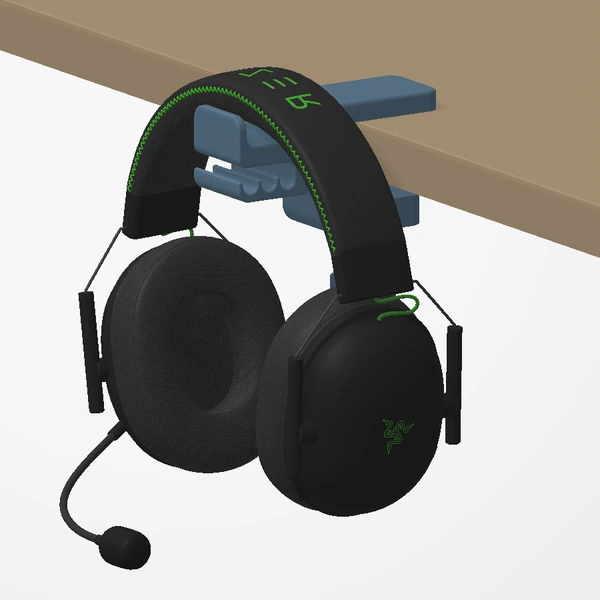
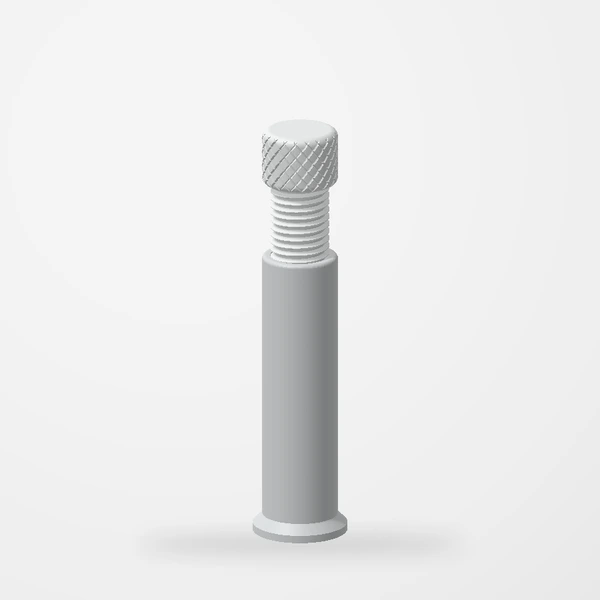
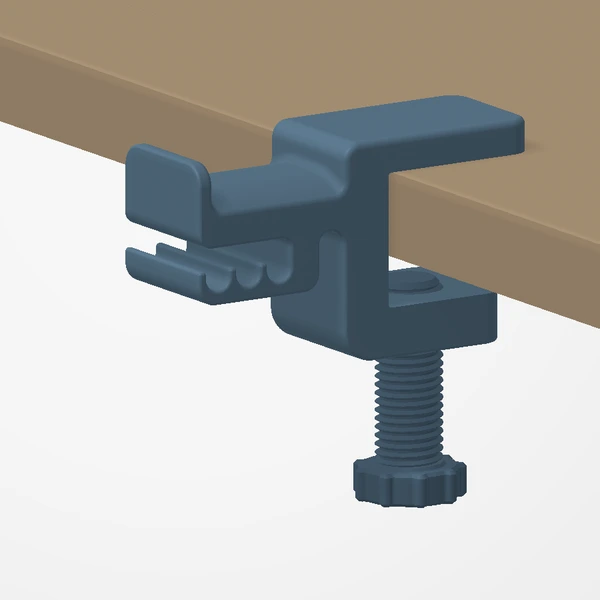
Keep headphones within reach while freeing up desk space. The screw clamp secures the holder around the desk edge.
Not on Etsy yet
Check your desk-edge clearance before ordering. The preview uses an illustrative 25 mm desk and Razer BlackShark headphones; headphones are not included.
Manufactured from premium PETG-HF for thermal resistance and structural durability.
Why it’s designed this way
Using the desk edge frees the work surface without putting the headphones out of reach. The threaded clamp provides the attachment rather than relying on adhesive.
Before you order
- Measure the desk-edge thickness and unobstructed depth below the edge.
- The jaw is made very deep, so it fits practically any desk thickness.
Setup & use
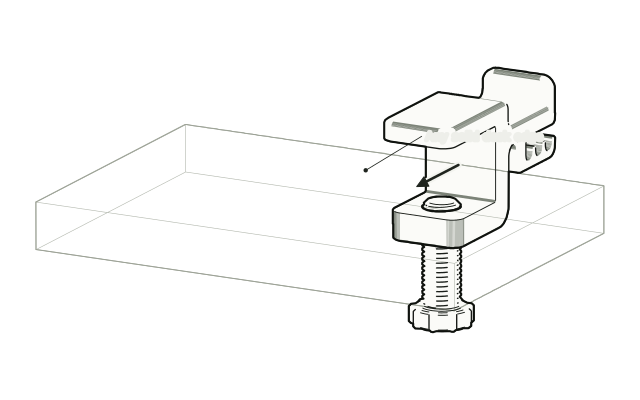 Step 1
Slide it onto the desk edge
Open the clamp and slide it onto a solid desk edge. The jaw is made very deep, so it fits practically any desk.
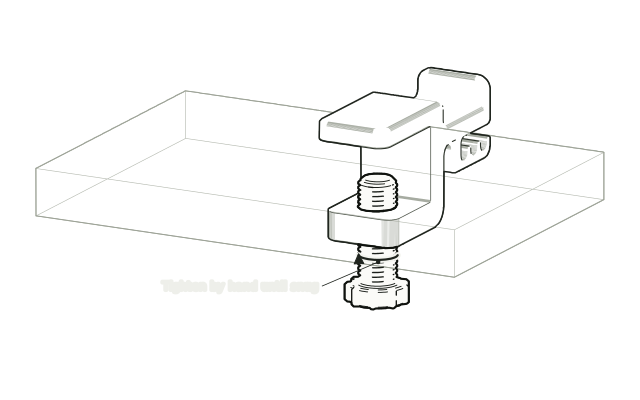 Step 2
Tighten the screw by hand
Turn the screw under the desk until the clamp holds firmly. Hand-tight is enough.
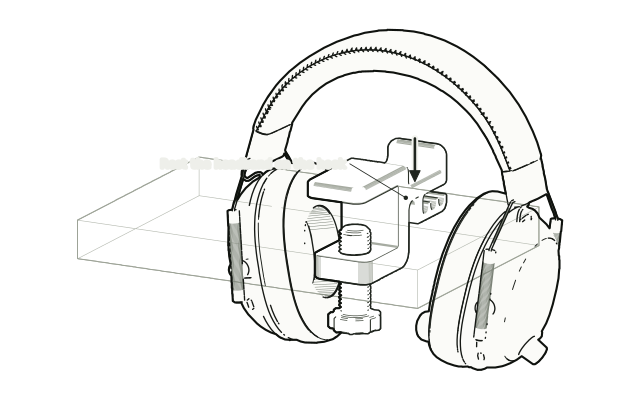 Step 3
Hang your headphones
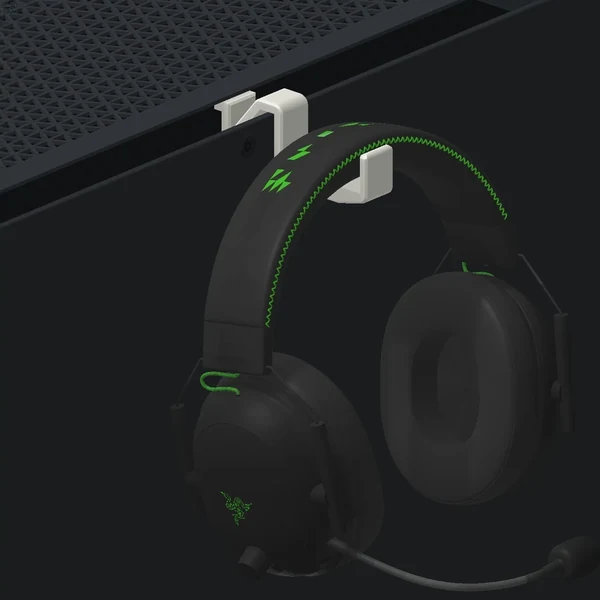
Lower your headphones onto the hook so the headband rests across it, and check the clamp stays put.
Drawn from the product’s 3D models. Cases, desks, devices and other surroundings are illustrative; drawings are not measured plans.
Care & troubleshooting
Wipe with a soft, slightly damp cloth, then dry. Avoid solvents and hot-water cleaning. Recheck the clamp periodically. Stop using it if the part loosens or cracks.