1, 2 or 3 keys · Gateron Blue
Clicky Fidget Keychain
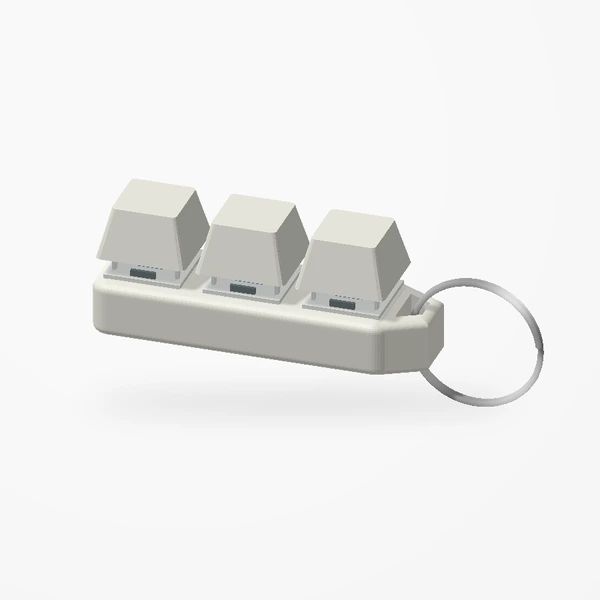
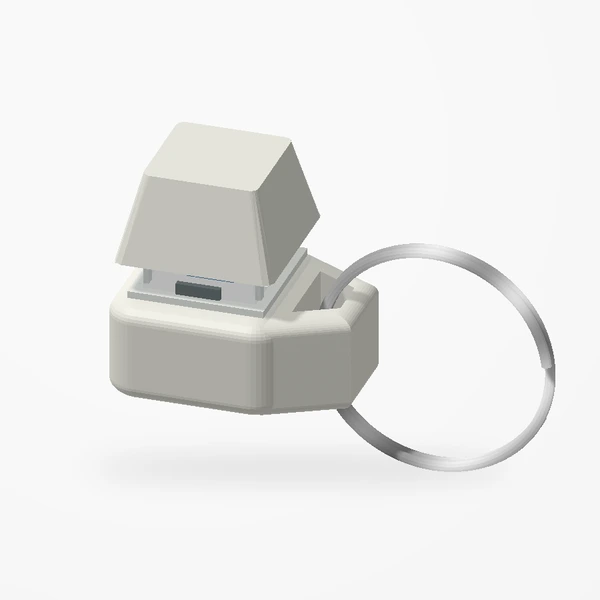
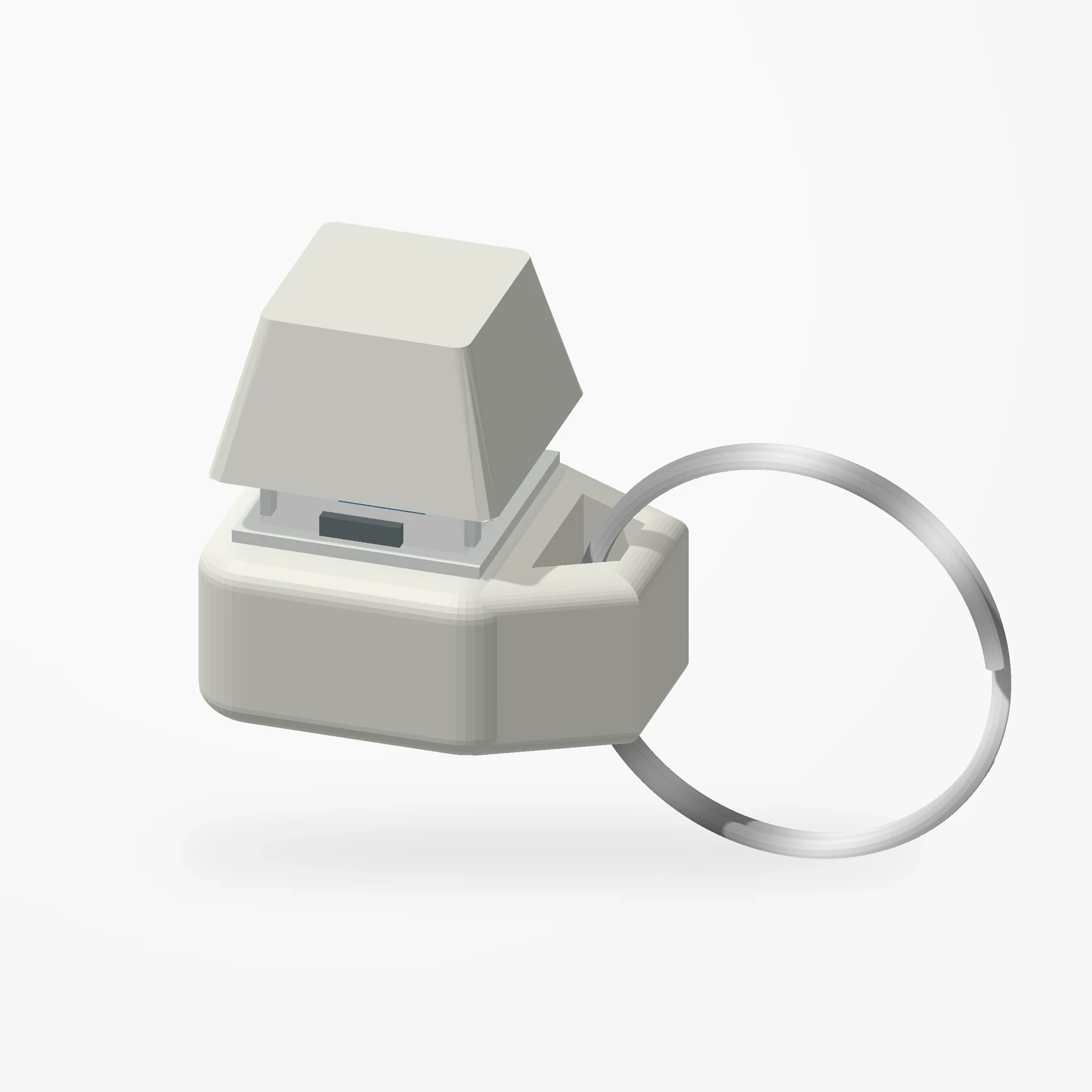
In stockTake the keyboard click with you. Raised keycaps and tactile Gateron Blue switches give restless fingers a pocket-sized mechanical break.
Choose one, two or three keys, each with an attached metal keyring. Premium PETG-HF base and keycaps; see Etsy for colors. The visual click cue marks switch actuation. Switch housings are illustrated from product references.
Manufactured from premium PETG-HF for thermal resistance and structural durability.
Why it’s designed this way
A familiar keyboard click becomes something pocket-sized. The one-, two- and three-key options change how much room there is for a sequence of presses.
Before you order
- Choose one, two or three keys; each version has an attached metal keyring.
- Gateron Blue switches provide the click.
Setup & use
 Step 1
Add it to your keys
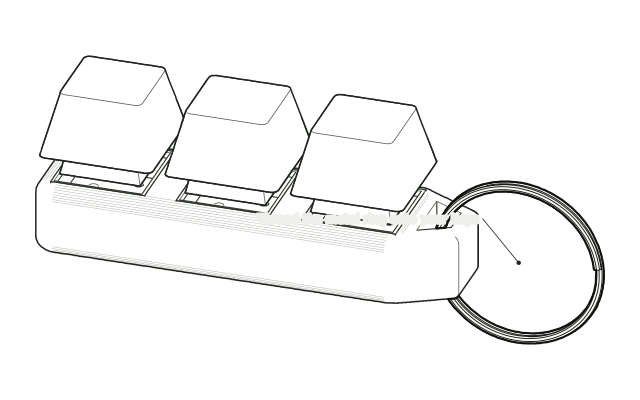
Open the metal split ring and thread it onto your keyring. Avoid levering the body sideways.
 Step 2
Press the keys
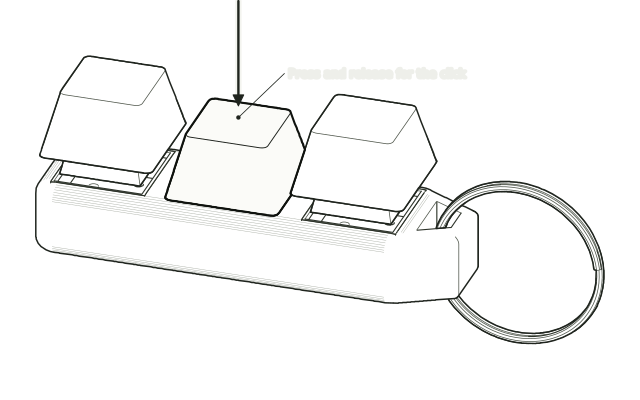
Press and release each key like a keyboard key. The Gateron Blue switches give the click.
Drawn from the product’s 3D models. Cases, desks, devices and other surroundings are illustrative; drawings are not measured plans.
Care & troubleshooting
Keep liquid away from the switches. Clean the outside with a dry, soft cloth. Check the loop and ring periodically; stop use if damaged.