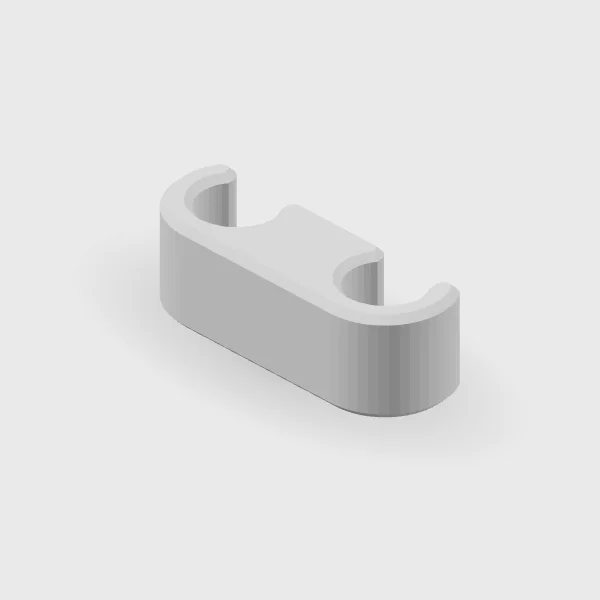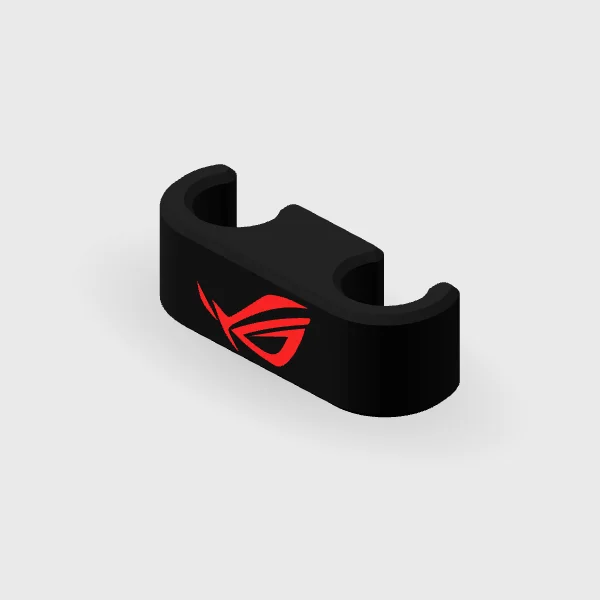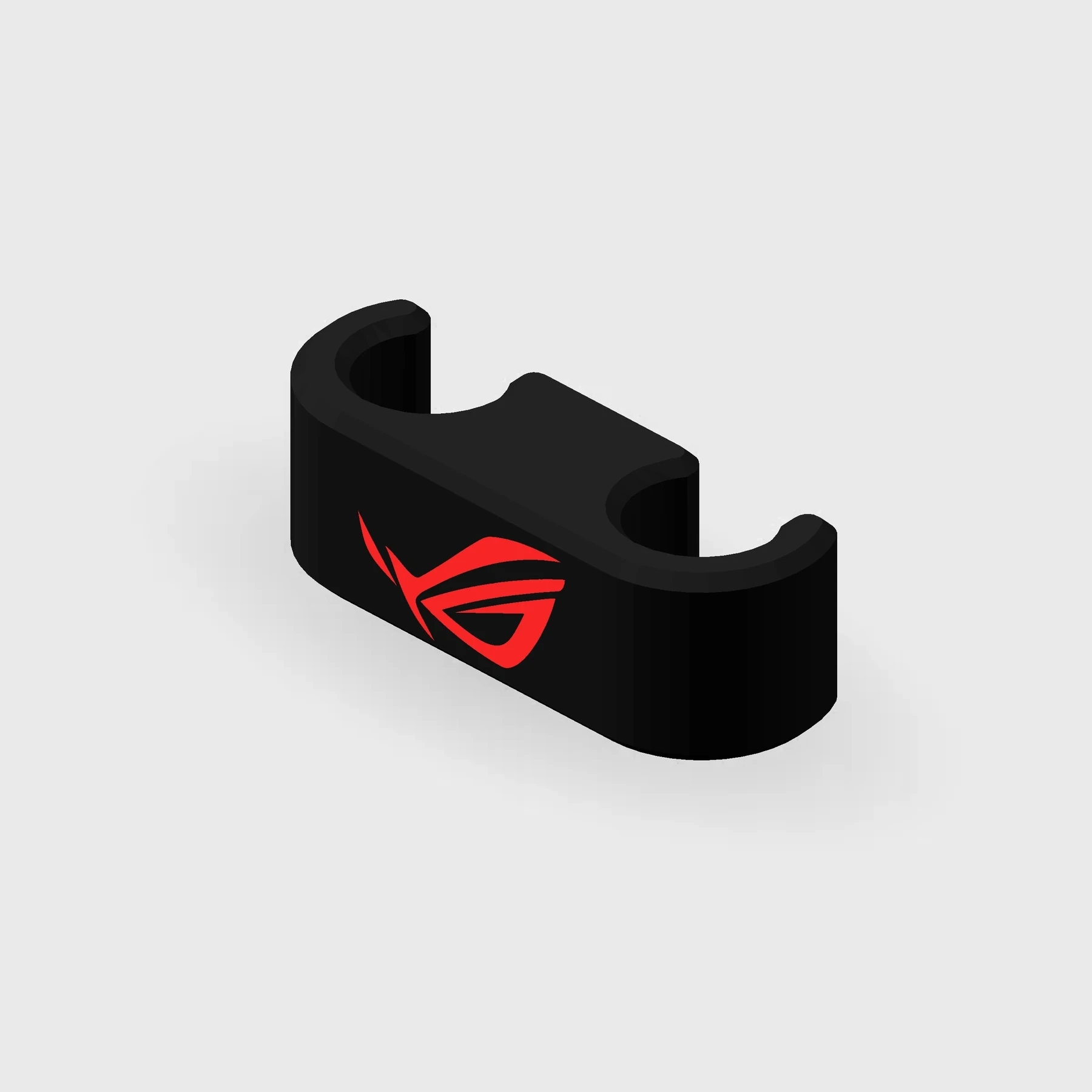
Two body colors · Red logo
ASUS Red-Logo AIO Clip
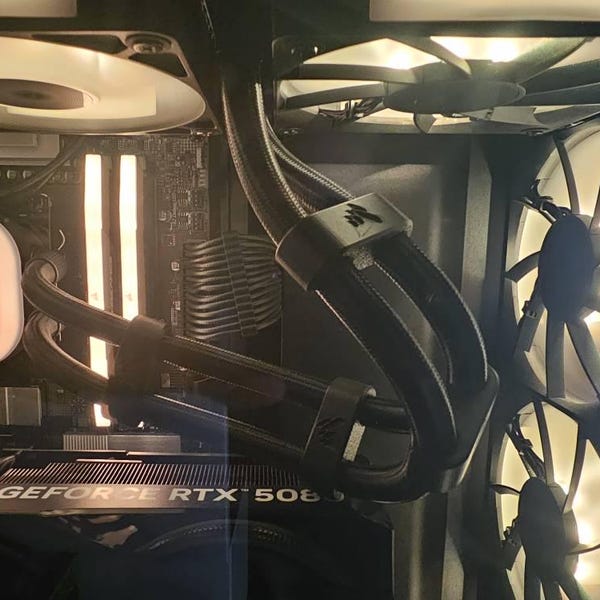
In stockOrganize AIO tubing with a two-color clip featuring a red ASUS logo and a black or white body.
Check the fit against your tubing before ordering.
Manufactured from premium PETG-HF for thermal resistance and structural durability.
Why it’s designed this way
Loose AIO tubes can distract from an otherwise tidy build. A small clip brings the pair into line while keeping the rest of the setup visually simple.
Before you order
- Measure the outside diameter of the tubing, including its sleeve.
- Measure the spacing between the tubes where the clip will sit.
- The combs snap onto the tubing of most consumer AIO coolers; no one has reported a sizing problem.
Setup & use
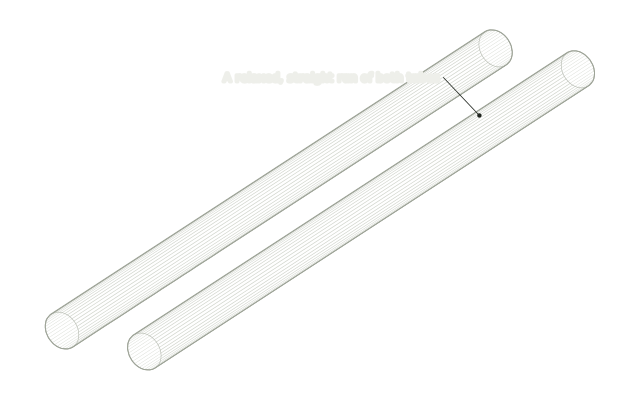 Step 1
Pick a straight run
With the PC off, choose a relaxed, straight section of the two AIO tubes, clear of the pump and radiator fittings.
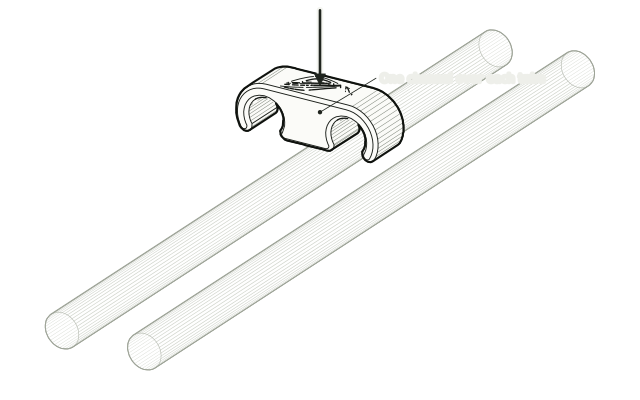 Step 2
Line it up over both tubes
Hold the comb over the tubes with one channel above each tube.
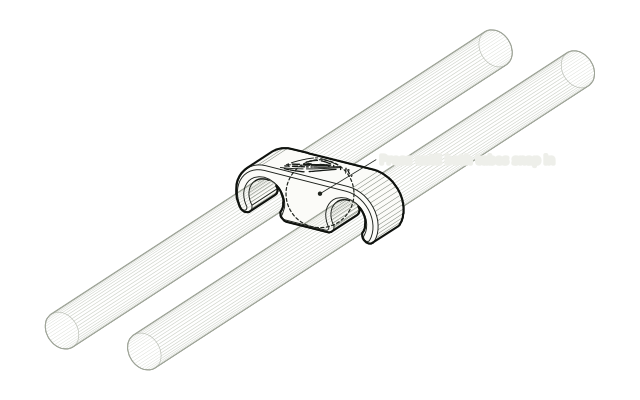 Step 3
Press it on
Press the comb down until both tubes snap into their channels. It fits most consumer AIO tubing snugly.
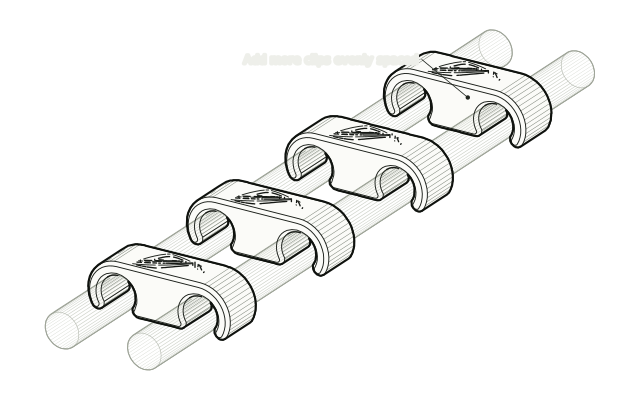 Step 4
Space them evenly
If you are fitting more than one, space them evenly, then check no tube is pinched, kinked or pulled tight.
Drawn from the product’s 3D models. Cases, desks, devices and other surroundings are illustrative; drawings are not measured plans.
Care & troubleshooting
Wipe with a soft, slightly damp cloth, then dry. Avoid solvents and hot-water cleaning. Remove and reassess the fit if the clip compresses the tubing.