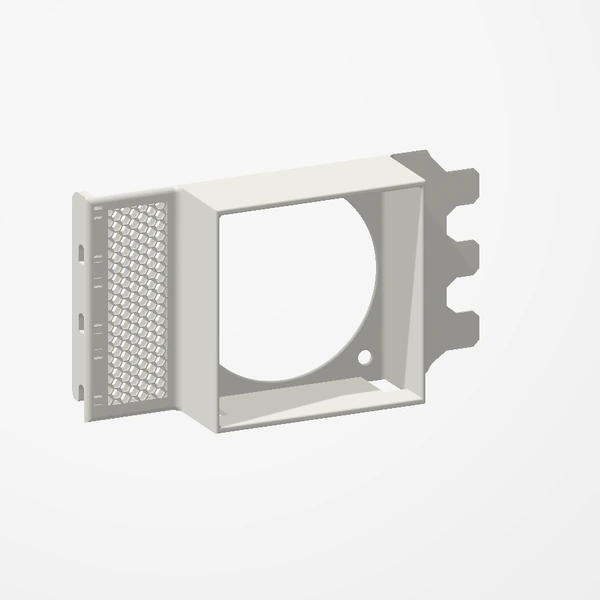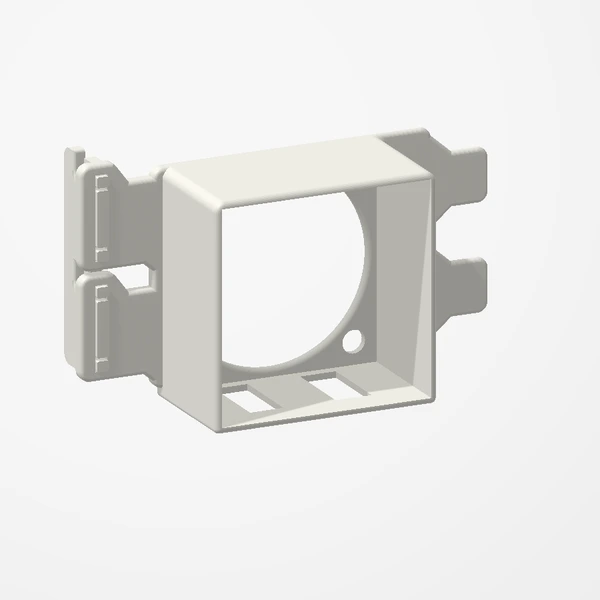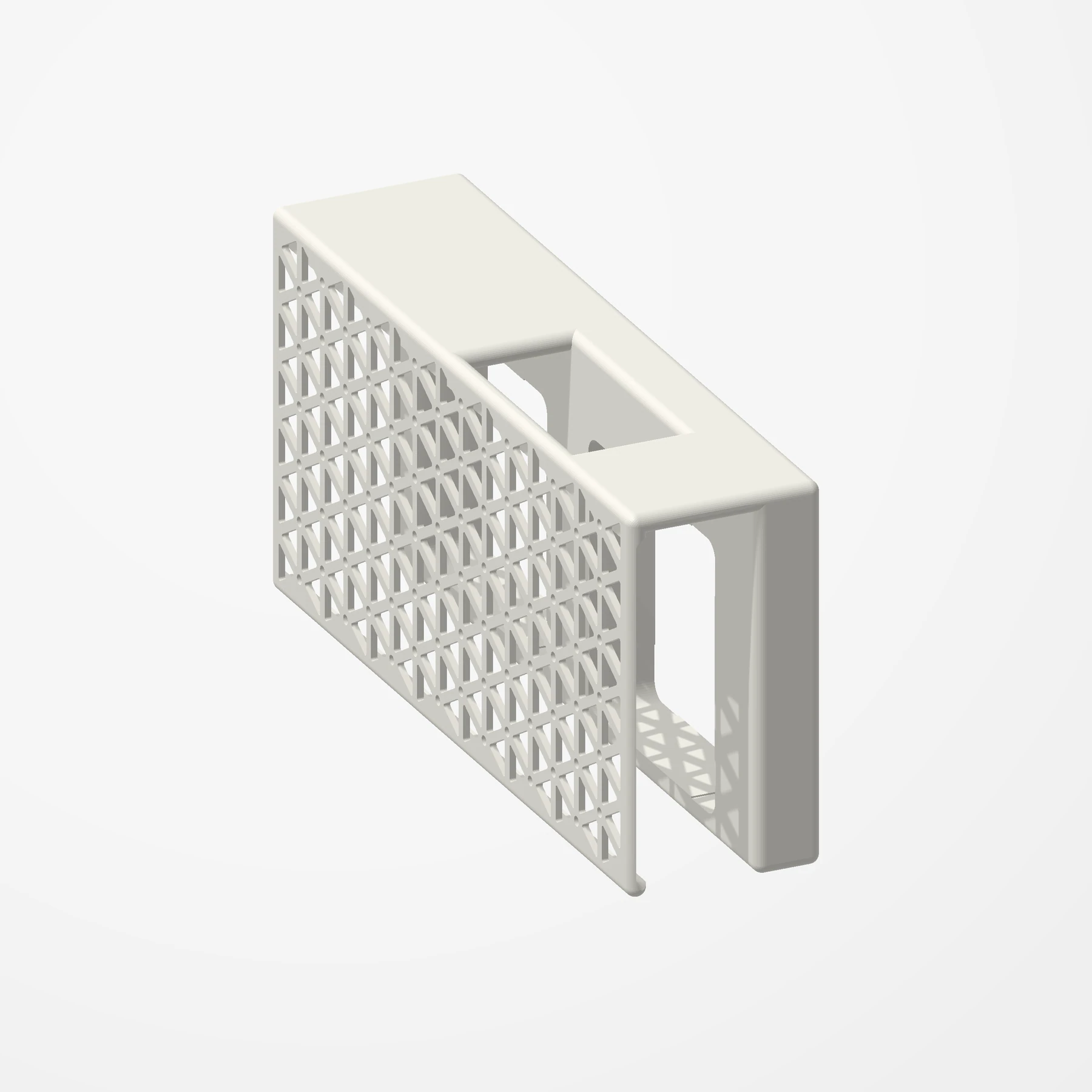
Two 40 mm fans · Isogrid vents
LSI 9305-24i Fan Shroud
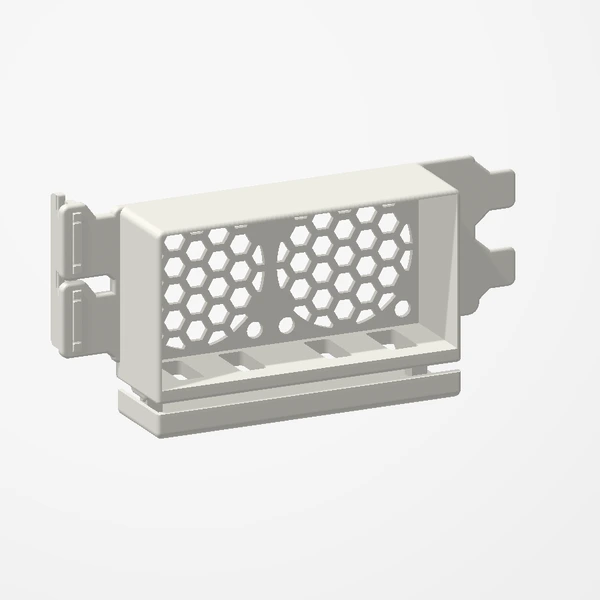
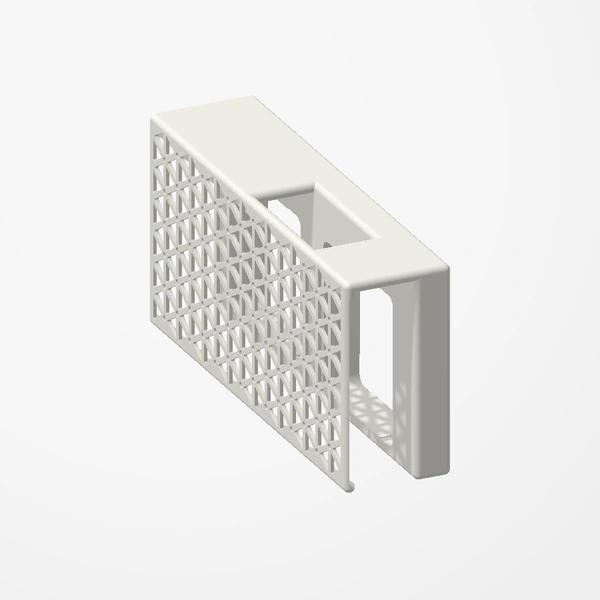
In stockDuct two 40 mm fans straight onto the heatsink of an LSI 9305-24i, with isogrid side vents that let the warm air out. Fans not included.
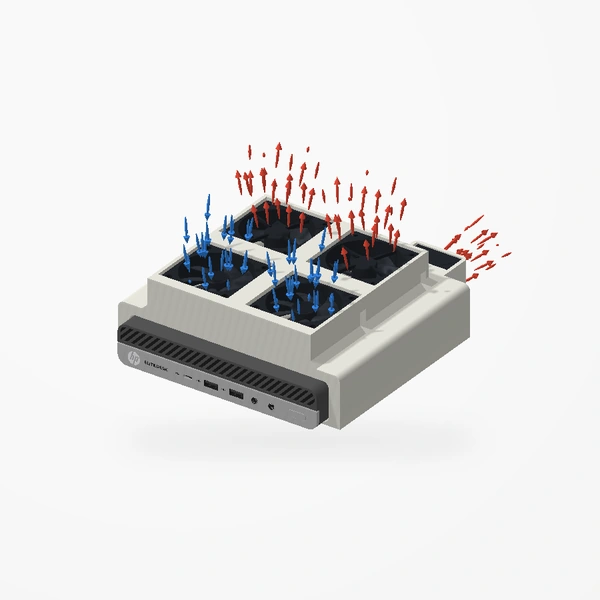
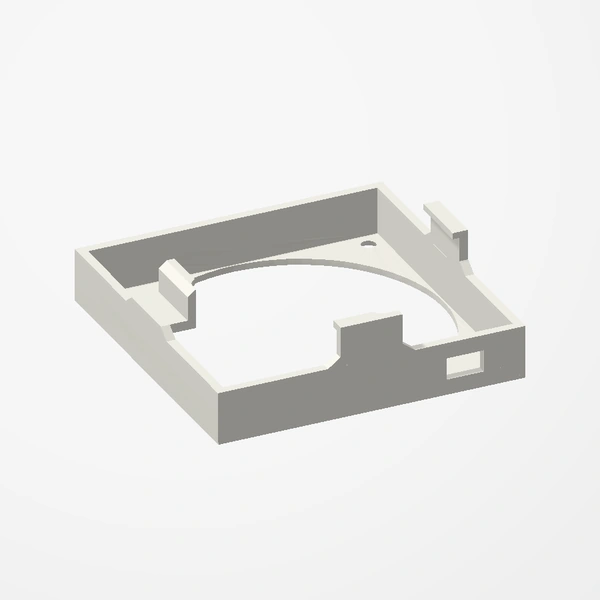
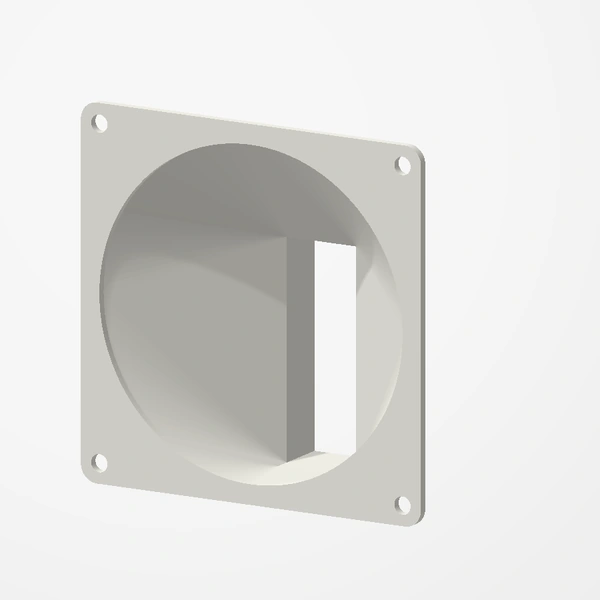
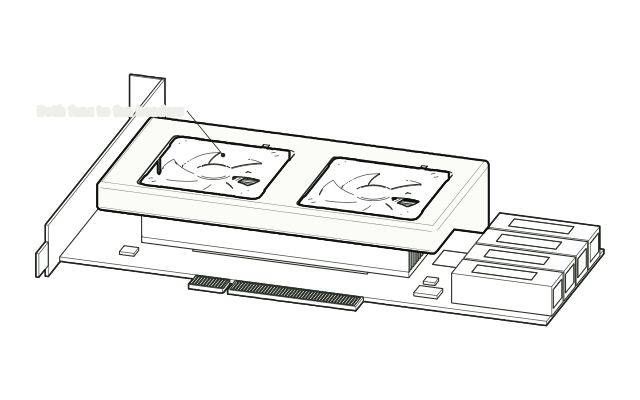
Made for the LSI 9305-24i. Takes two 40 × 10 mm fans (Noctua NF-A4x10 FLX shown) and fits standard PCIe slot spacing, with an opening for the SAS cables. Card and fans are shown for fit and scale and are not included; airflow is illustrative. See Etsy for available colors.
Manufactured from premium PETG-HF for thermal resistance and structural durability.
Why it’s designed this way
Give a hot-running LSI 9305-24i its own airflow with two 40 mm fans ducted onto its heatsink.
Before you order
- An LSI 9305-24i
- Two 40 × 10 mm fans (Noctua NF-A4x10 FLX shown)
- Standard PCIe slot spacing, with room for the SAS cables above the card
Setup & use
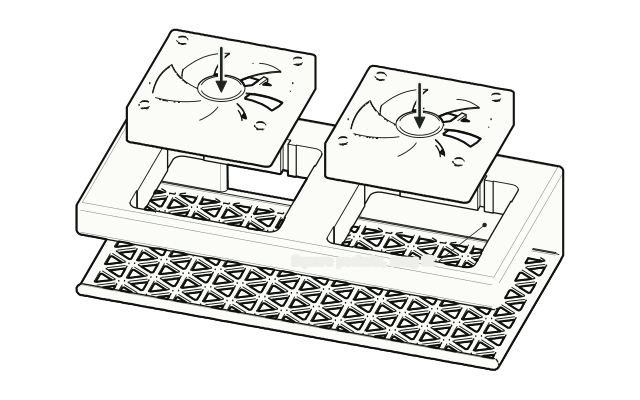 Step 1
Press in the fans
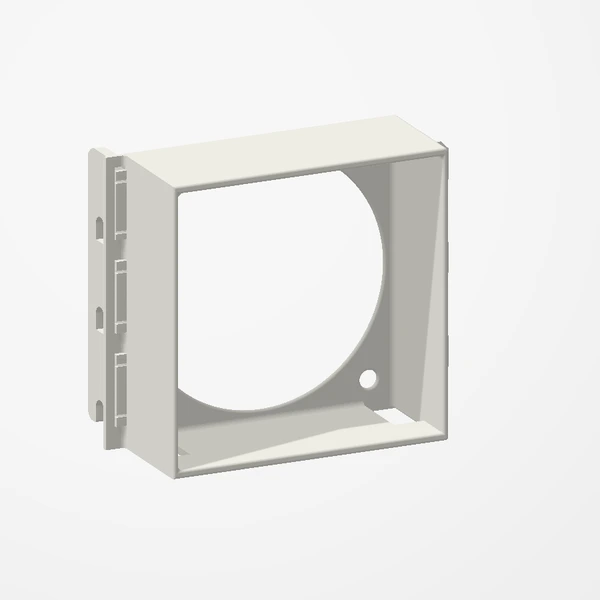
Press both 40 mm fans into the square pockets in the shroud, so they face the heatsink; the fit is snug.
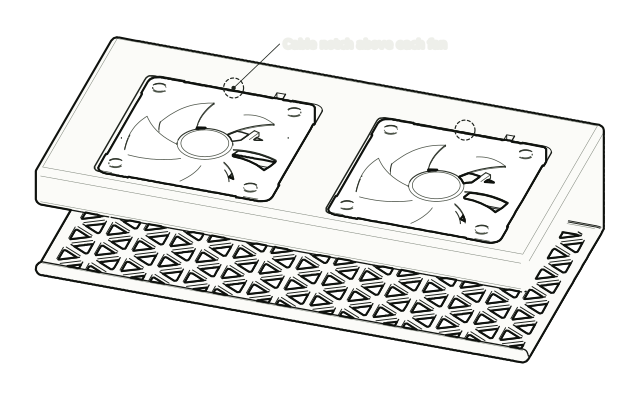 Step 2
Route the cables
Route the fan cables so they stay clear of the blades.
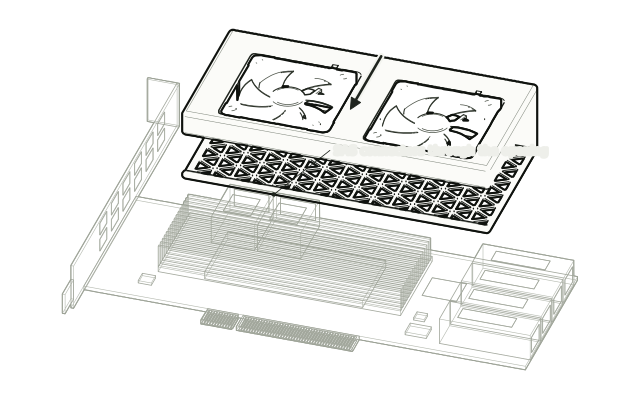 Step 3
Slide it onto the card
Slide the shroud down over the top edge of the card so the fans sit over the heatsink and the SAS connectors pass through the opening.
 Step 4
Install and connect
Install the card and connect both fans to fan headers.
Drawn from the product’s 3D models. Cases, desks, devices and other surroundings are illustrative; drawings are not measured plans.
Care & troubleshooting
Keep the fan cables clear of the blades and the isogrid vents free of dust. If a fan starts to rattle, press it back into its pocket.