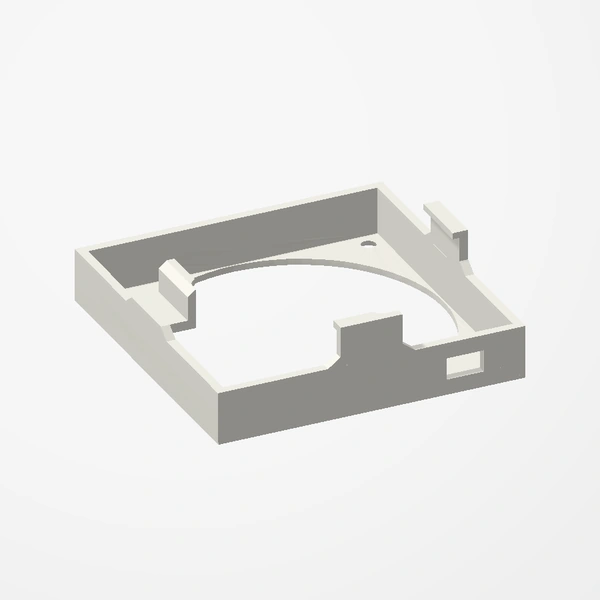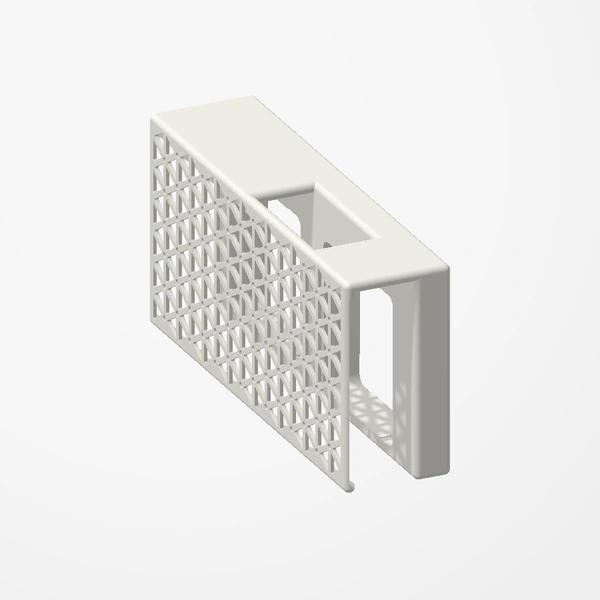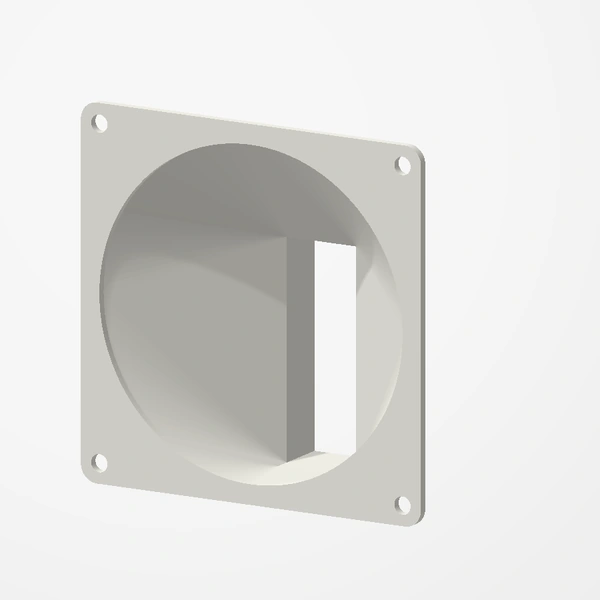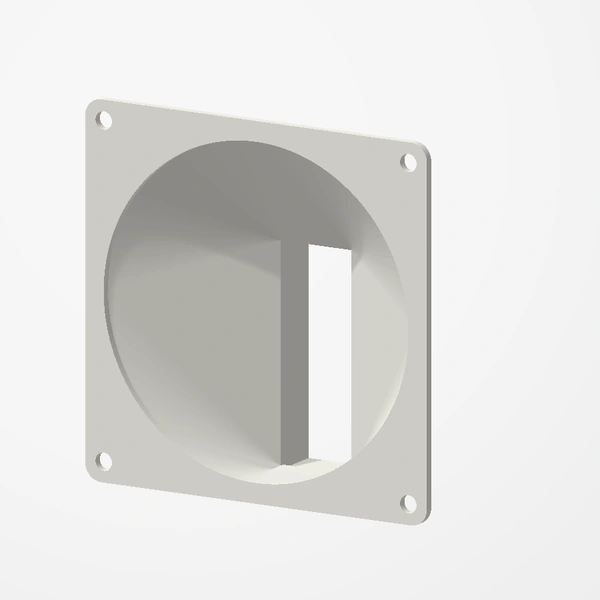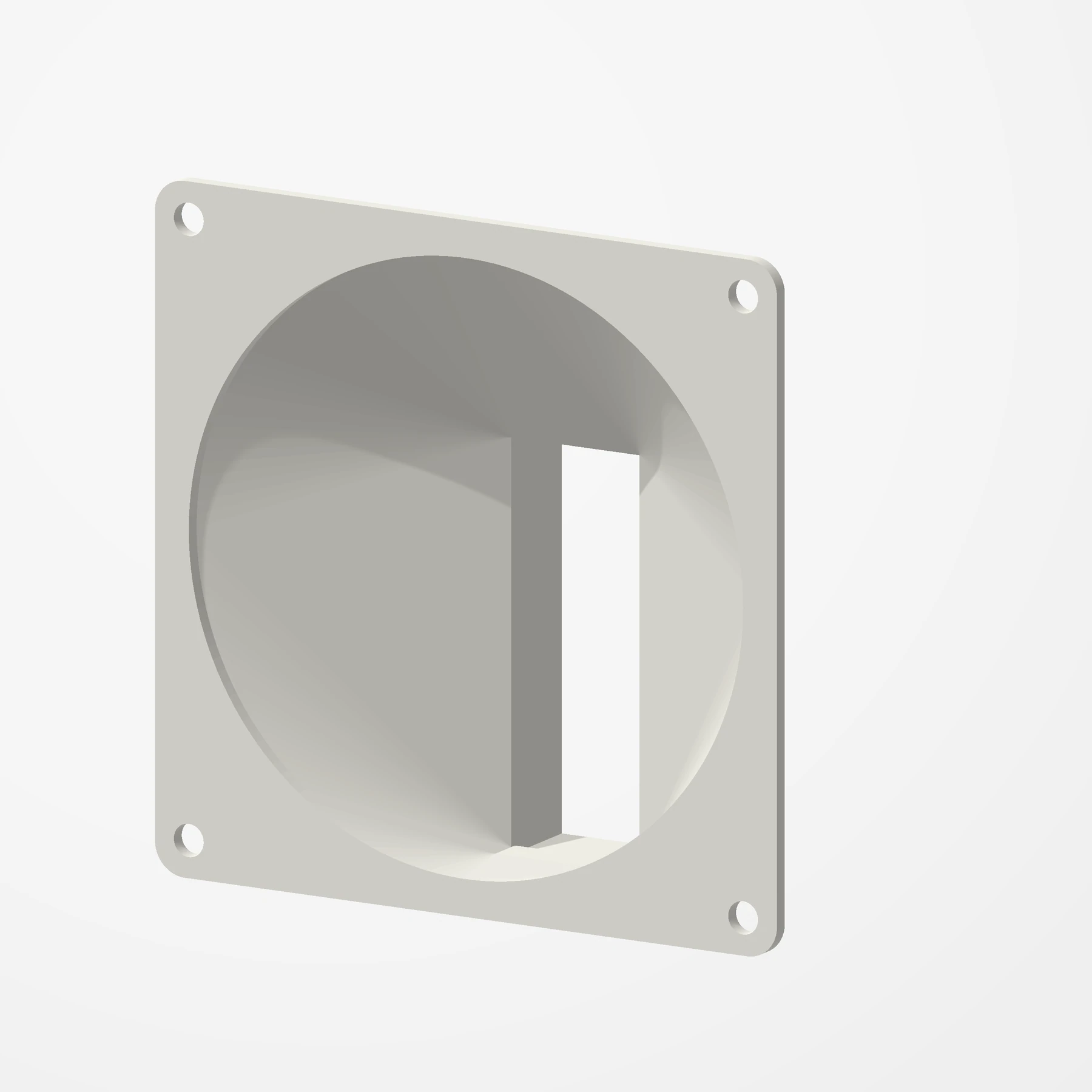
Five fan sizes · Slides on
Nvidia A2 Fan Shroud
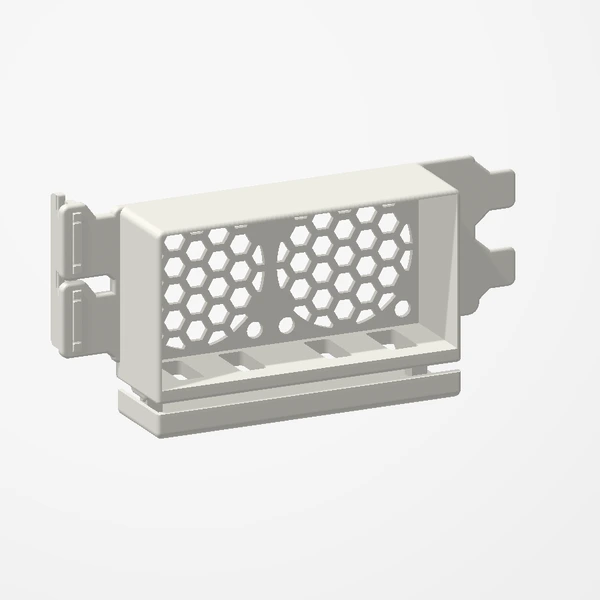
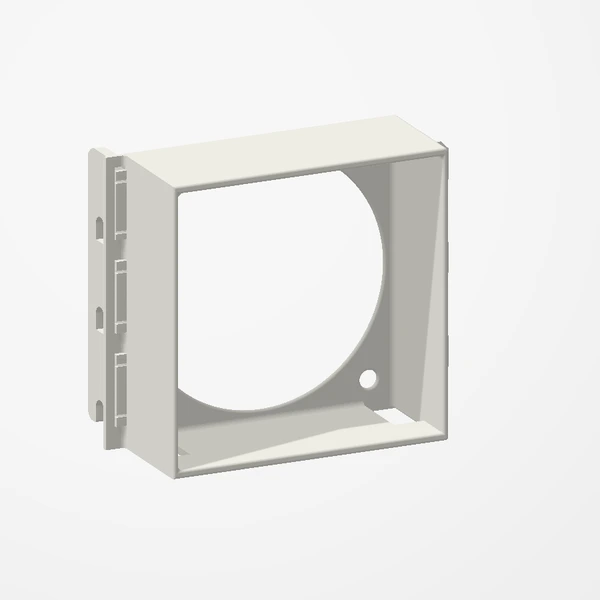
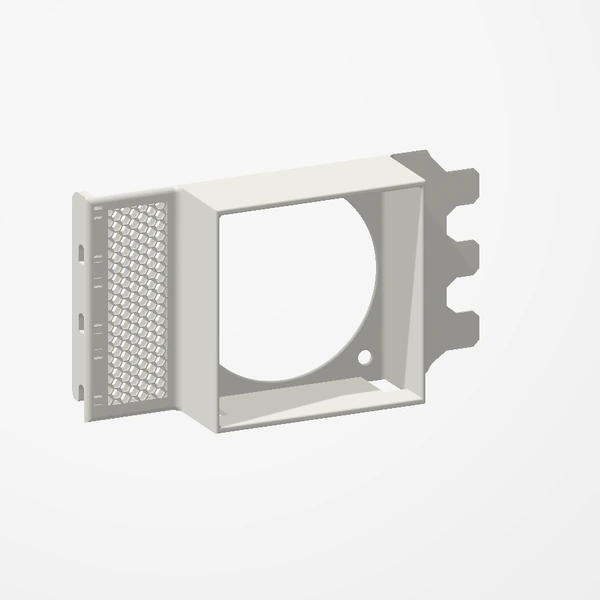
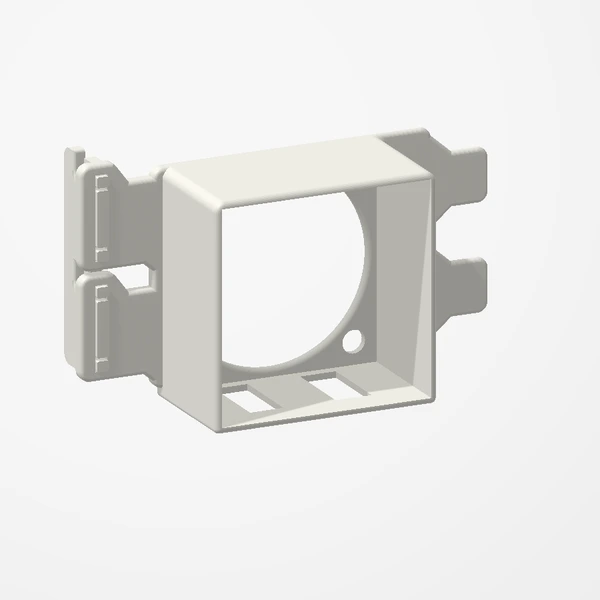
In stockRun a passively cooled Nvidia A2 in a regular PC. The shroud slides onto the end of the card and holds your own fan to push air straight through it.
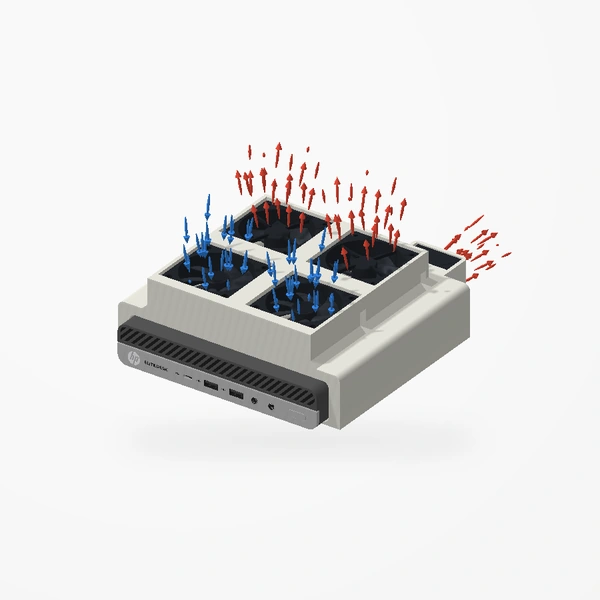
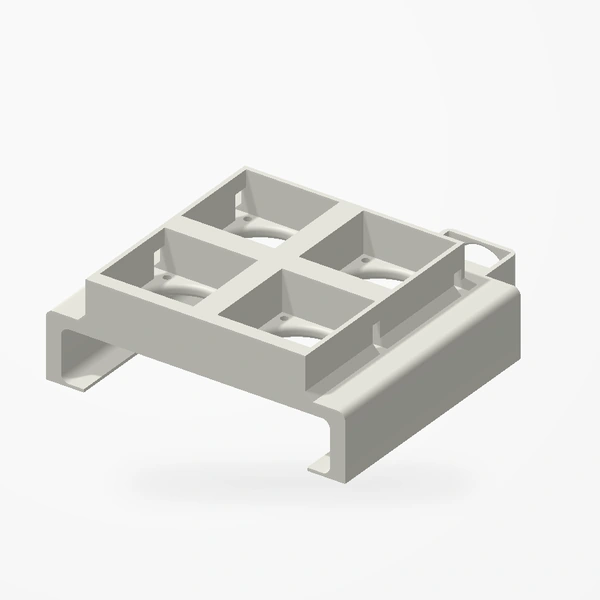
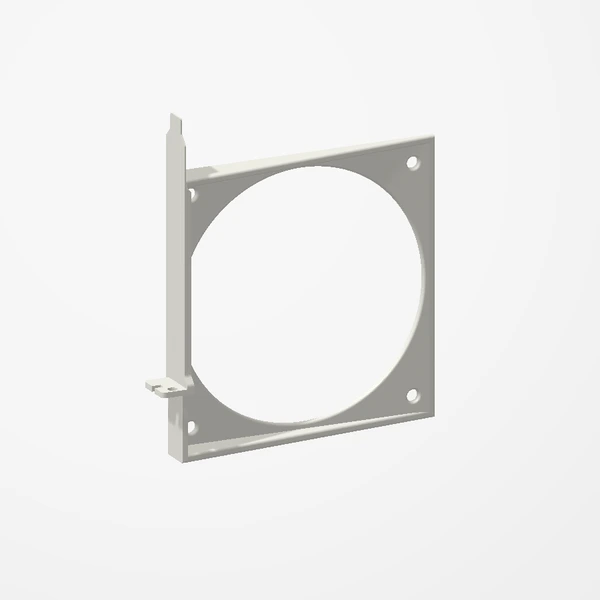
Made for the Nvidia A2. Choose the 40, 60, 80, 92 or 120 mm version to match your fan; any fan of that size fits, mounted with the screws that came with it. Card and fan are shown for fit and scale and are not included; airflow is illustrative. See Etsy for available colors.
Manufactured from premium PETG-HF for thermal resistance and structural durability.
Why it’s designed this way
Give a passively cooled Nvidia A2 the airflow it needs in a regular PC.
Before you order
- An Nvidia A2
- A 40, 60, 80, 92 or 120 mm fan and the screws that came with it
- Room in your case for the shroud and fan beyond the end of the card
Setup & use
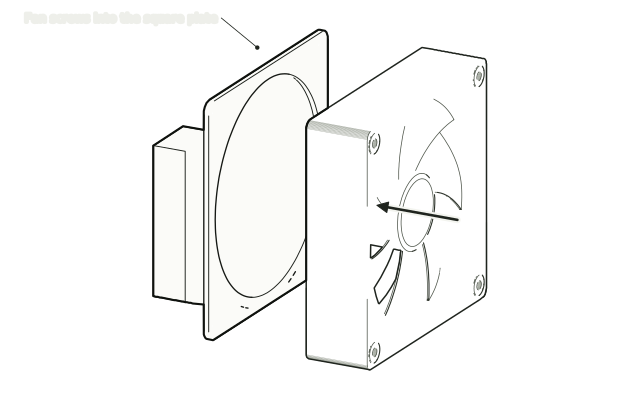 Step 1
Screw on your fan
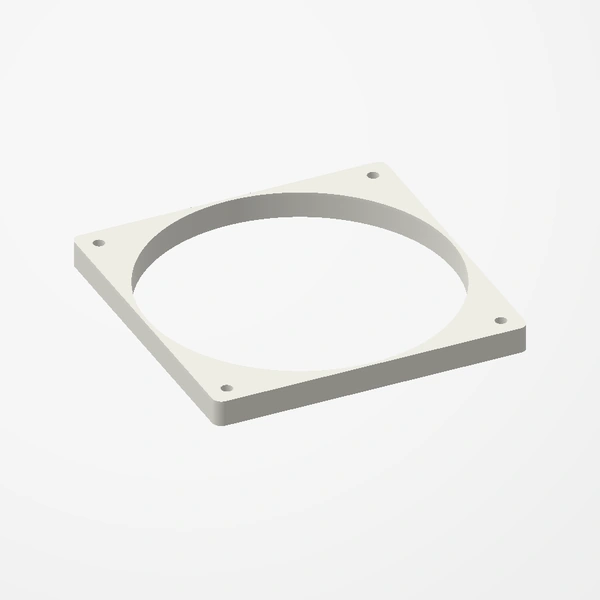
Screw your fan to the shroud's square plate with the screws that came with the fan, so it blows into the shroud.
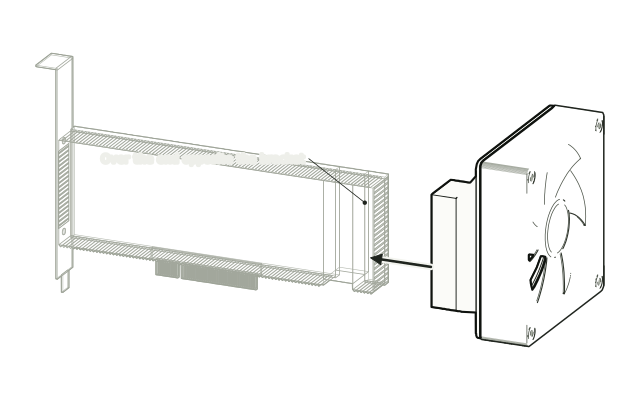 Step 2
Slide it onto the card
Slide the shroud's sleeve onto the end of the card until it sits firmly.
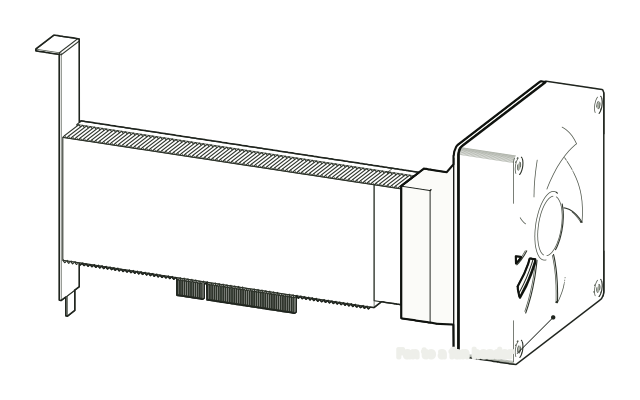 Step 3
Install and connect
Install the card and connect the fan to a fan header.
Drawn from the product’s 3D models. Cases, desks, devices and other surroundings are illustrative; drawings are not measured plans.
Care & troubleshooting
If the shroud loosens, push it back on until it sits firmly. Clear dust from the fan and the card's fins now and then.