Minimal display · Fits most controllers
Xbox Controller Stand
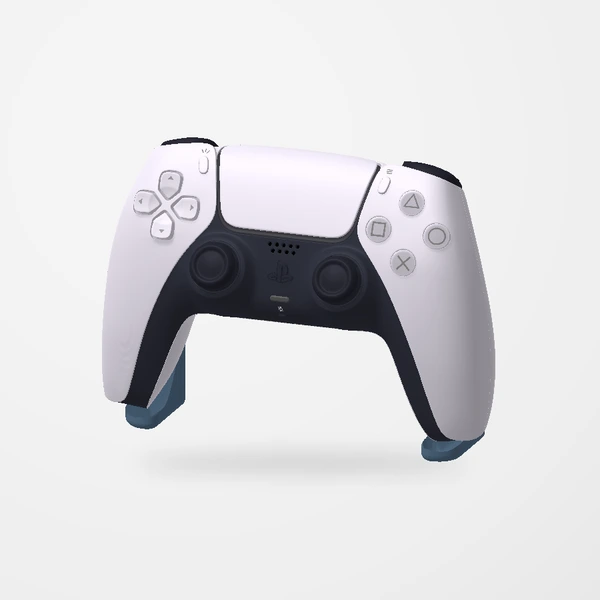
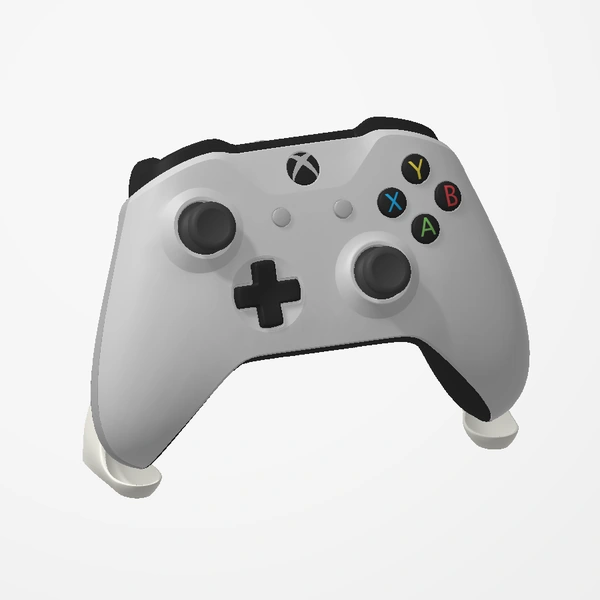
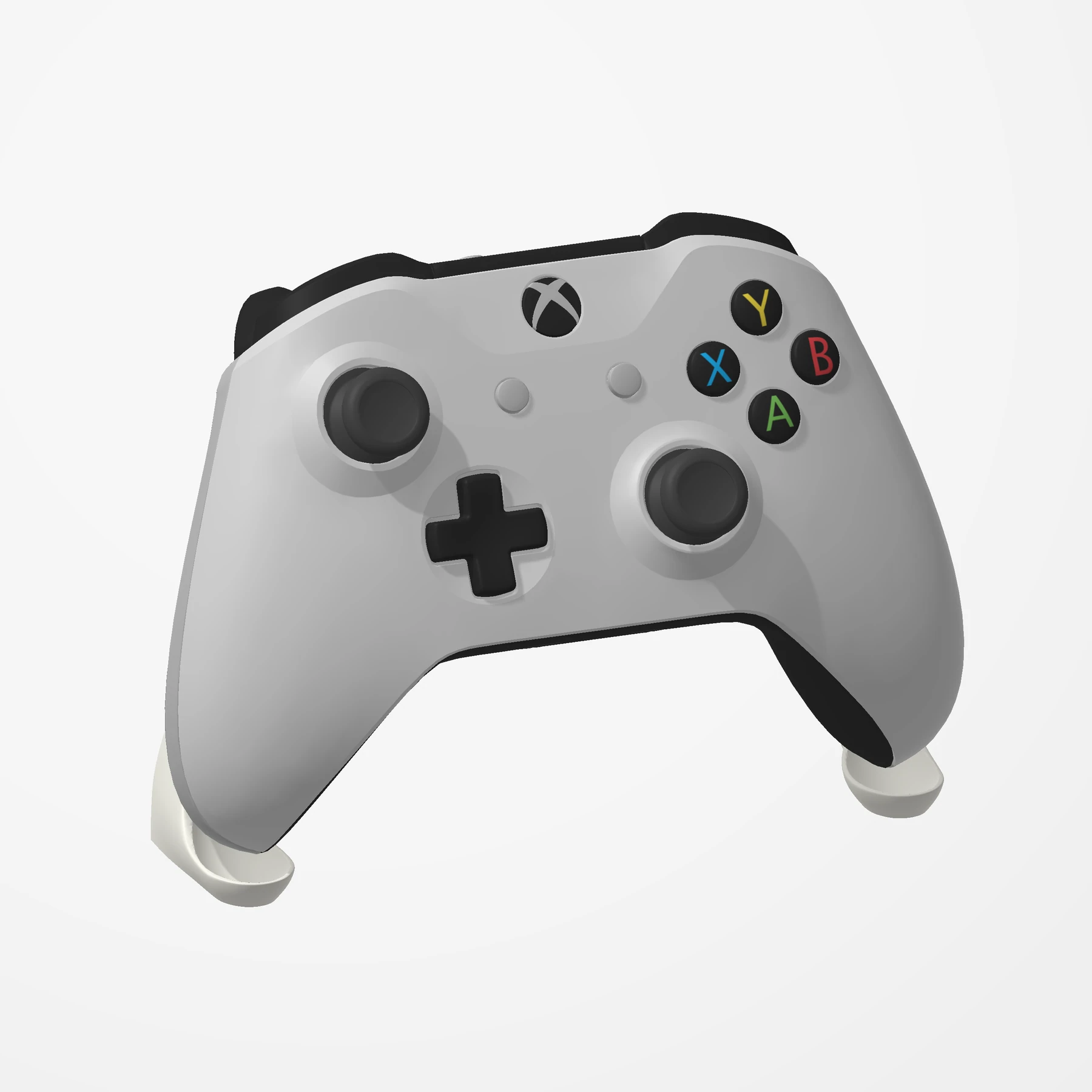
In stockShow off your Xbox controller on a slim arch that all but disappears behind it, keeping the focus on the controller.
Designed for Xbox Series X|S and Xbox One controllers, including with the keyboard accessory attached. Customers also use it with Xbox 360, PowerA, DualSense, DualSense Edge and Switch Pro controllers. Controller shown for fit and scale; not included. See Etsy for available colors.
Manufactured from premium PETG-HF for thermal resistance and structural durability.
Why it’s designed this way
Keep your controller upright and on display without a bulky stand.
Before you order
- An Xbox Series X|S or Xbox One controller (also fits Xbox 360, PowerA, DualSense, DualSense Edge and Switch Pro controllers)
- A flat spot about 15 cm wide on your desk or shelf
Setup & use
 Step 1
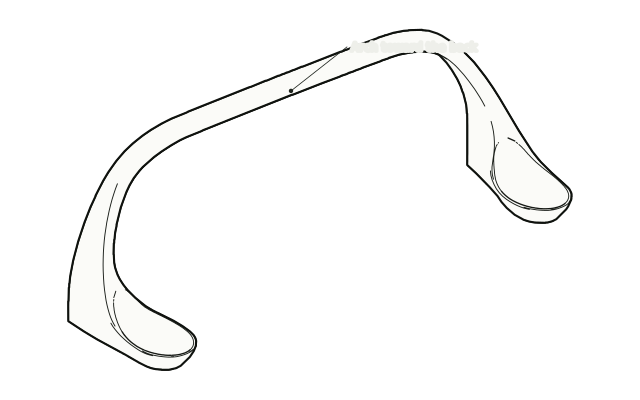
Set out the stand
Set the stand on a flat surface with the arch toward the back.
 Step 2
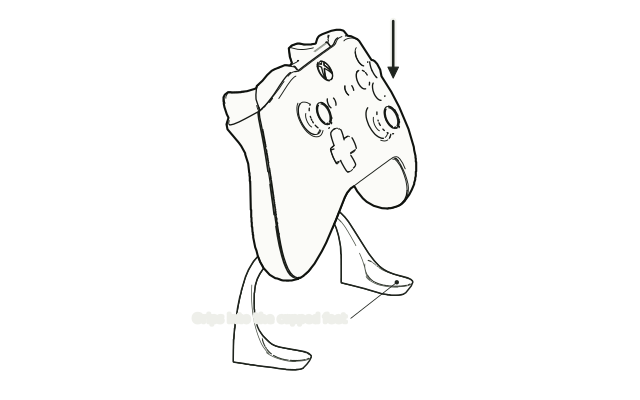
Lower the controller on
Lower the controller onto the stand so each grip rests in a cupped foot and the back leans on the arch.
 Step 3
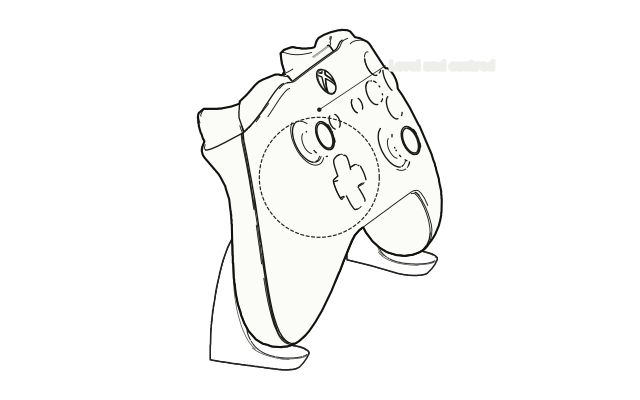
Check it sits level
Check that the controller sits level and steady, and nudge it to the centre if it leans.
Drawn from the product’s 3D models. Cases, desks, devices and other surroundings are illustrative; drawings are not measured plans.
Care & troubleshooting
Wipe it with a damp cloth. If the controller leans, re-centre it so both grips sit fully in the feet.