Six sizes · Three thicknesses
PC Fan Spacer
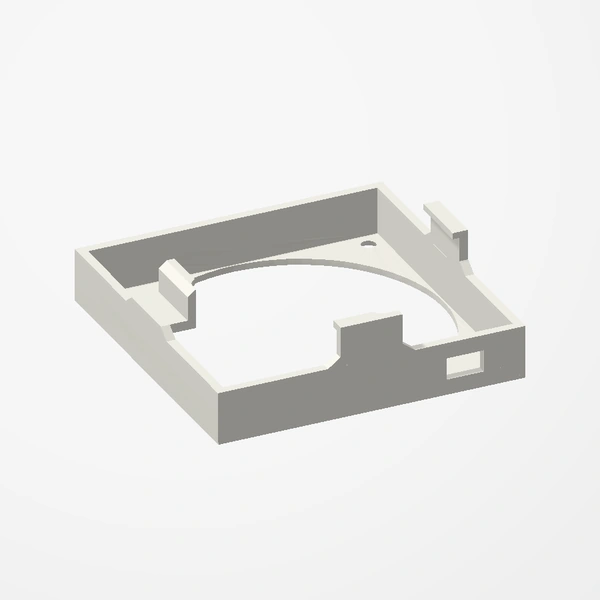
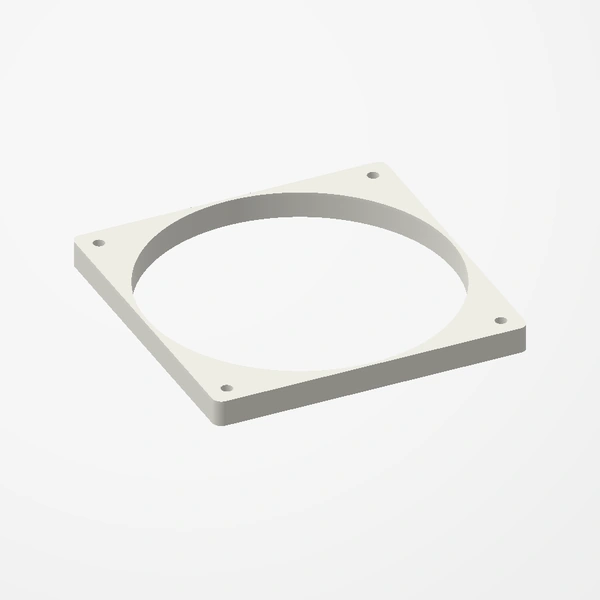
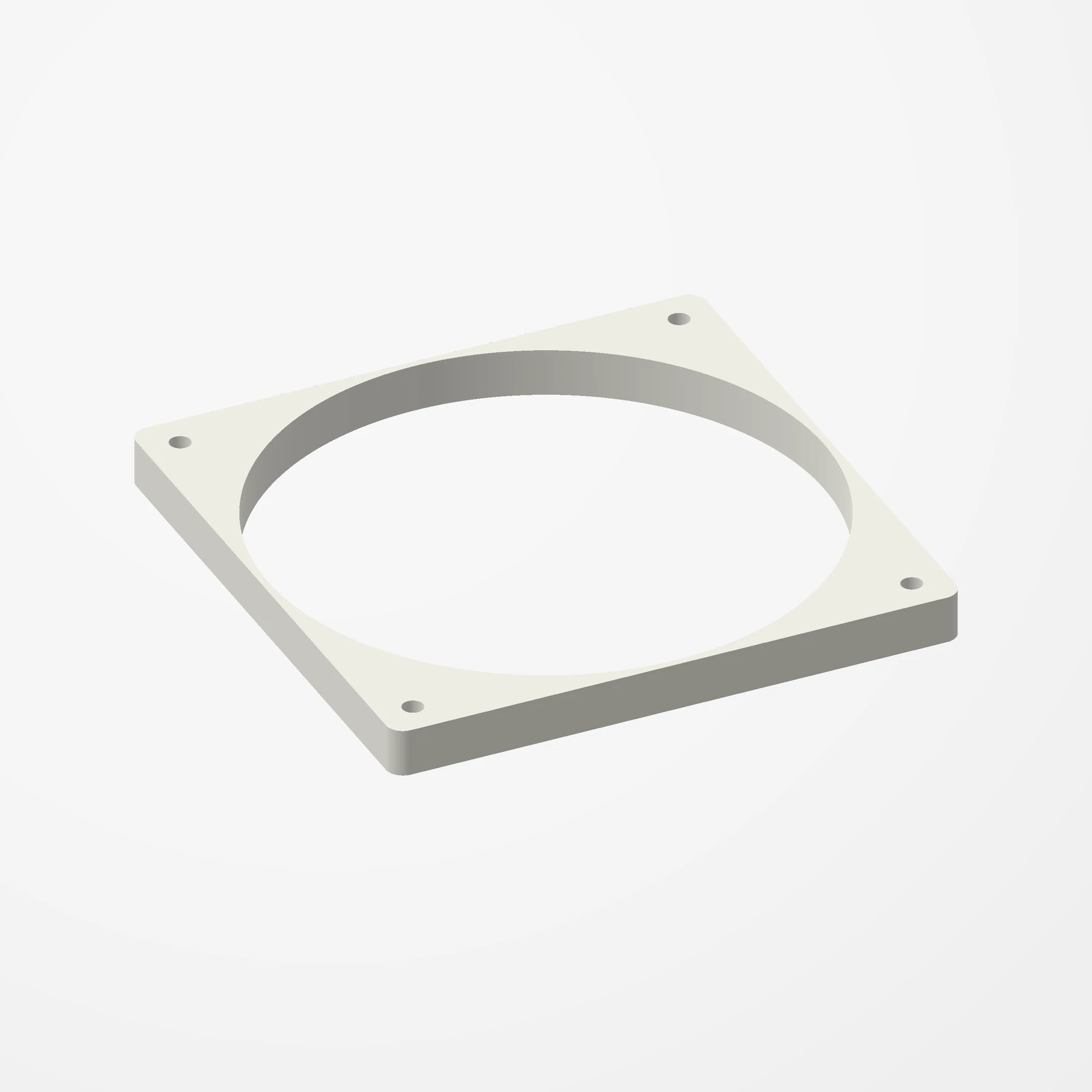
In stockAdd space between a fan and a radiator, case panel or heatsink. Made for 40 to 140 mm fans, in 5, 10 or 15 mm thicknesses.
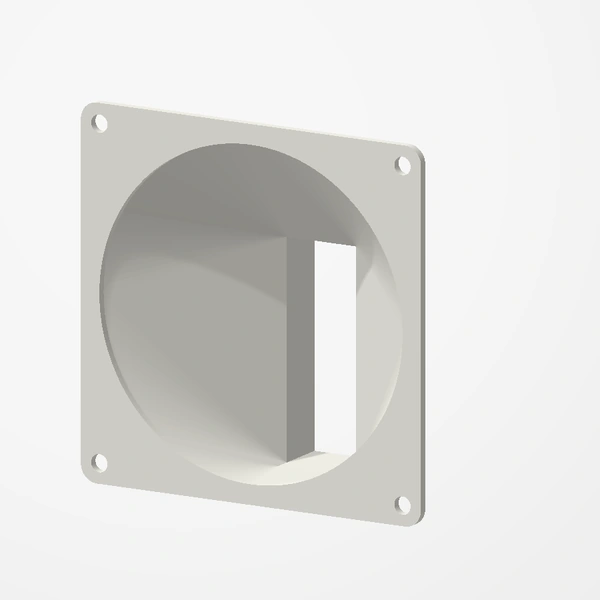
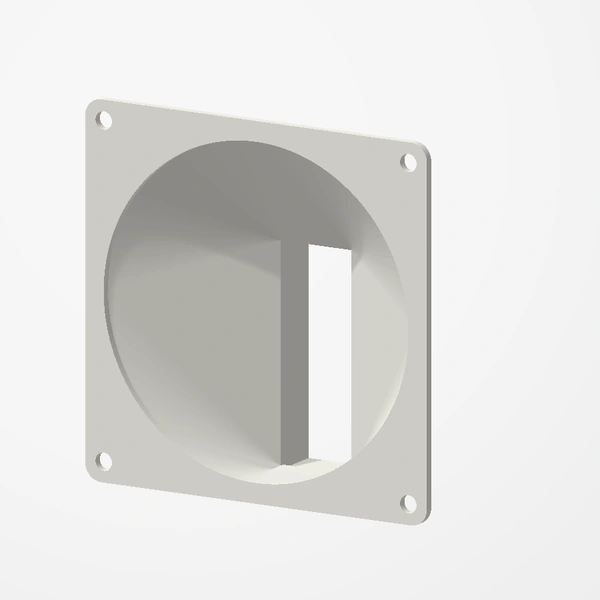
Matches standard fan hole spacing: 40 mm (32 mm), 60 mm (50 mm), 80 mm (71.5 mm), 92 mm (82.5 mm), 120 mm (105 mm) and 140 mm (124.5 mm). Screws are not included; use screws longer than your current ones by the spacer's thickness. Fan and panel are shown for fit and scale. See Etsy for available colors.
Manufactured from premium PETG-HF for thermal resistance and structural durability.
Why it’s designed this way
Add space between a fan and a radiator, case panel or heatsink.
Before you order
- Your fan size: 40, 60, 80, 92, 120 or 140 mm
- How much space you need: 5, 10 or 15 mm
- Screws longer than your current ones by the spacer's thickness
Setup & use
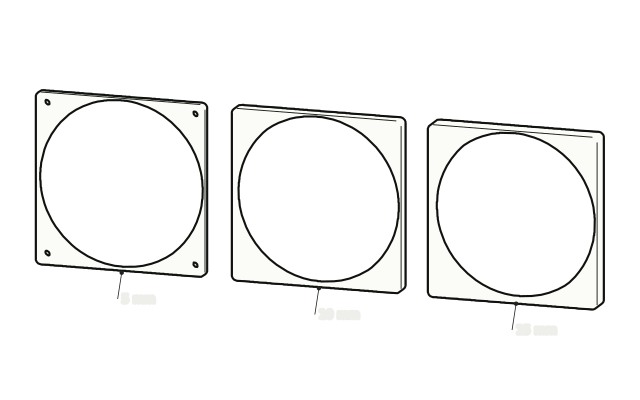 Step 1
Pick your spacer
Pick the spacer that matches your fan size and the space you need.
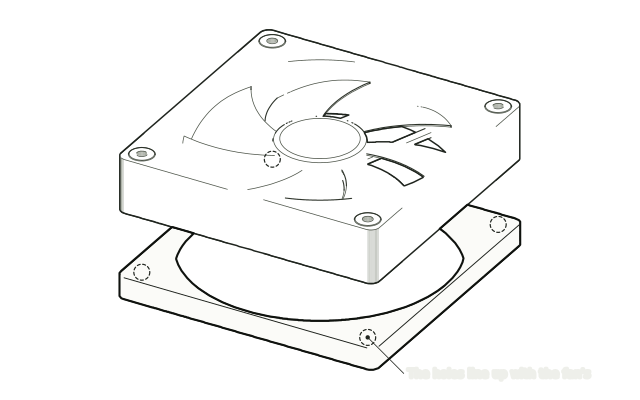 Step 2
Line up the holes
Line up the spacer's holes with the fan's mounting holes.
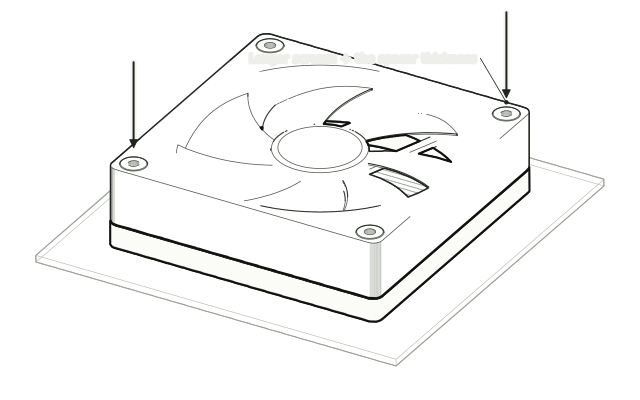 Step 3
Screw it on
Screw the fan through the spacer into the case, radiator or heatsink using screws longer than your old ones by the spacer's thickness.
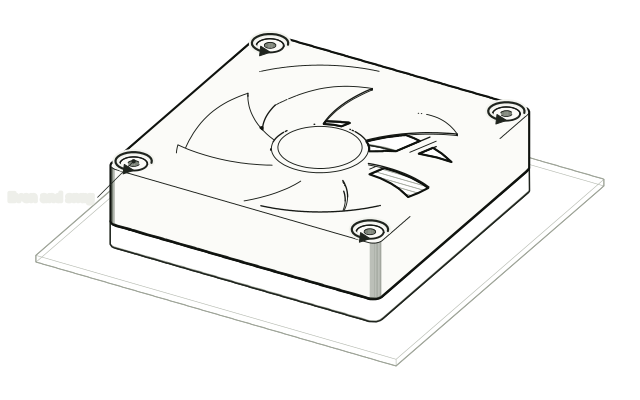 Step 4
Tighten evenly
Tighten the screws evenly, without over-tightening.
Drawn from the product’s 3D models. Cases, desks, devices and other surroundings are illustrative; drawings are not measured plans.
Care & troubleshooting
If the fan rattles, check that every screw is snug. Clear dust from the fan and the spacer's opening now and then.