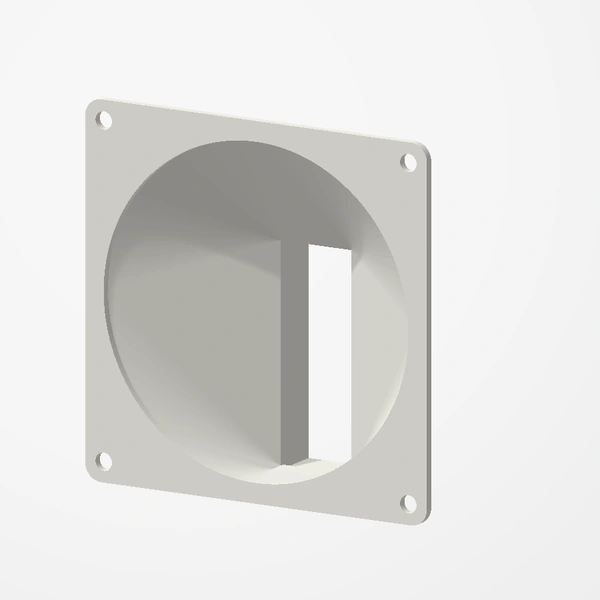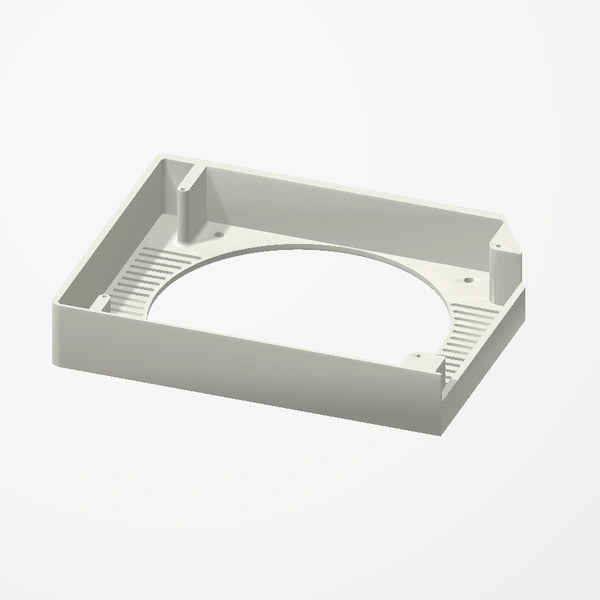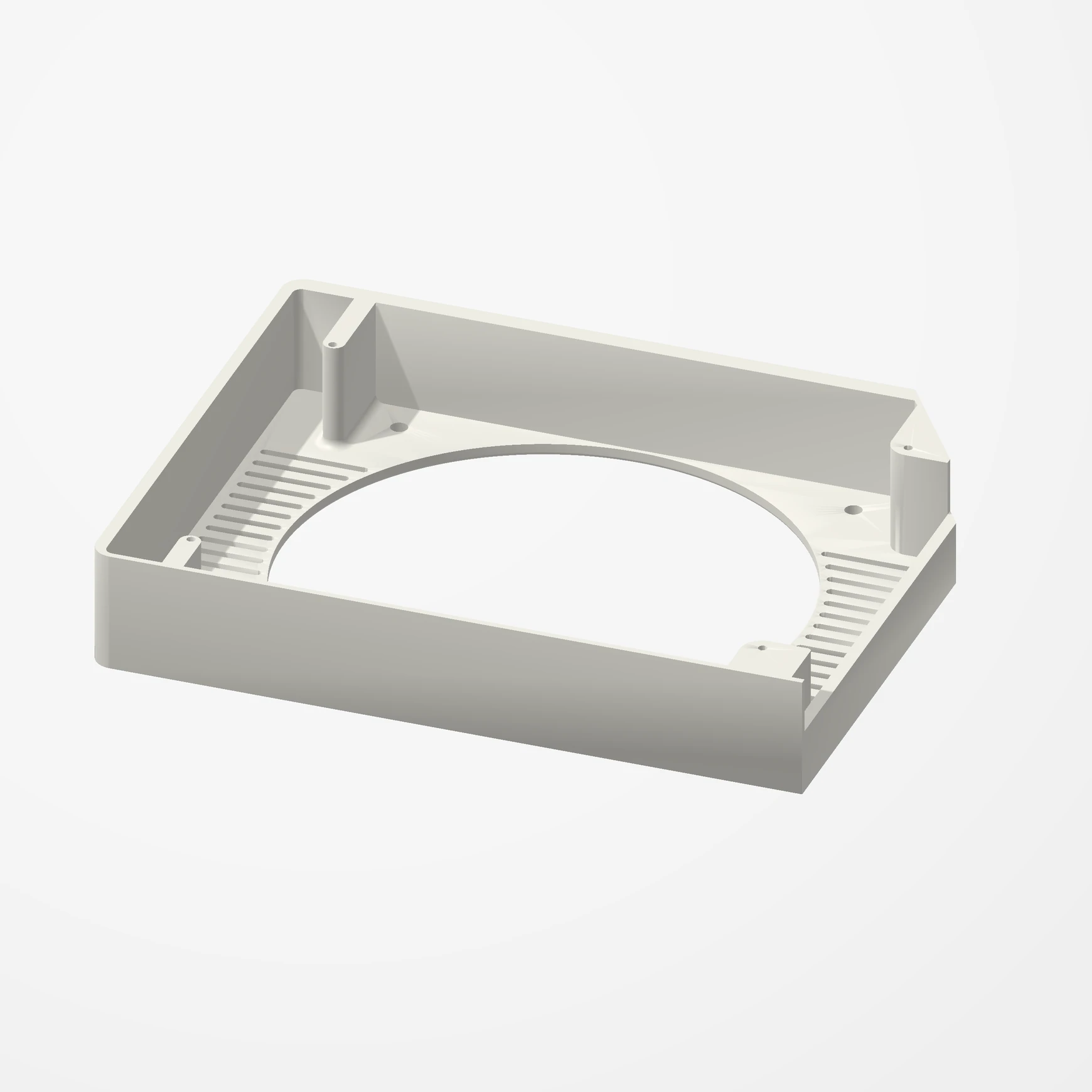
Any 120 mm fan · this card only
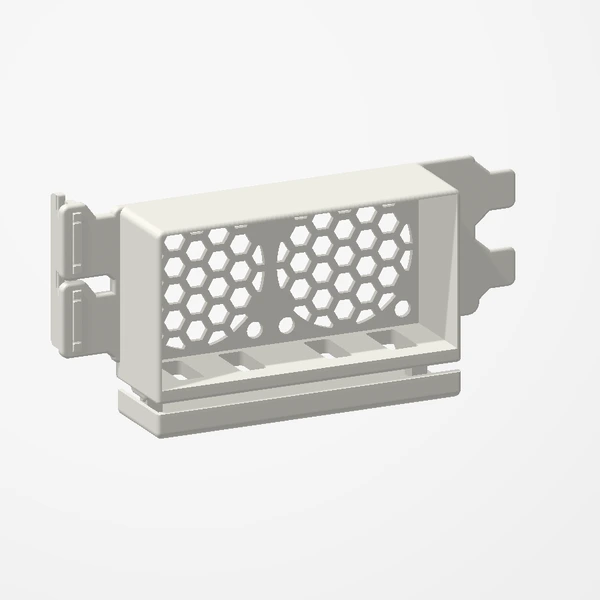
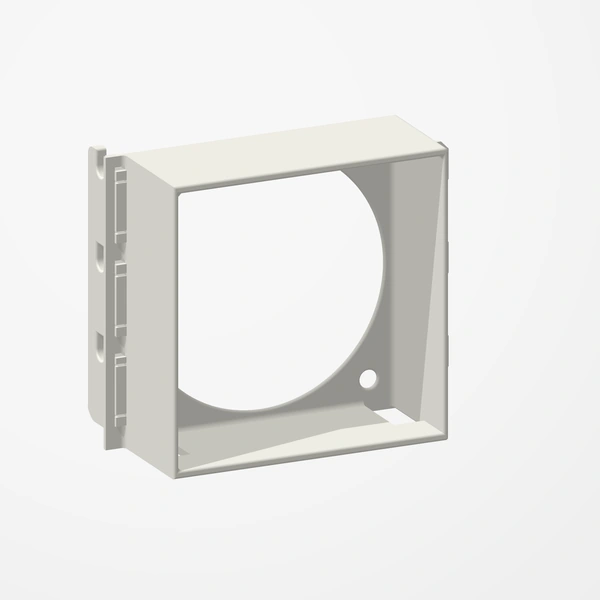
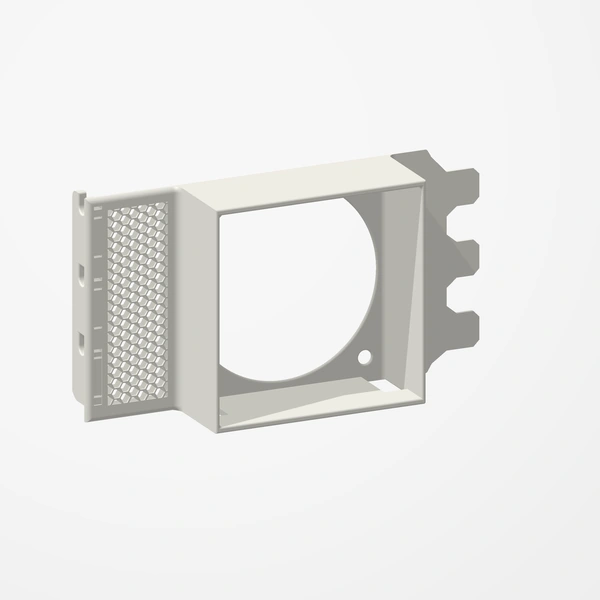
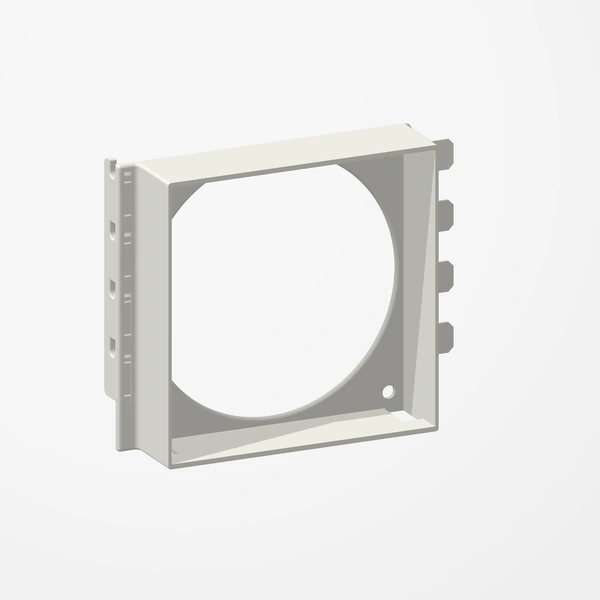
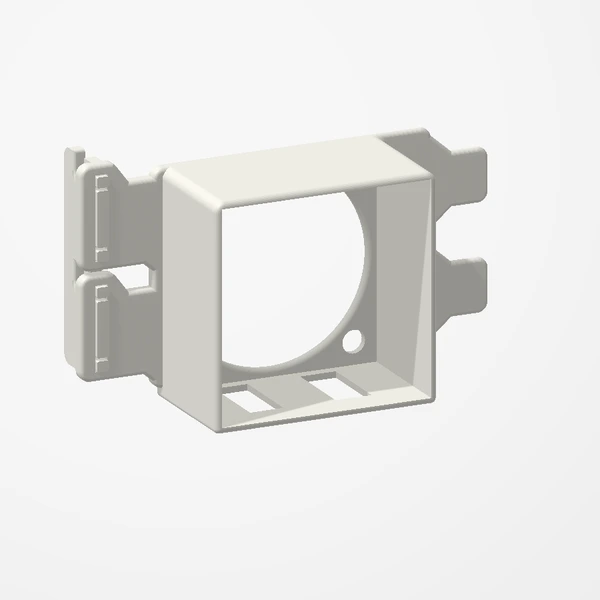
PNY GTX 1660 SUPER XLR8 120 mm Fan Shroud
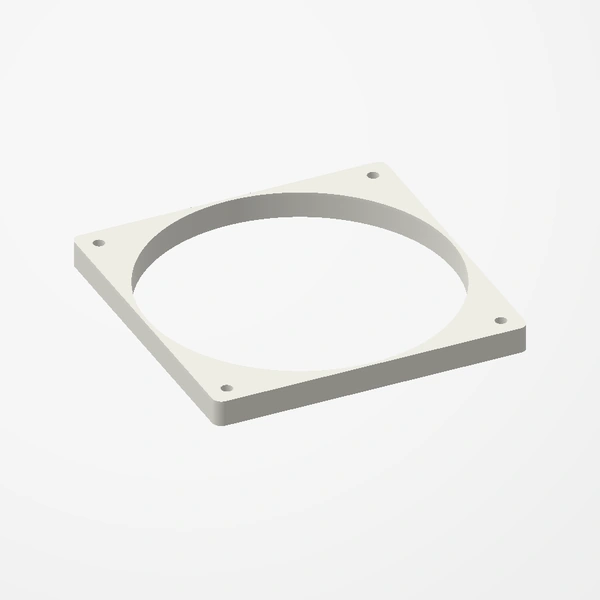
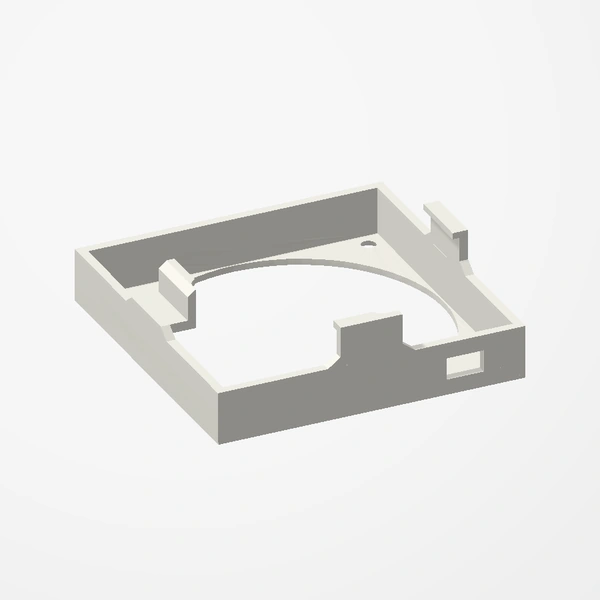
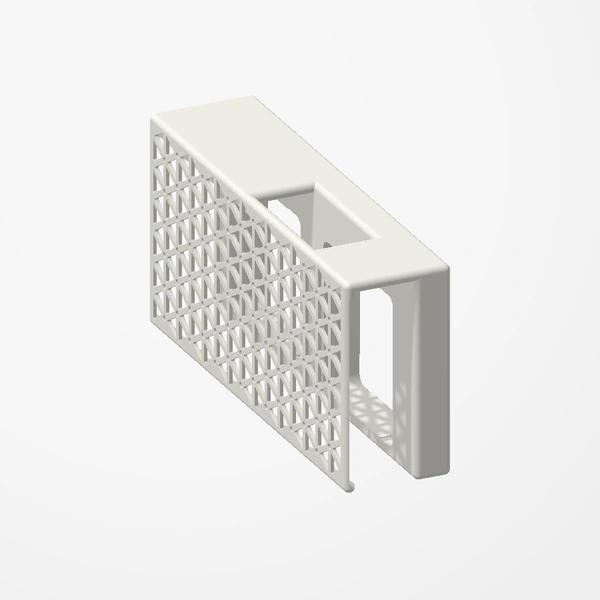
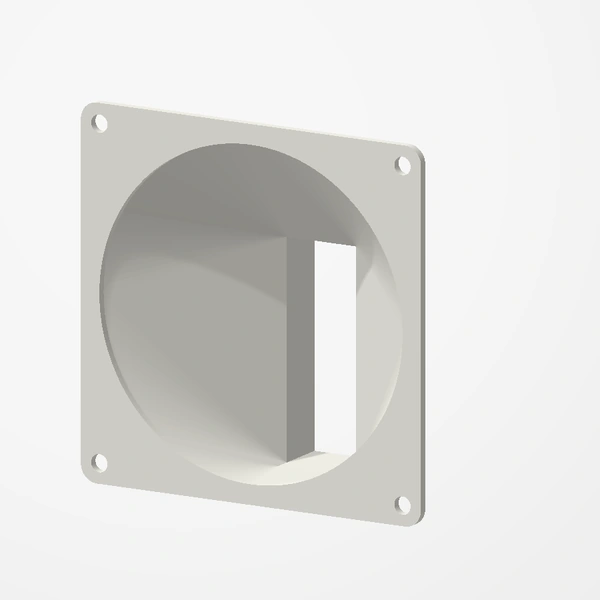
Replace the stock fan of the single-fan PNY GTX 1660 SUPER XLR8 with any standard 120 mm fan. The stock fan is a common failure point and loud. Fans are not included.
COMING SOON TO ETSY
Fits only the single-fan PNY GeForce GTX 1660 SUPER XLR8 (VCG16606SSFPPB-O). Takes any standard 120 × 120 × 25 mm fan, which plugs into the card’s own fan header through a GPU fan adapter cable (not included). With a 25 mm fan the card takes up about 3 slots. Preview airflow is illustrative.
Manufactured from premium PETG-HF for thermal resistance and structural durability.
Why it’s designed this way
Keep a good card running when its stock fan fails or gets loud: the shroud swaps the single stock fan and its shroud for any standard 120 mm fan, still powered and controlled by the card.
Before you order
- Fits only the single-fan PNY GeForce GTX 1660 SUPER XLR8 (VCG16606SSFPPB-O). Other GTX 1660 SUPER cards have their screws in different places.
- Any standard 120 × 120 × 25 mm fan. Fans are not included.
- A GPU fan adapter cable (mini 4-pin to standard 4-pin) so the fan runs from the card’s own fan header. Not included.
- With a 25 mm fan the card takes up about 3 slots and is a little longer than before at the power-connector end. Check the room in your case.
Setup & use
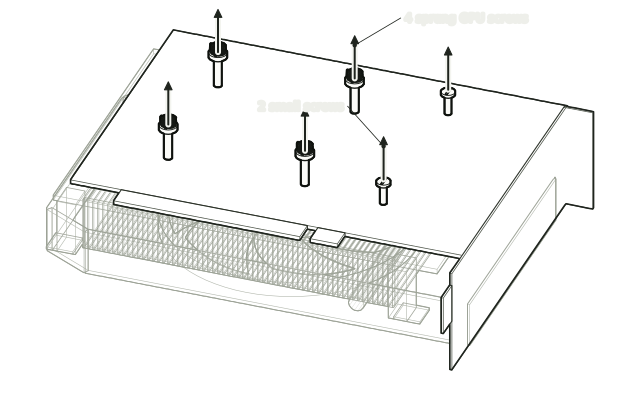 Step 1
Take out the board screws
Take out the four sprung GPU screws and the two small screws near the bracket that hold the board to the heatsink, and keep them.
 Step 2
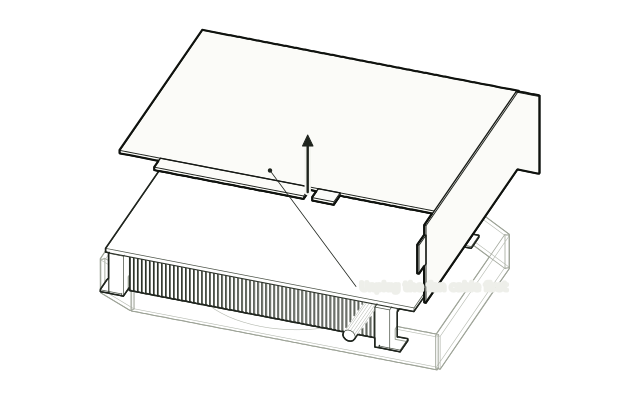
Unplug the fan, lift the board
Unplug the stock fan from the card, then lift the board off the heatsink.
 Step 3
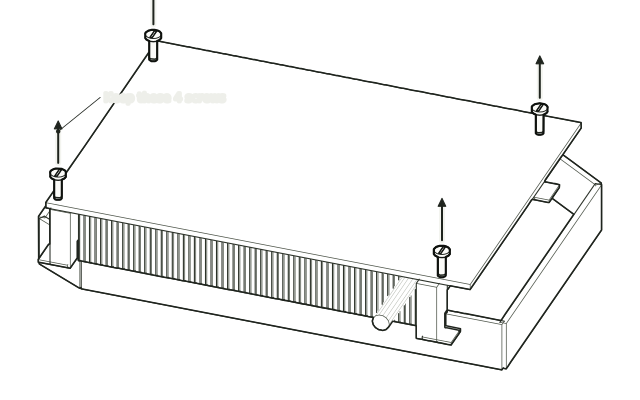
Unscrew the heatsink
Remove the four screws in the heatsink corners that hold it to the stock fan shroud, and keep them.
 Step 4
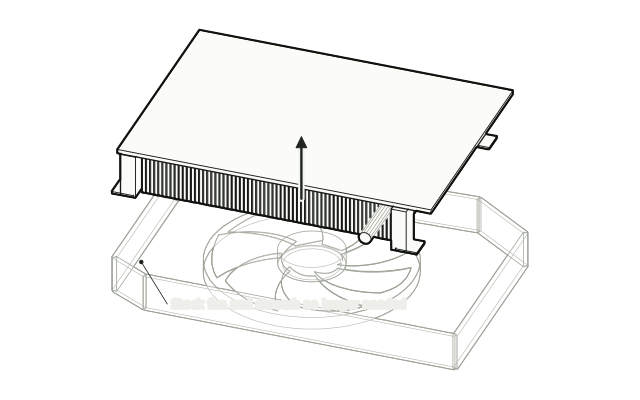
Lift the heatsink off
Lift the heatsink off. You no longer need the stock fan and shroud.
 Step 5
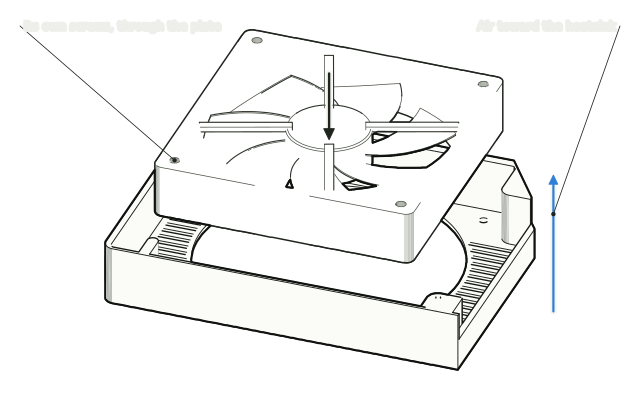
Fit your 120 mm fan
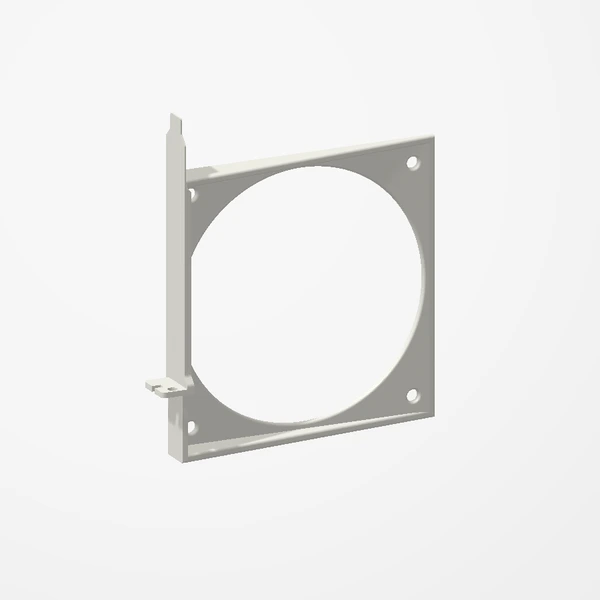
Put your 120 mm fan inside the new shroud and screw it to the plate with its own screws, so it blows toward the heatsink.
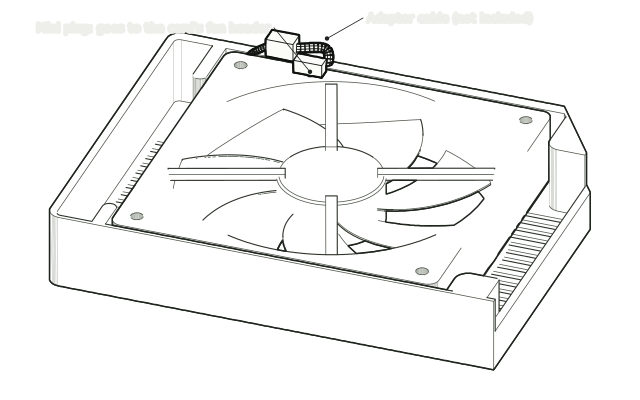 Step 6
Connect the adapter cable
Plug a GPU fan adapter cable (mini 4-pin to standard 4-pin) into the fan's plug.
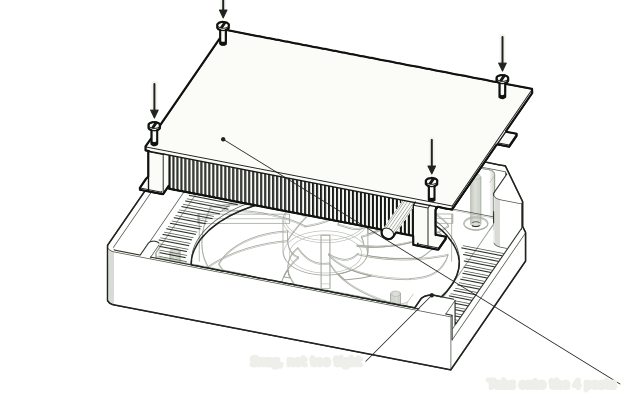 Step 7
Screw in the heatsink
Set the heatsink in, fins toward the fan, and screw its four corner tabs onto the shroud's posts with the four screws you kept. Tighten them snugly, not too tight.
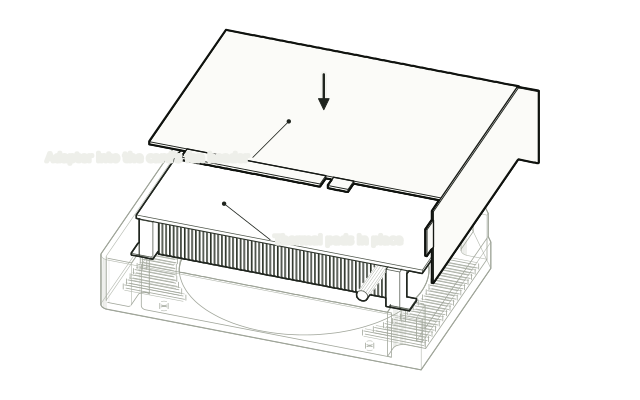 Step 8
Refit the board
Put the board back on the heatsink with the thermal pads in place, plug the adapter into the card's fan header and refit the six screws.
Drawn from the product’s 3D models. Cases, desks, devices and other surroundings are illustrative; drawings are not measured plans.
Care & troubleshooting
Plug the fan into the card’s fan header through the adapter, not only into the motherboard: with nothing on its own header the card may report errors or not boot. Tighten the heatsink screws snugly, not too tight, so they do not strip the posts. Clear dust from the fan and the heatsink fins now and then.