Three 40 mm fans · DGX Spark
NVIDIA DGX Spark Fan Shroud
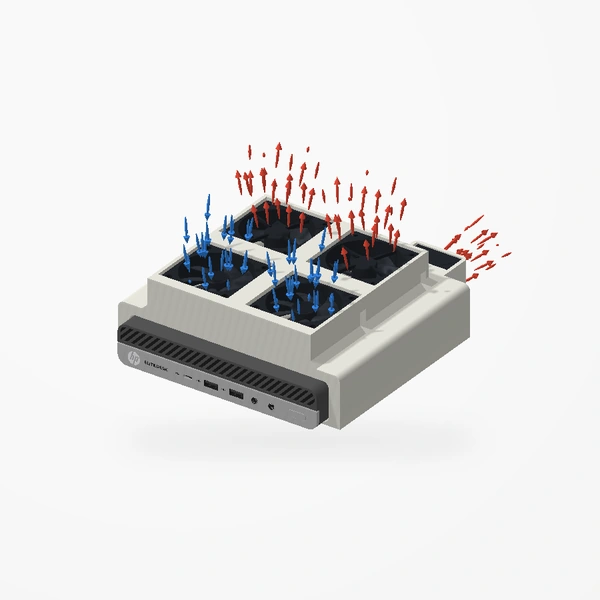
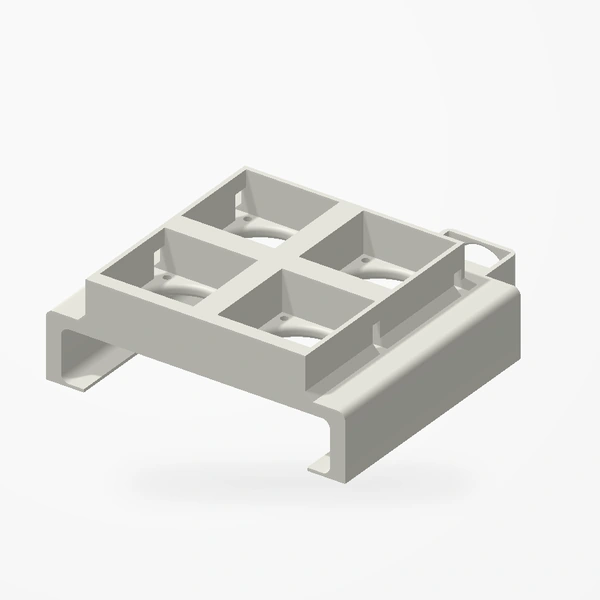
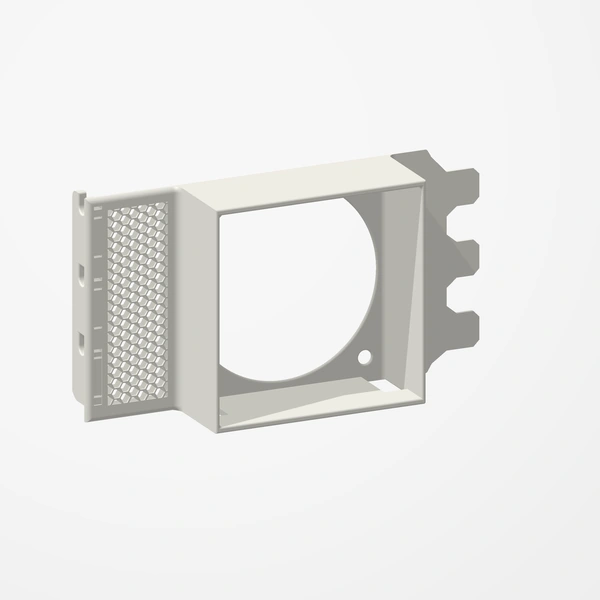
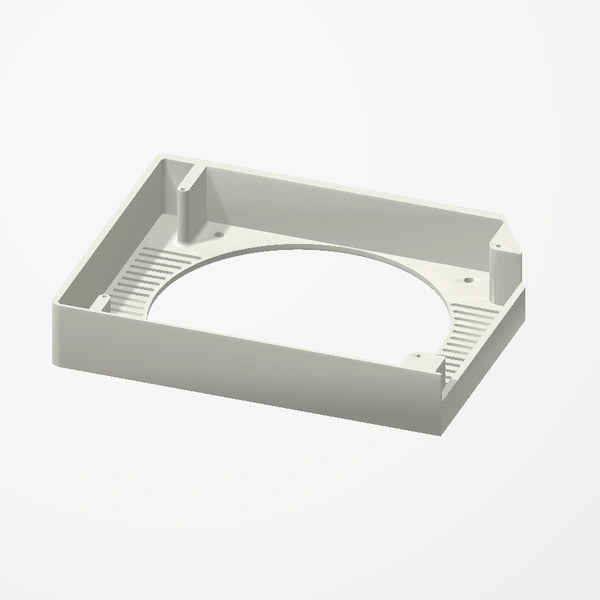
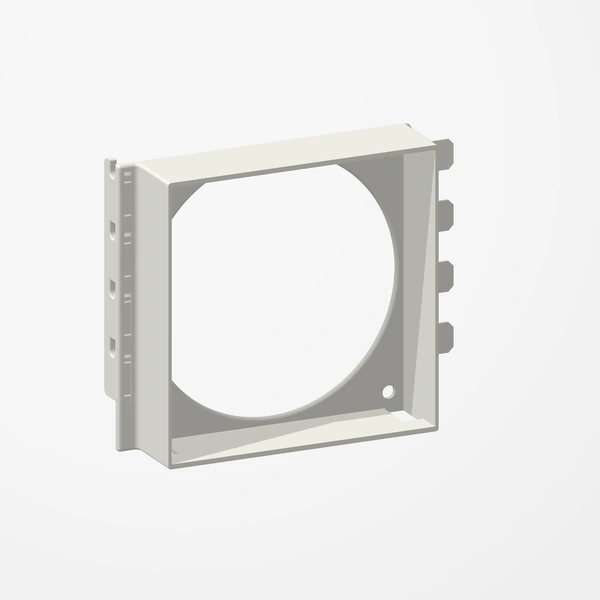
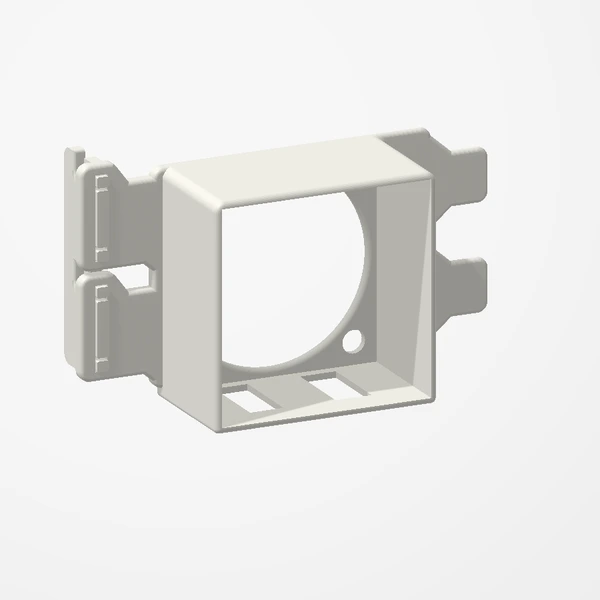
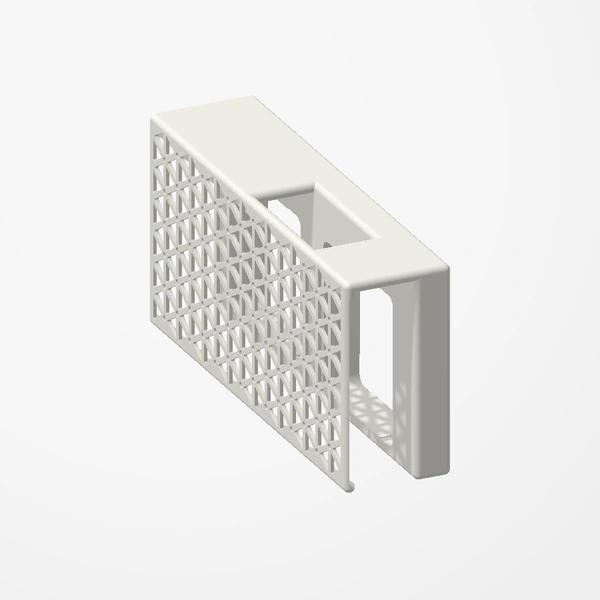
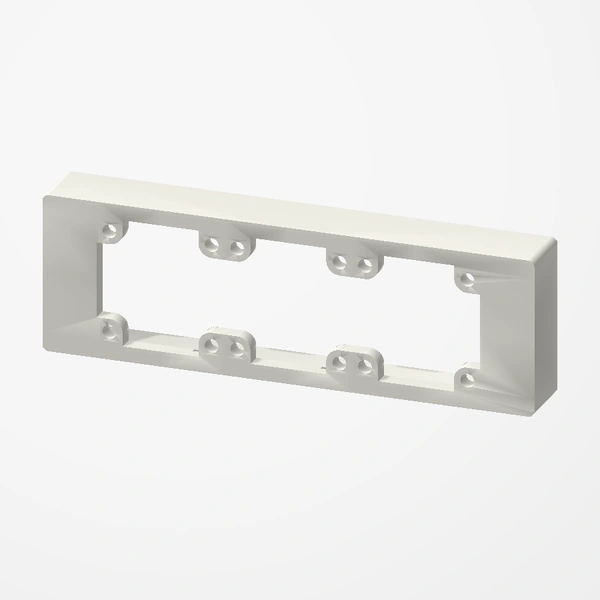
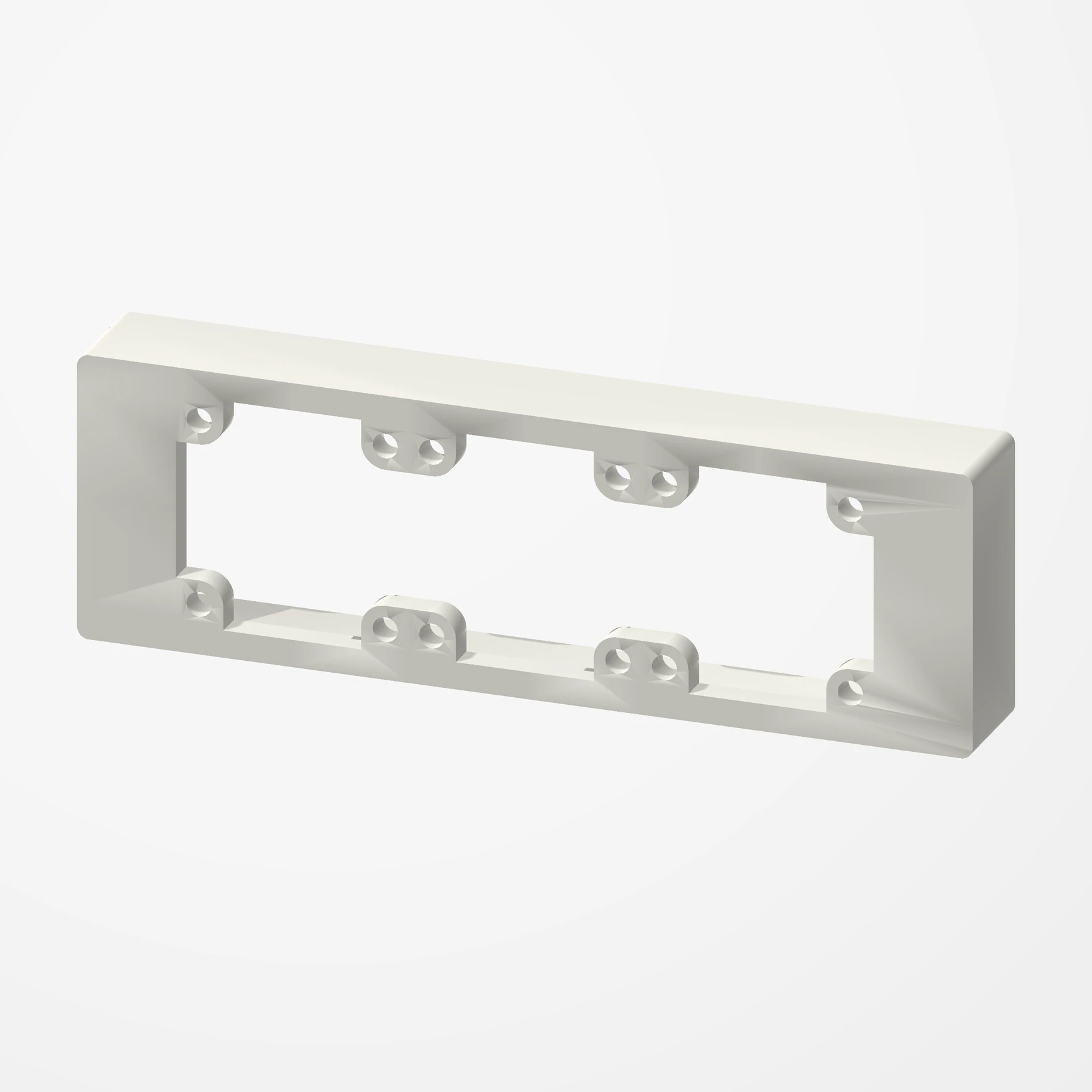
Add three 40 mm fans to the front of an NVIDIA DGX Spark, blowing in through its porous front. Slides on and holds by friction. Fans are not included.
COMING SOON TO ETSY
Designed around the Noctua NF-A4x20 and works with any 40 mm fan. The fans mount on the outside with their rubber mounts or screws and blow into the DGX Spark; power them from a USB fan controller or another source of your choice. Fans and fan controller are not included. Preview airflow is illustrative.
Manufactured from premium PETG-HF for thermal resistance and structural durability.
Why it’s designed this way
Add three 40 mm fans to the front of a DGX Spark, blowing in through its porous front, with nothing to change on the Spark itself.
Before you order
- Fits the NVIDIA DGX Spark: slides onto its front and holds by friction.
- Three 40 mm fans, designed around the Noctua NF-A4x20; any 40 mm fan works. Fans are not included.
- Mount the fans with their rubber mounts (kinder to the Spark’s finish) or their screws.
- Power the fans from a USB fan controller or another source of your choice. Not included.
Setup & use
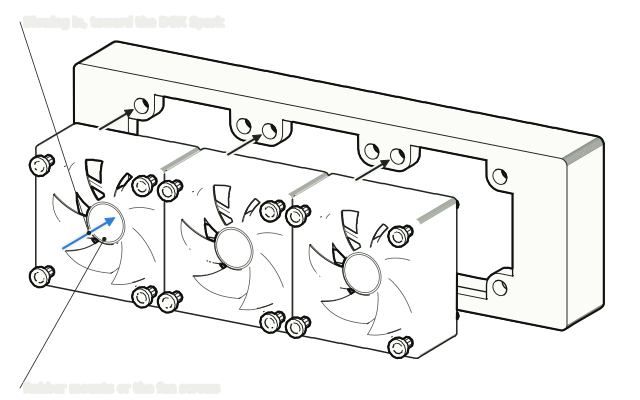 Step 1
Fit your three fans
Mount your three 40 mm fans on the outside of the shroud so they blow in toward the DGX Spark, using the fans' rubber mounts or their screws.
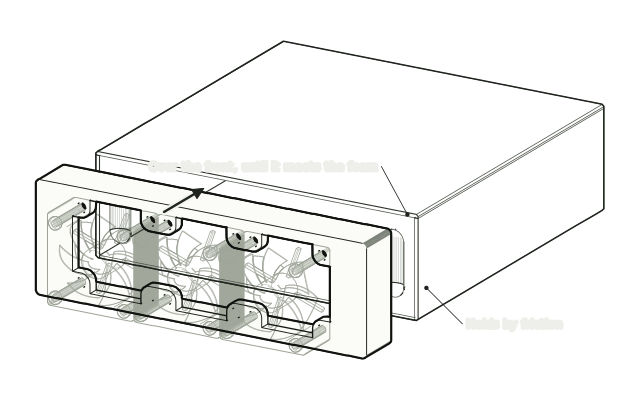 Step 2
Slide it onto the front
Slide the shroud onto the front of the DGX Spark until it touches the porous front. It holds by friction.
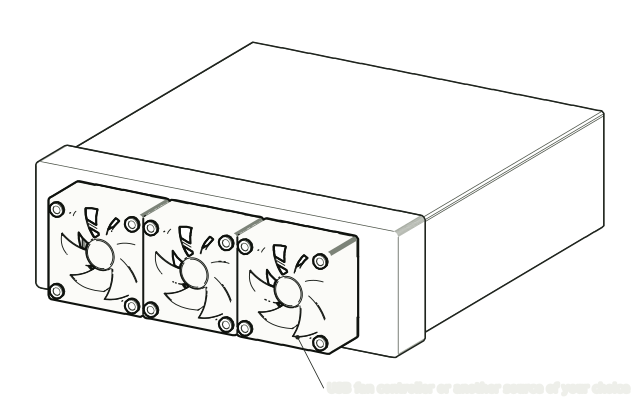 Step 3
Power the fans
Connect the fans to a USB fan controller or another power source of your choice.
Drawn from the product’s 3D models. Cases, desks, devices and other surroundings are illustrative; drawings are not measured plans.
Care & troubleshooting
Slide the shroud straight on and off so it does not scratch the Spark’s finish. Clear dust from the fans now and then.