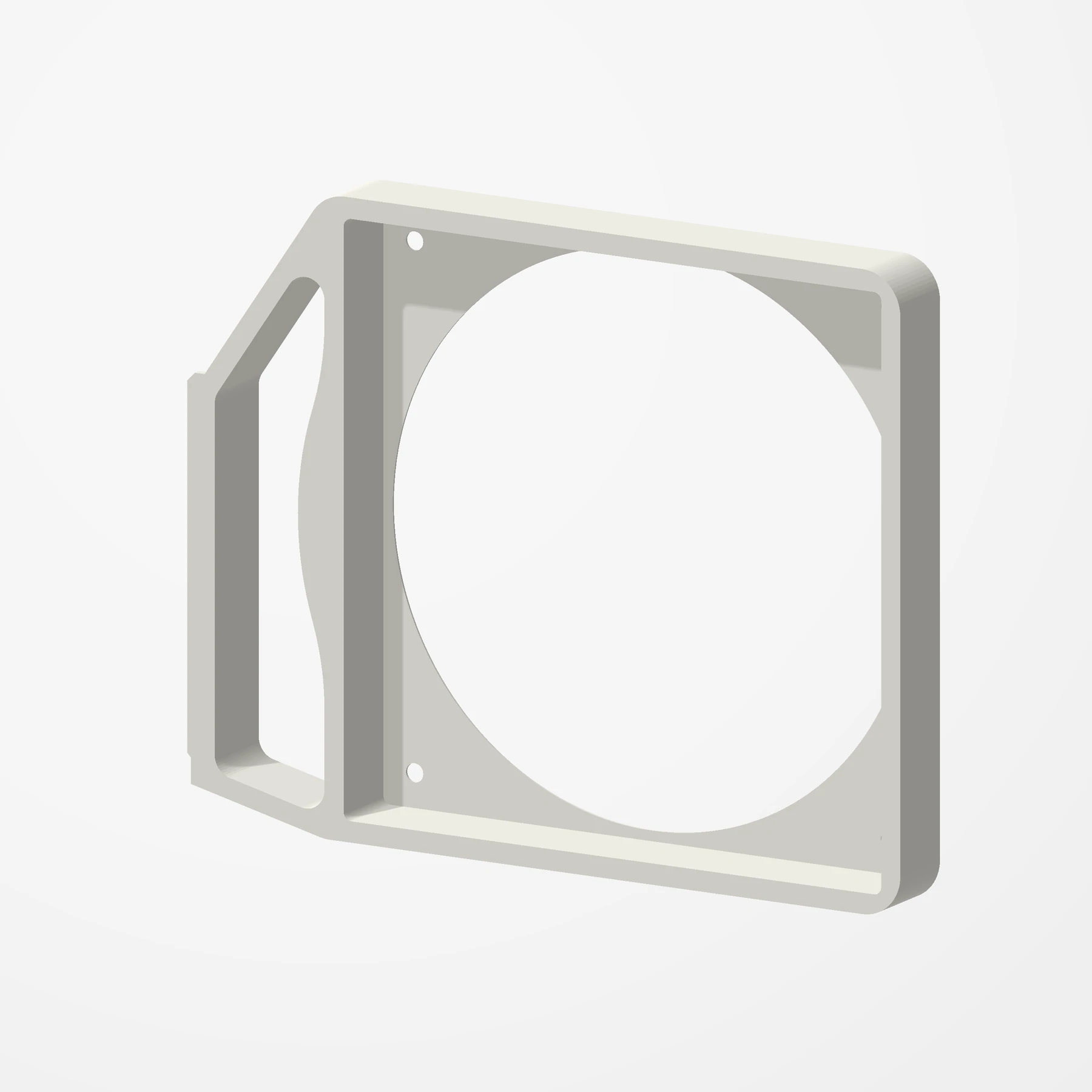
One 140 mm fan · Screws onto the slot rail
140 mm PCI Bracket Fan Mount
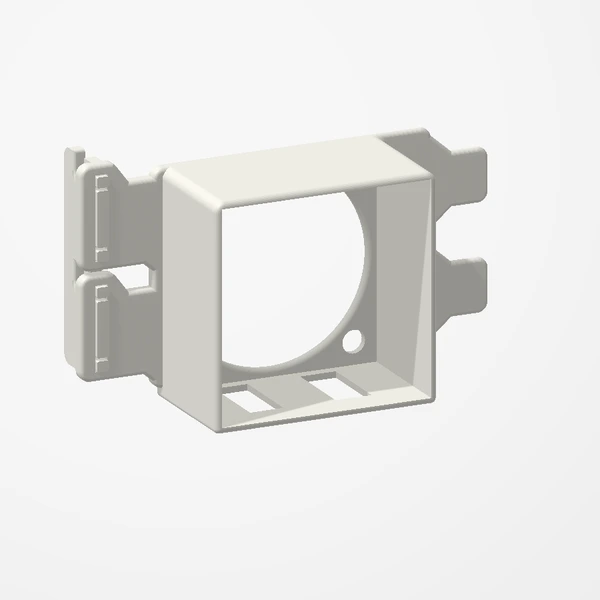
In stockHold a 140 mm fan right over your expansion cards. The mount screws onto your case’s PCI slot rail with the slot screws, so the slots stay free and cards still install behind it. Fans are not included.
Fits standard 140 × 140 × 25 mm fans (124.5 mm hole spacing), fastened with the screws that came with the fan. Uses 5 of your case’s PCI slot screws and spans about 7½ slot positions. No drilling. Fan and screws are not included. See the Etsy listing for colours. Preview airflow is illustrative.
Manufactured from premium PETG-HF for thermal resistance and structural durability.
Why it’s designed this way
Give your expansion cards direct airflow from a full-size fan, without giving up a slot.
Before you order
- A run of 5 PCI slot screws on your case’s slot rail; the mount spans about 7½ slot positions.
- A standard 140 × 140 × 25 mm fan and the screws that came with it. Not included.
- Room in front of your expansion cards for the fan.
Setup & use
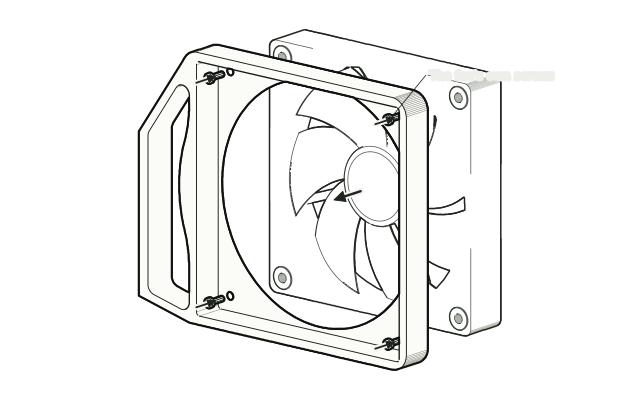 Step 1
Fit your fan
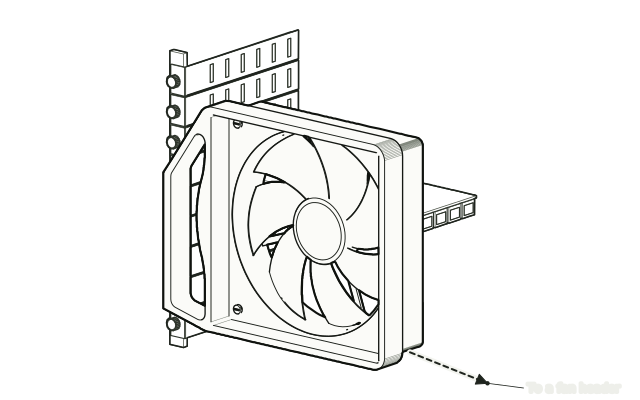
Screw your fan to the mount with the screws that came with the fan.
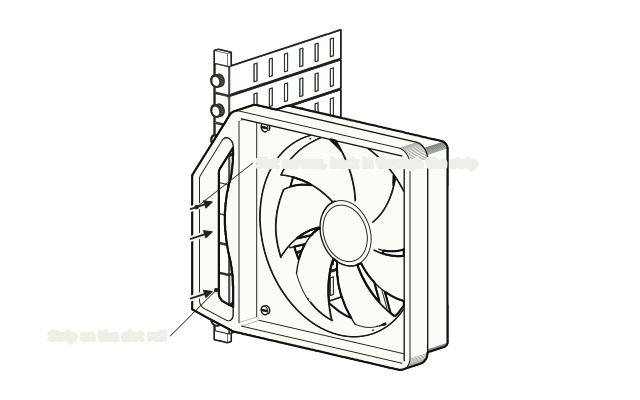 Step 2
Fasten it to the slot rail
Take out your case's PCI slot screws, line the mount up with the slot rail and fasten it with the same screws.
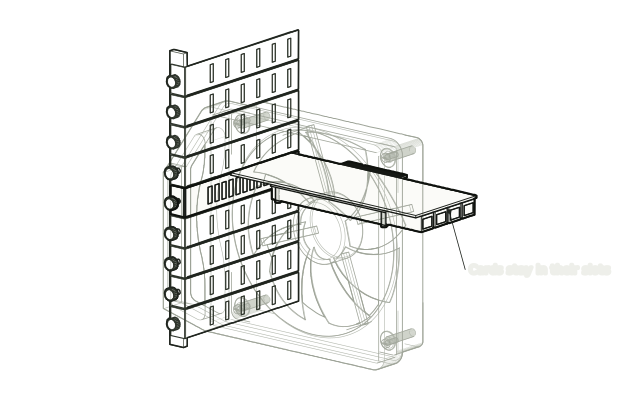 Step 3
Keep your cards in place
Install or keep your expansion cards in the slots behind it as usual.
 Step 4
Connect the fan
Connect the fan to a fan header.
Drawn from the product’s 3D models. Cases, desks, devices and other surroundings are illustrative; drawings are not measured plans.
Care & troubleshooting
If the mount loosens, retighten the slot screws. Clear dust from the fan and the cards now and then.
From the Workbench
All stories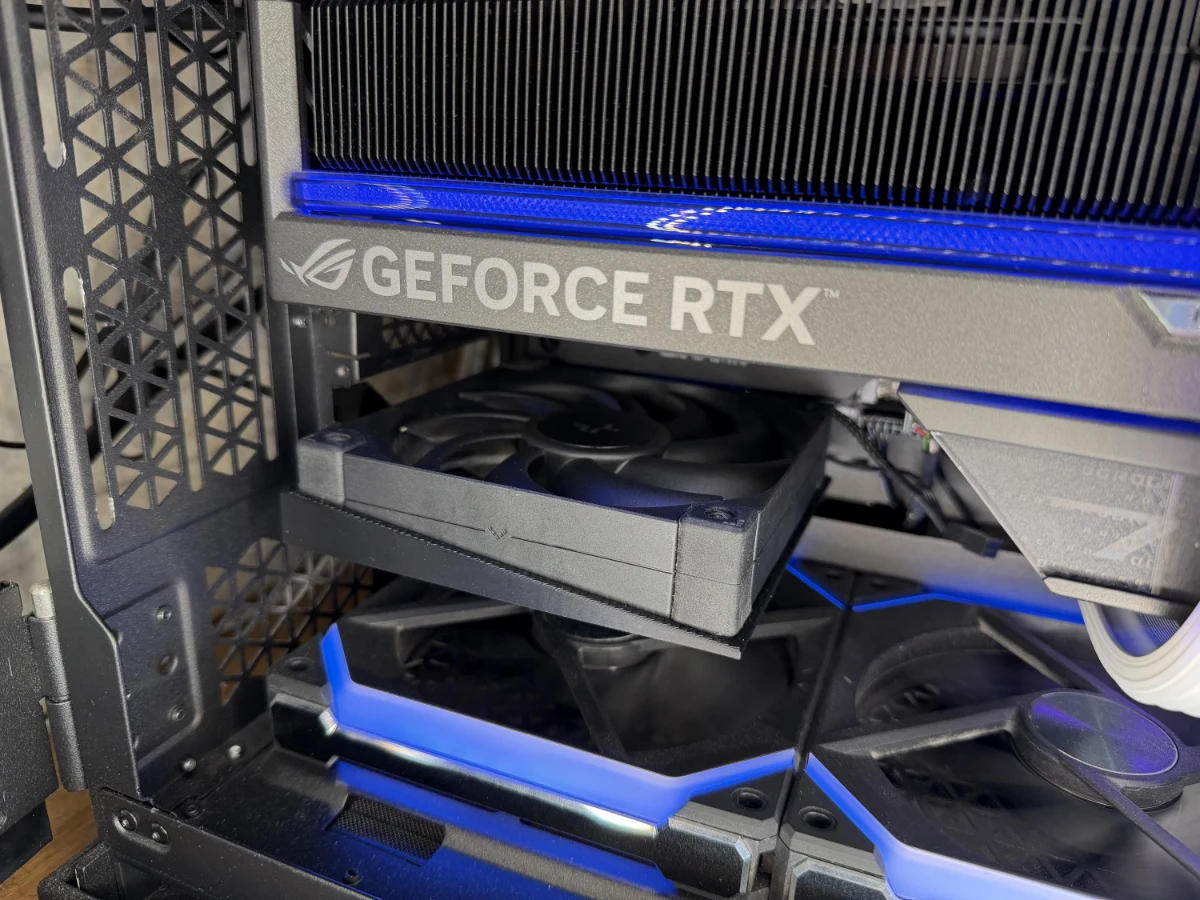
Compare fan mounts
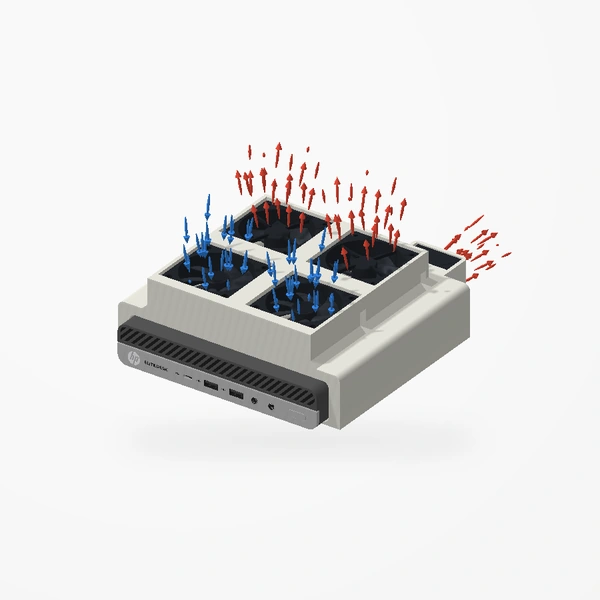
This design beside another PCIe fan mount. Renders are framed individually, not shown at a common scale. Fans are not included.
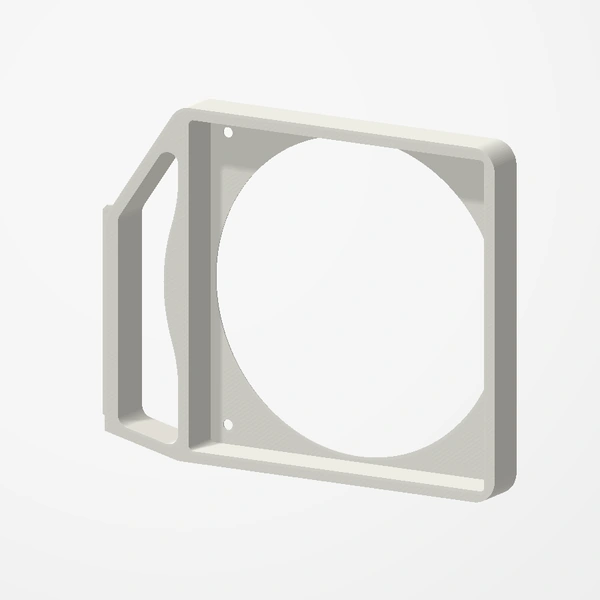
140 mm PCI Bracket Fan Mount
- Fans
- 1 × 140 mm
- Rear slots
- None · spans about 7½
- Case profile
- Screws onto the slot rail
Low-Profile 40 mm GPU Fan Mount
- Fans
- 1 × 40 mm
- Rear slots
- 2
- Case profile
- Low-profile supported
| Design | Fans | Free slots | Case fit |
|---|---|---|---|
| Low-Profile 40 mm GPU Fan Mount | 1 × 40 mm | 2 | Low-profile supported |
| Dual 40 mm PCIe Fan Mount | 2 × 40 mm | 2 | Check case profile |
| Low-Profile 60 mm PCIe Fan Mount | 1 × 60 mm | 3 | Low-profile supported |
| High-Profile 60 mm PCIe Fan Mount | 1 × 60 mm | 3 | Full-height bracket |
| High-Profile 92 mm PCIe Fan Mount | 1 × 92 mm | 4½ | Full-height bracket |
| 120 mm PCIe Fan Mount | 1 × 120 mm | 1 mounting position | Allow space for the entire fan |
| 92 mm PCI Bracket Fan Mount | 1 × 92 mm | None · spans about 5 | Screws onto the slot rail |
| 120 mm PCI Bracket Fan Mount | 1 × 120 mm | None · spans about 6½ | Screws onto the slot rail |
| 140 mm PCI Bracket Fan Mount | 1 × 140 mm | None · spans about 7½ | Screws onto the slot rail |
Slot count describes the mounting footprint, not the full internal clearance. Check fan thickness, the mount and nearby components against the listing dimensions. Choosing a PCIe fan mount