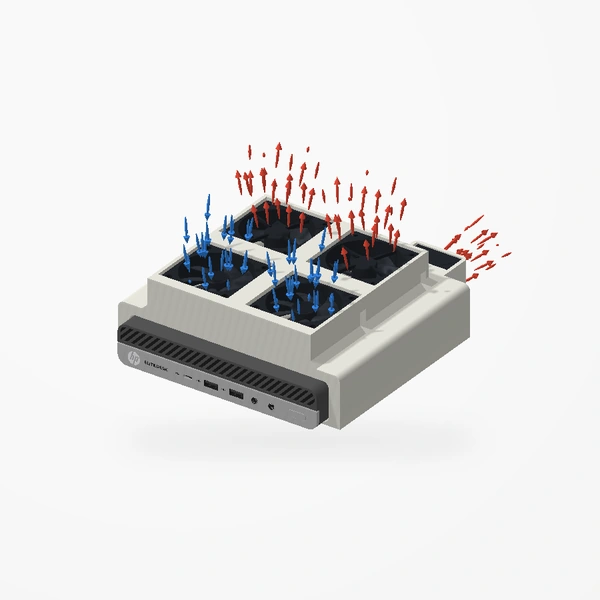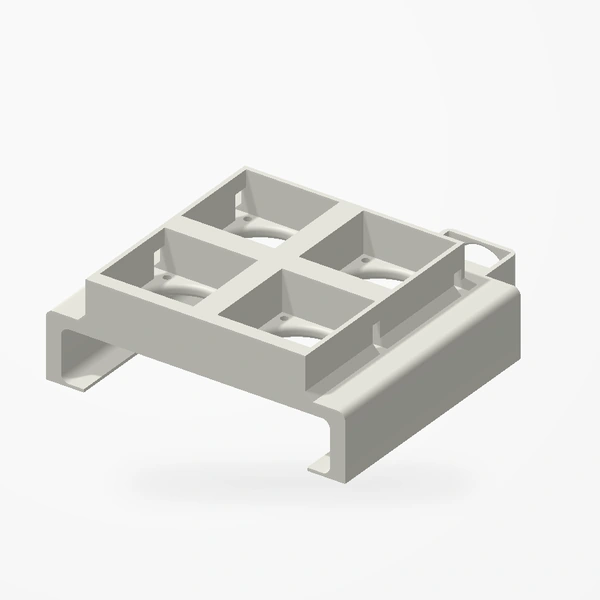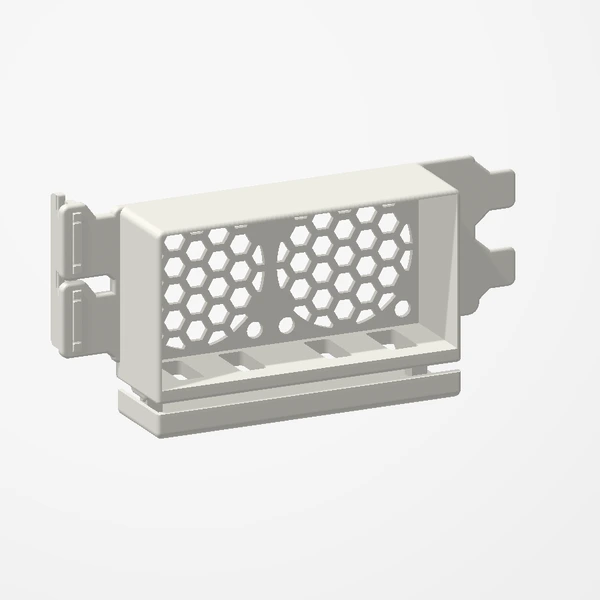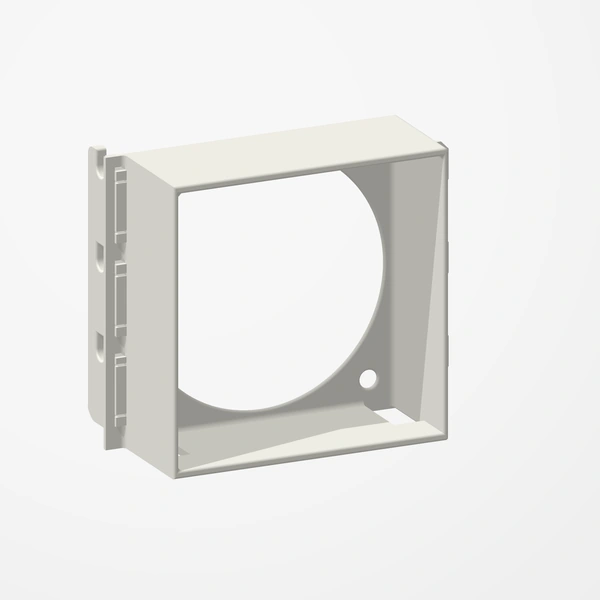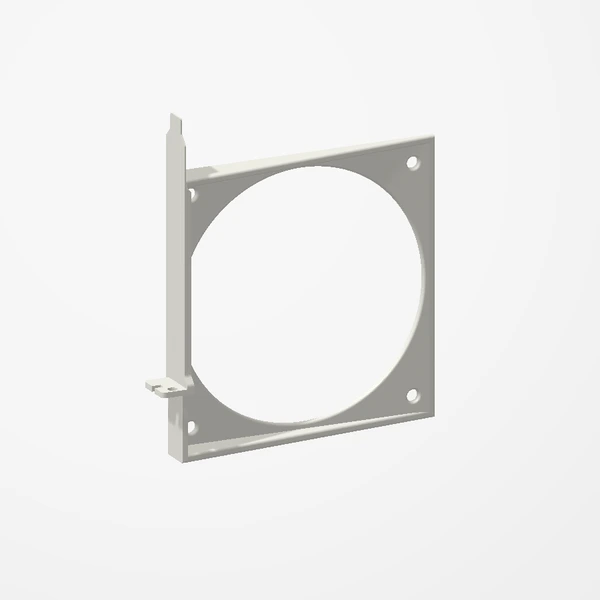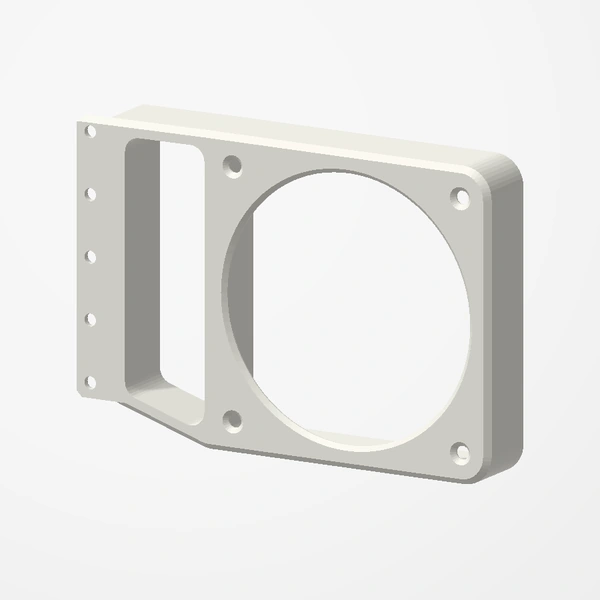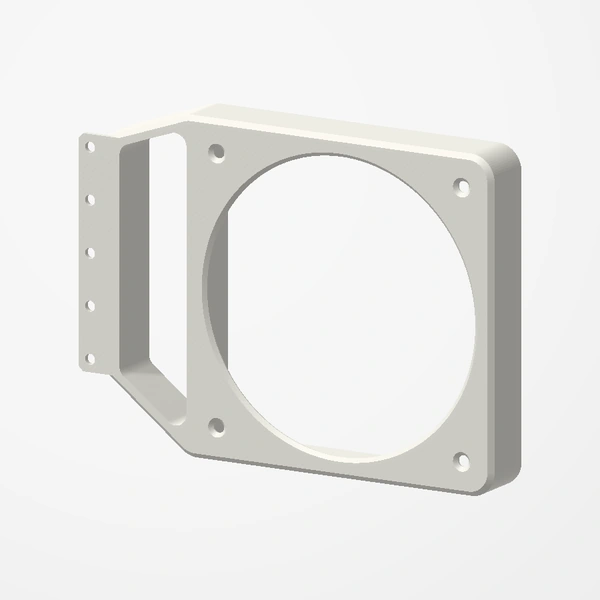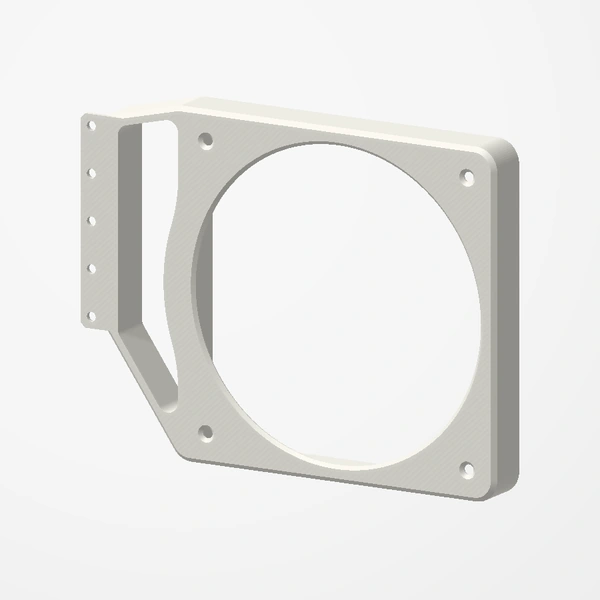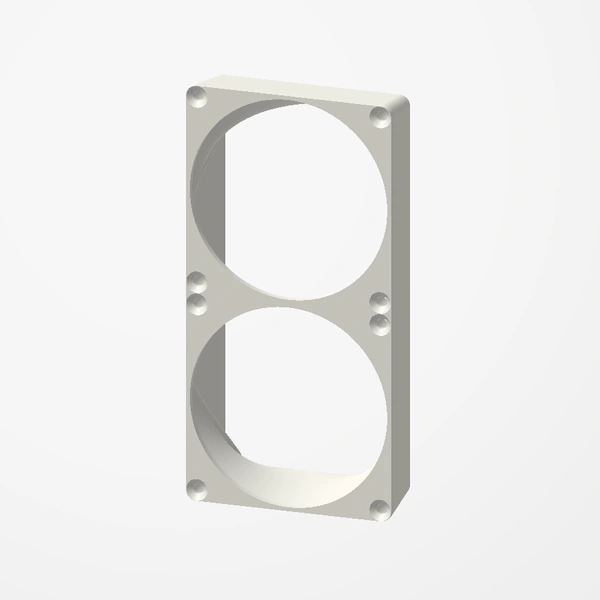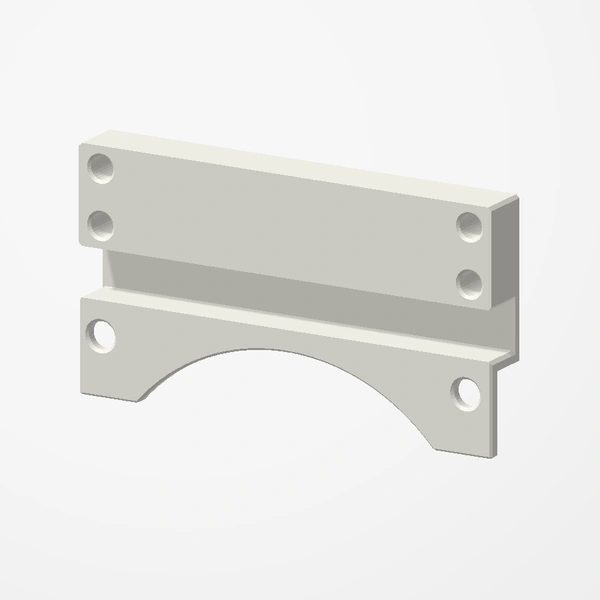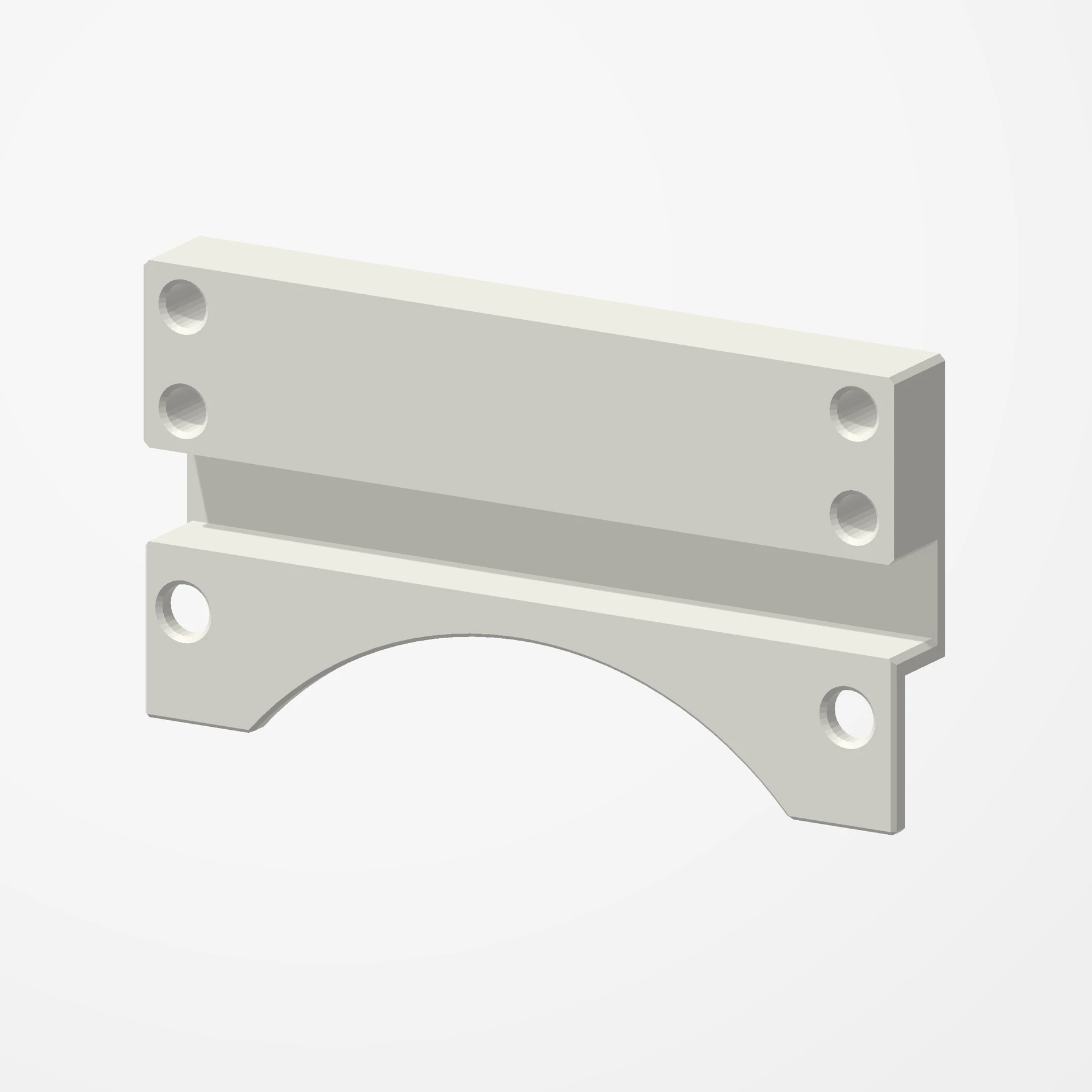
Pair · Two 80 mm fans beside the GPU
Lian Li A3 80 mm Fan Bracket
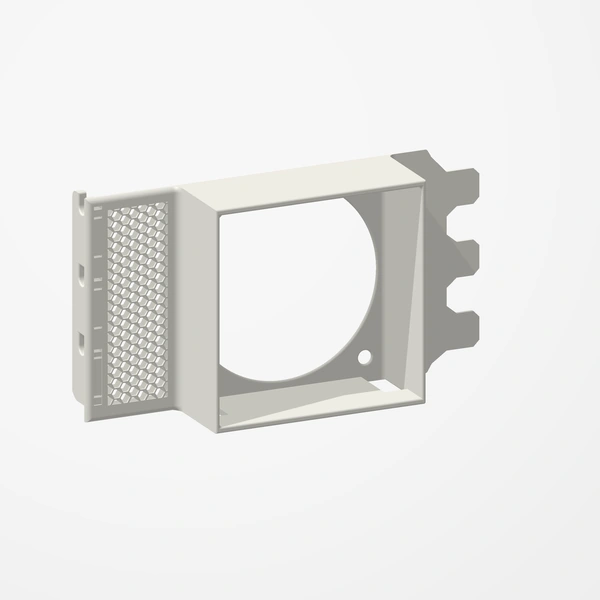
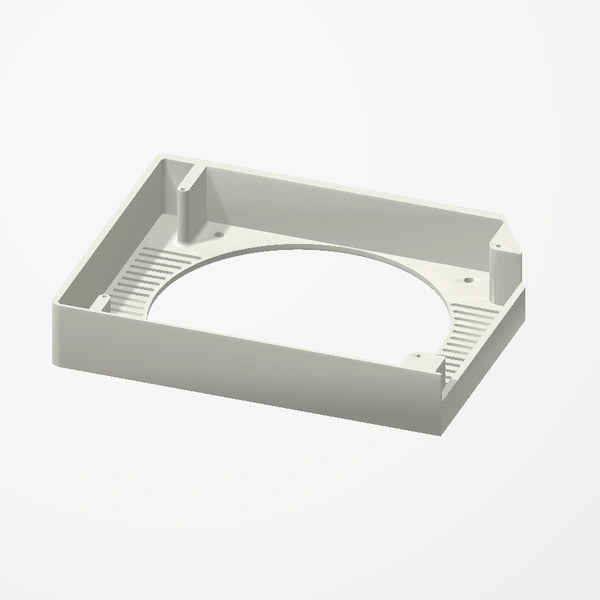
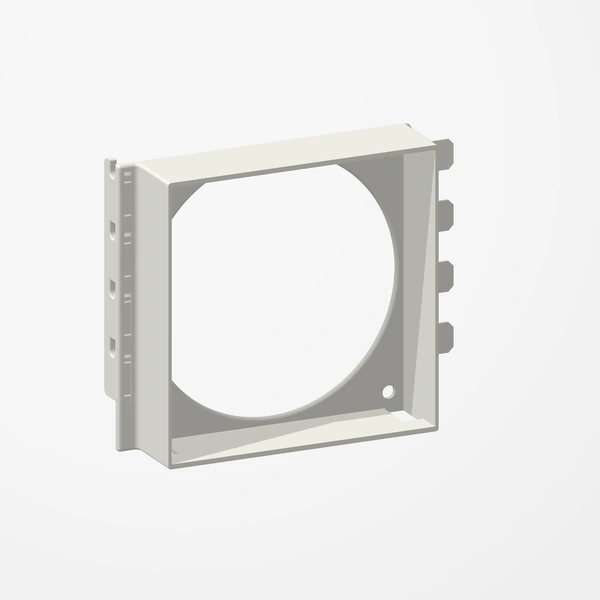
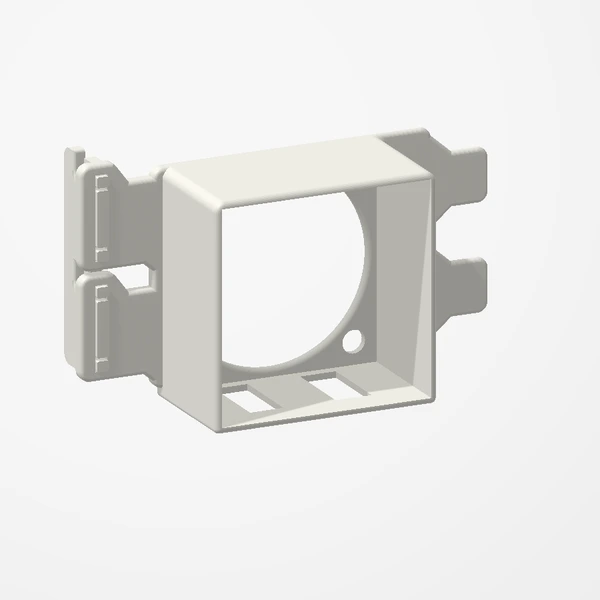
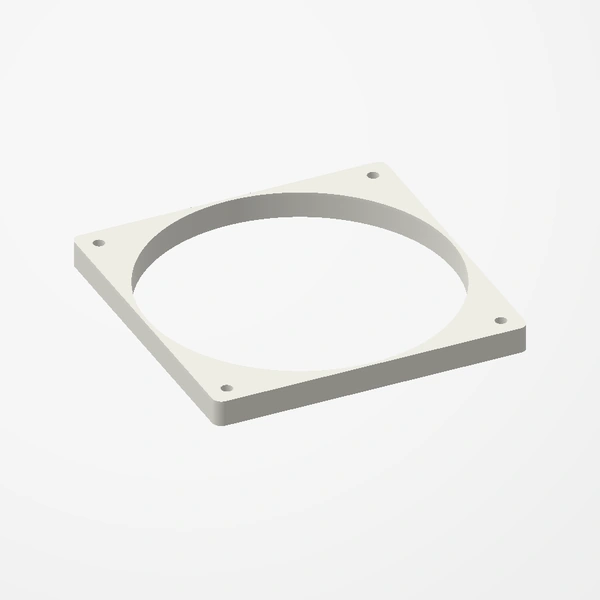
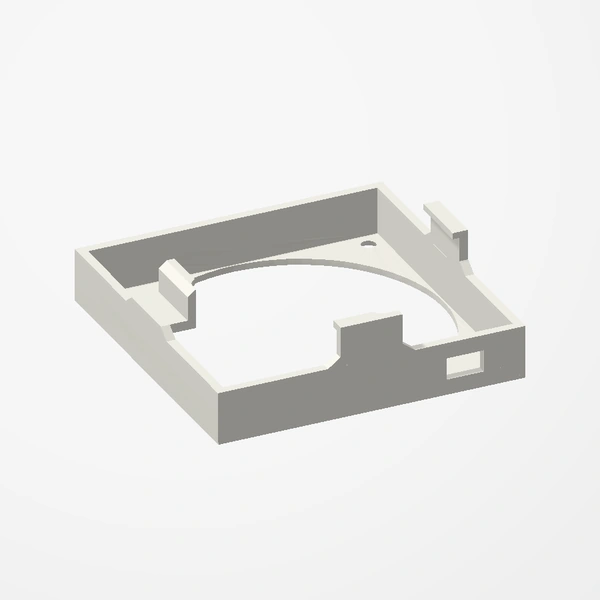
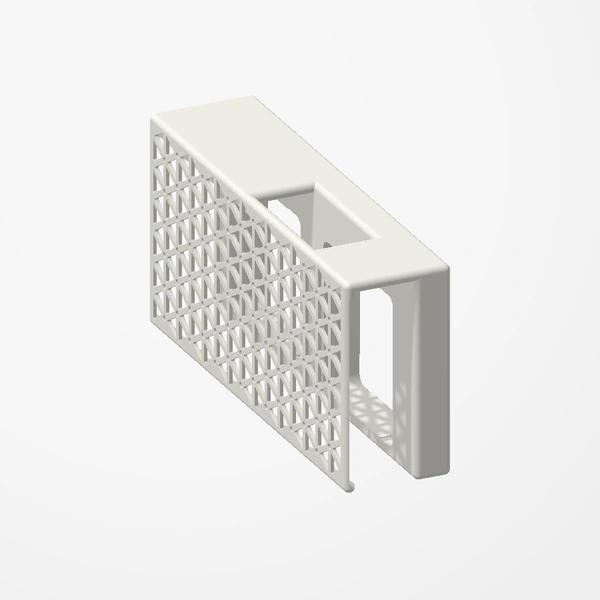
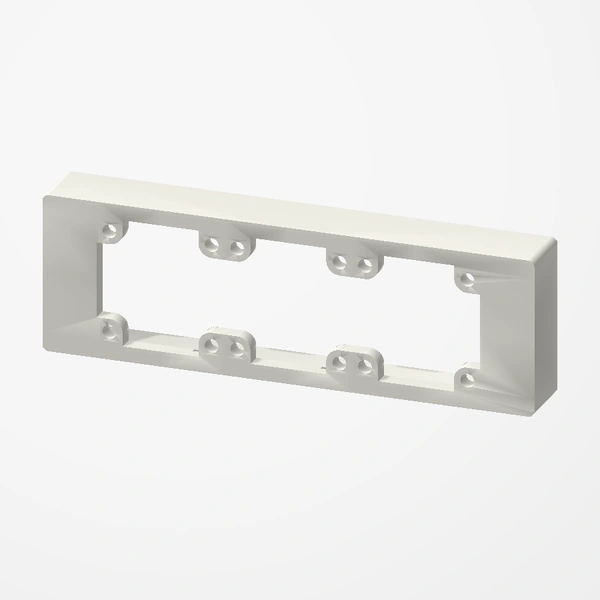
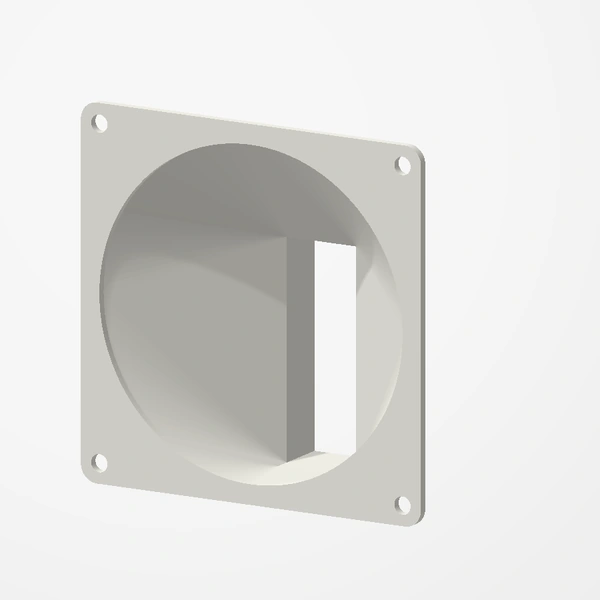
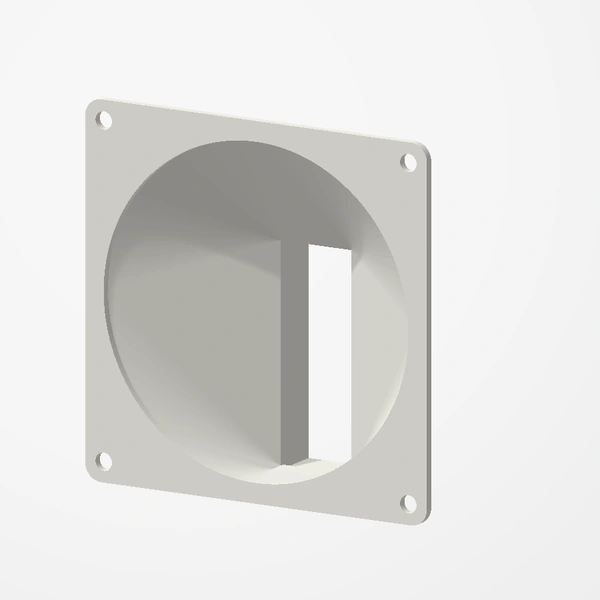
In stockAdd two 80 mm fans beside a thick graphics card in the Lian Li A3-mATX. Each bracket bolts to the case’s side fan rail and drops its fan below the rail, right next to the card.
Made for the Lian Li A3-mATX. Sold as a pair, one bracket per standard 80 mm fan, mounted with the fan’s own screws and the case’s screws. Fans, screws and graphics card are not included; they are shown for fit and scale, and airflow is illustrative. See Etsy for available colors.
Manufactured from premium PETG-HF for thermal resistance and structural durability.
Why it’s designed this way
Add two 80 mm fans beside a graphics card that is too thick for the bottom fan positions.
Before you order
- A Lian Li A3-mATX
- Two standard 80 mm fans and their screws
- Free fan headers for two fans
Setup & use
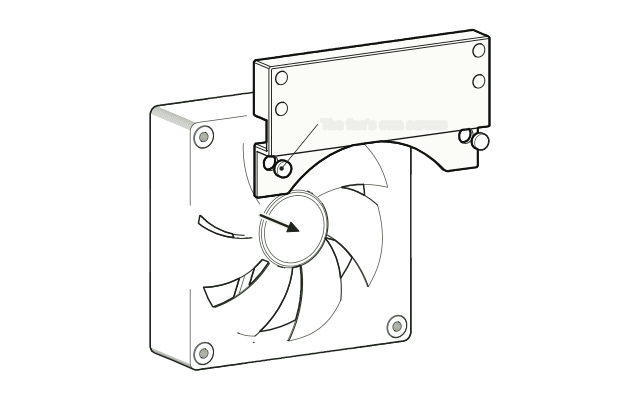 Step 1
Fit a fan to each bracket
Screw an 80 mm fan to each bracket with the screws that came with the fan.
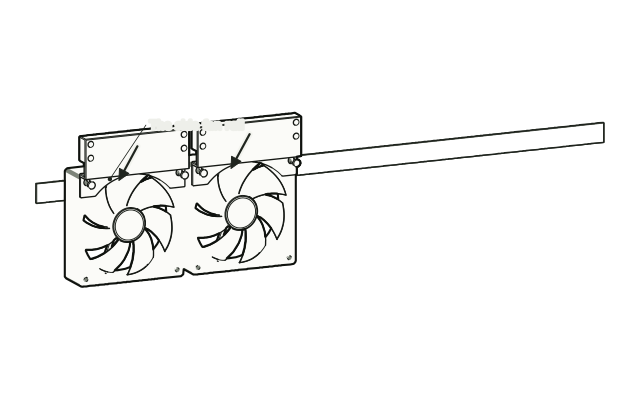 Step 2
Bolt both brackets to the rail
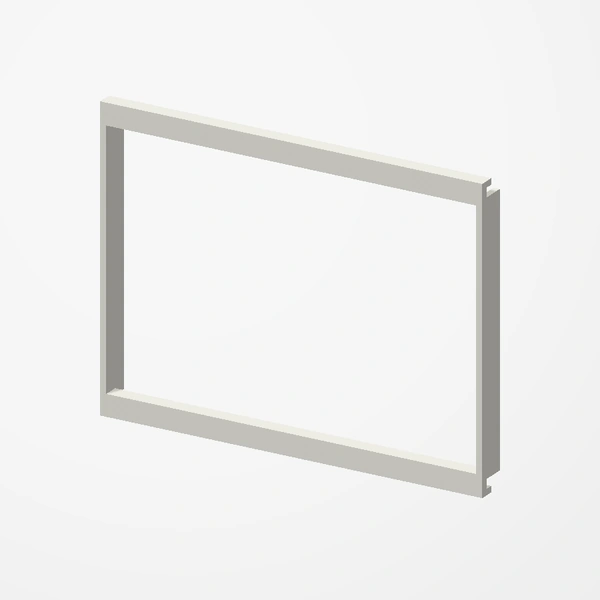
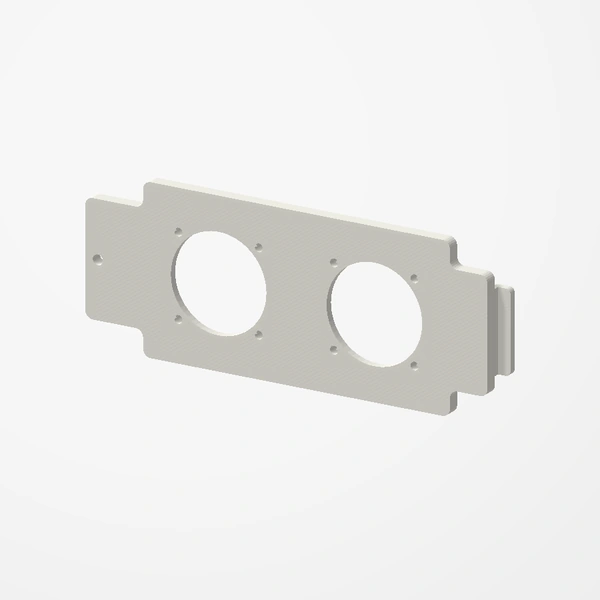
Bolt both brackets to the A3’s side fan rail, side by side, with the fans hanging below the rail.
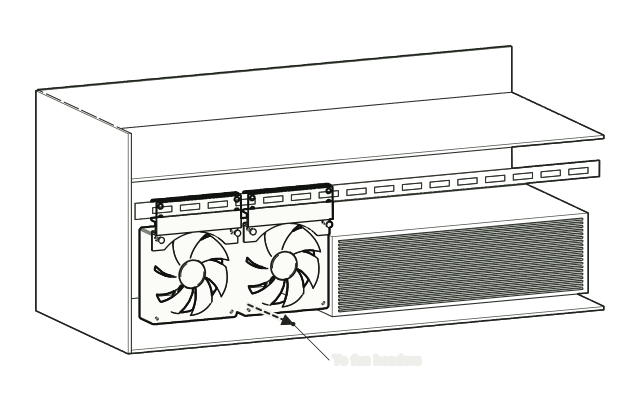 Step 3
Refit the rail and connect the fans
Refit the rail if you took it out, and connect both fans to fan headers.
Drawn from the product’s 3D models. Cases, desks, devices and other surroundings are illustrative; drawings are not measured plans.
Care & troubleshooting
If a fan rattles, check that its screws and the rail screws are snug. Clear dust from the fans now and then.