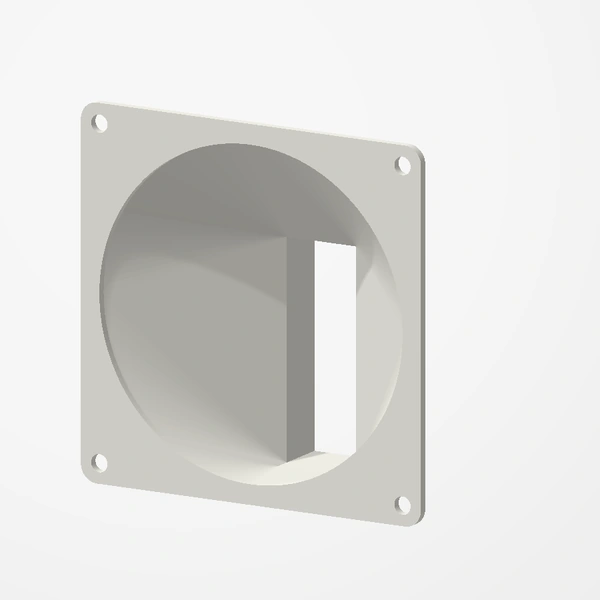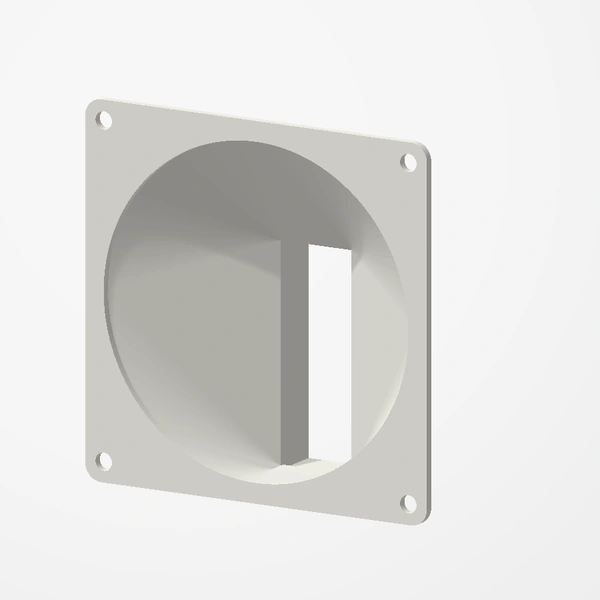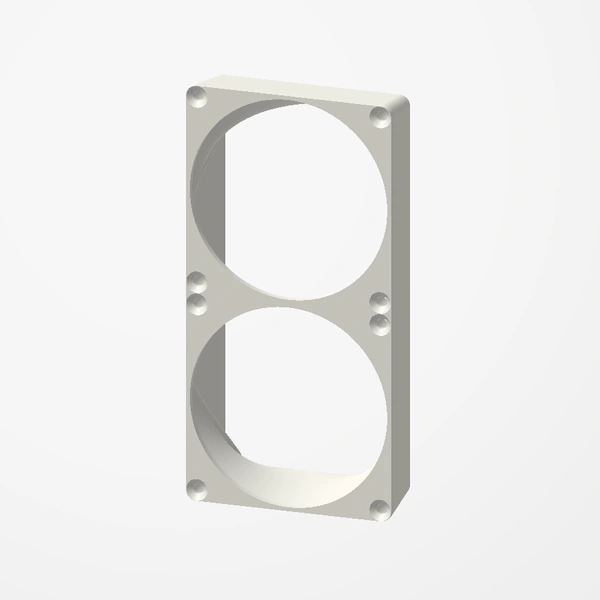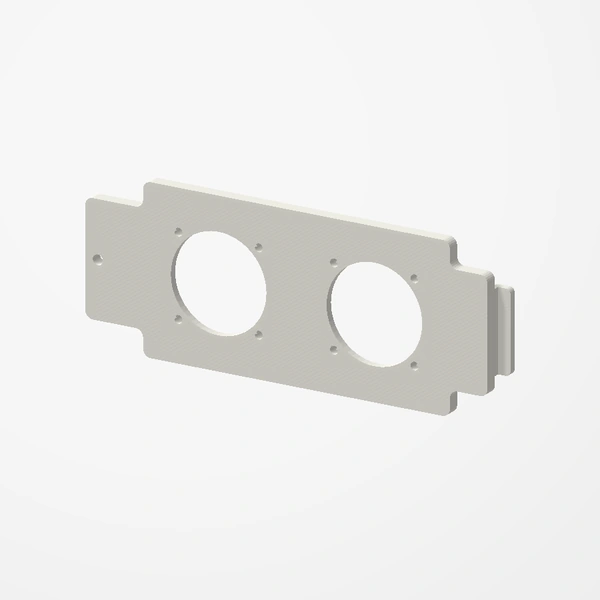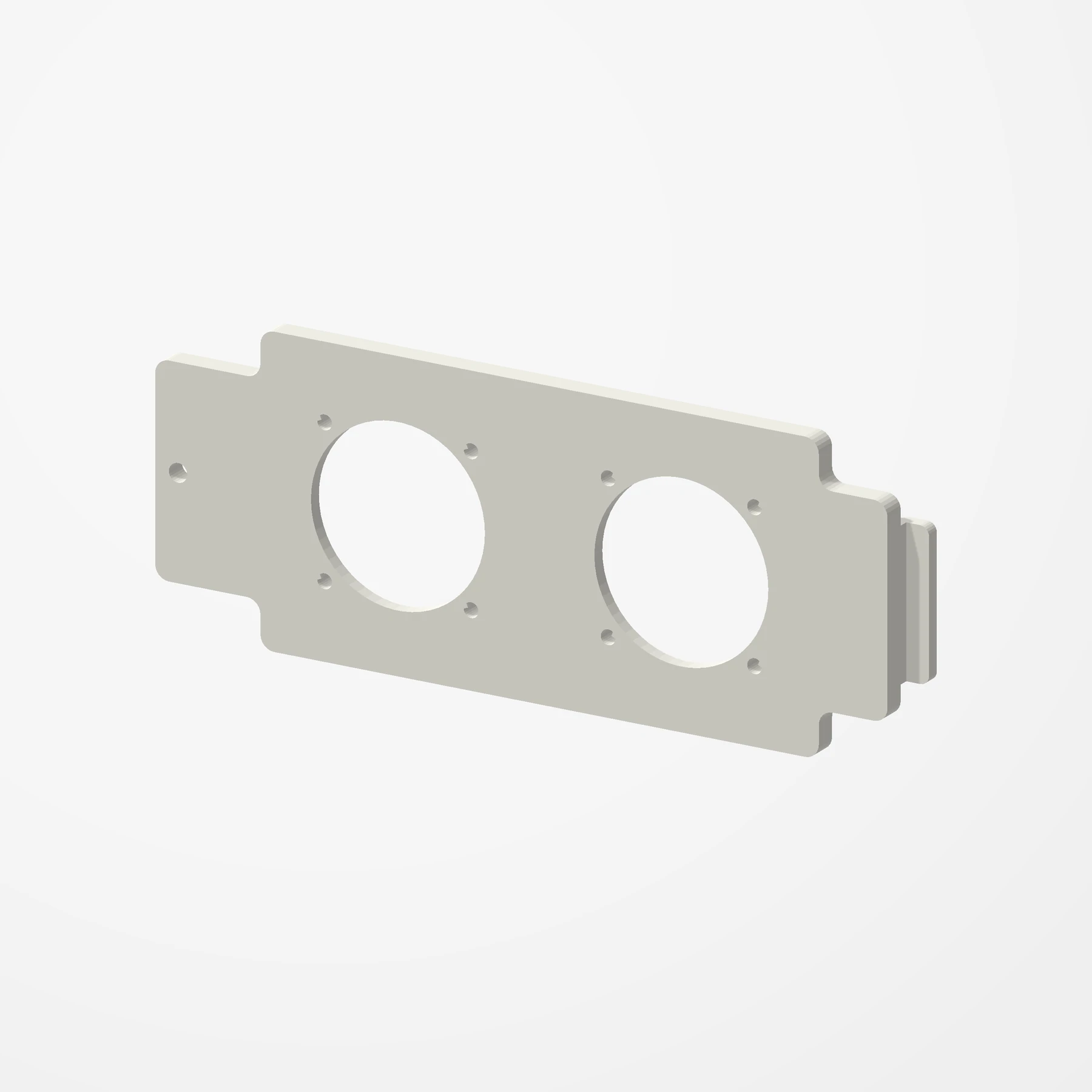
Two 40 or 50 mm fans · Replaces the drive-cage cover
Lian Li O11 Dynamic Mini HDD Fan Cover
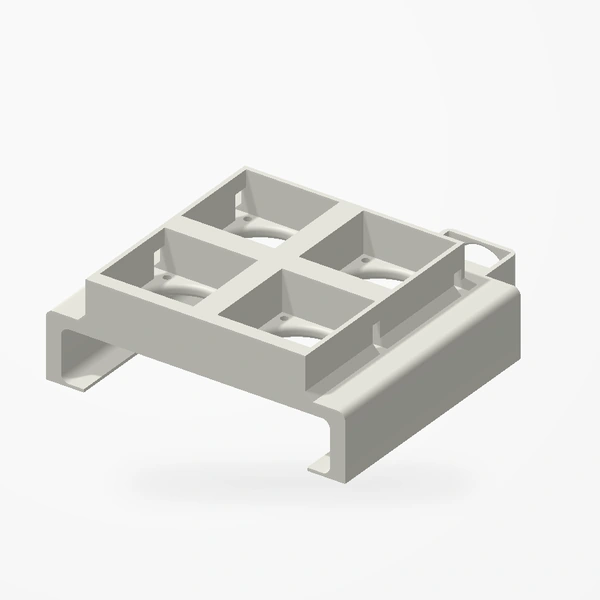
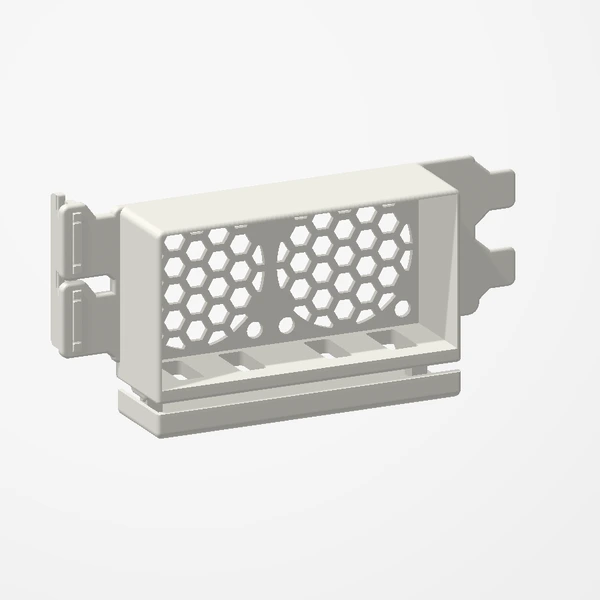
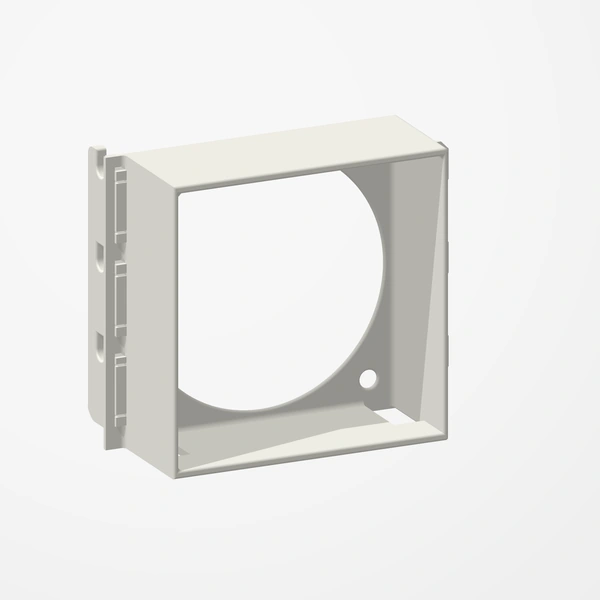
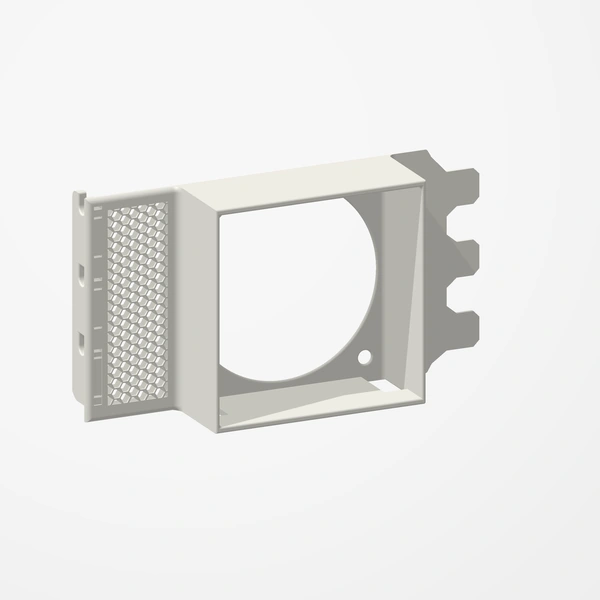
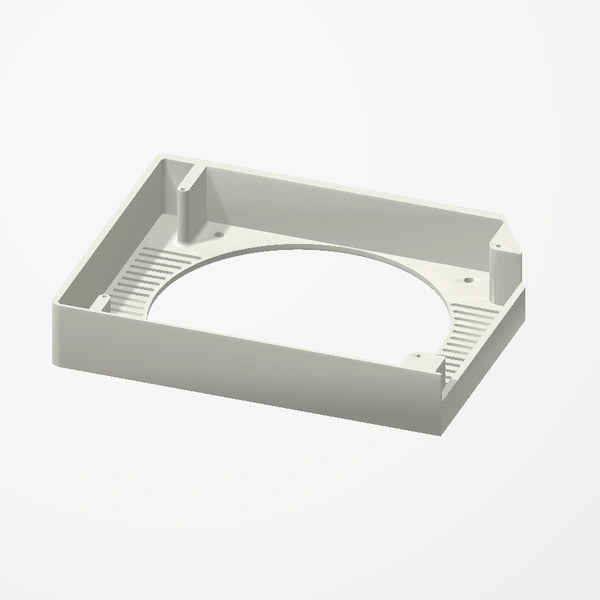
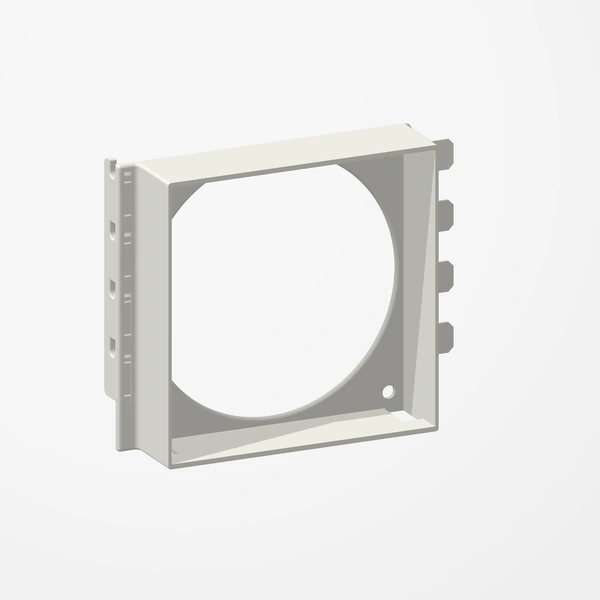
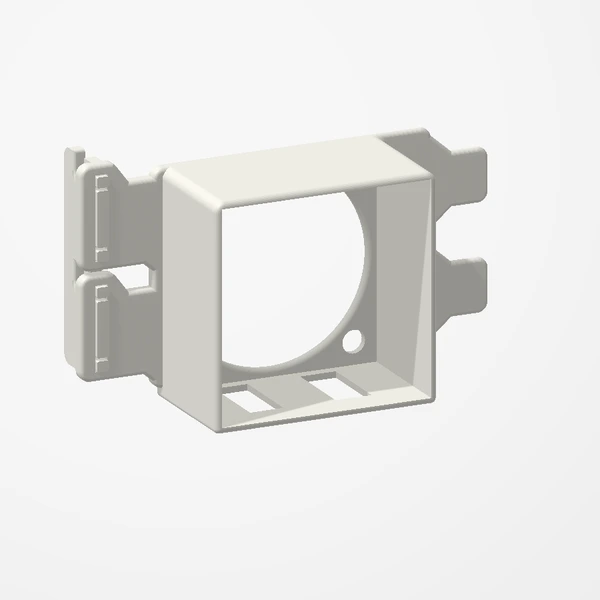
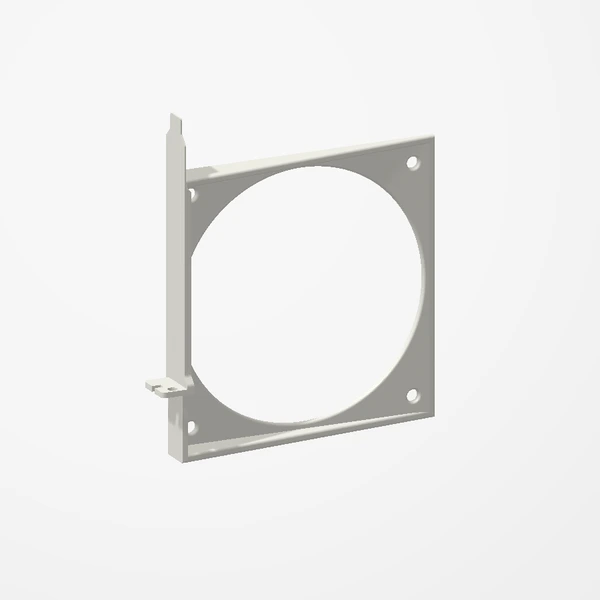
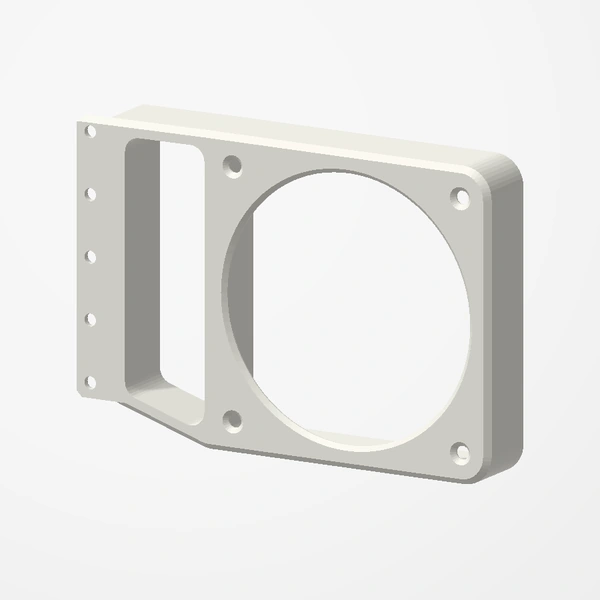
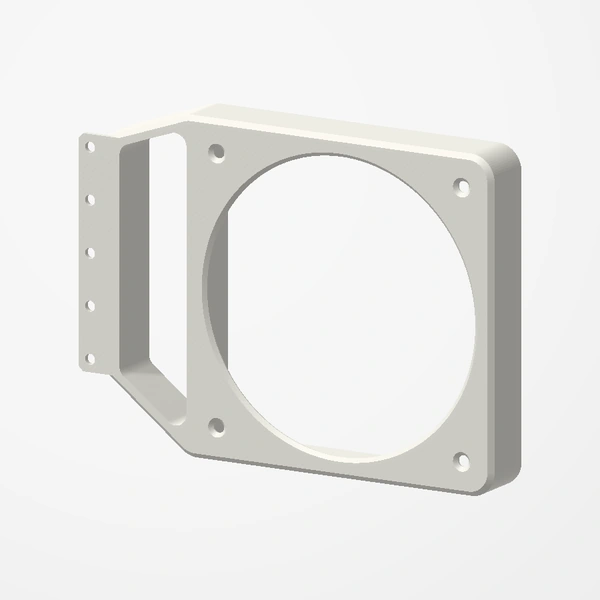
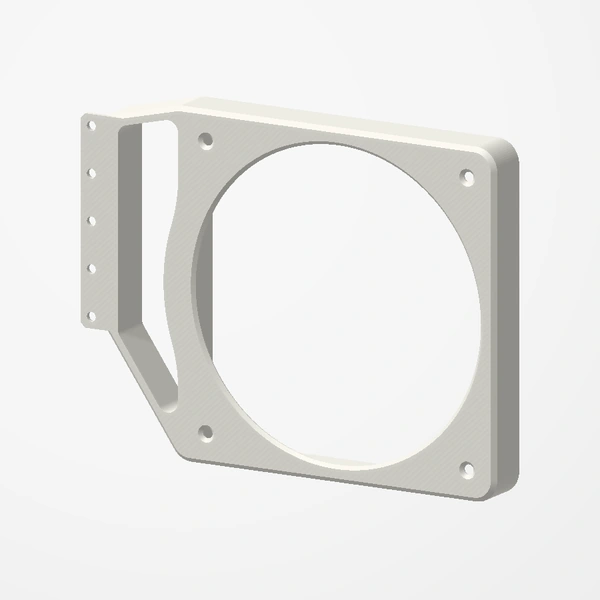
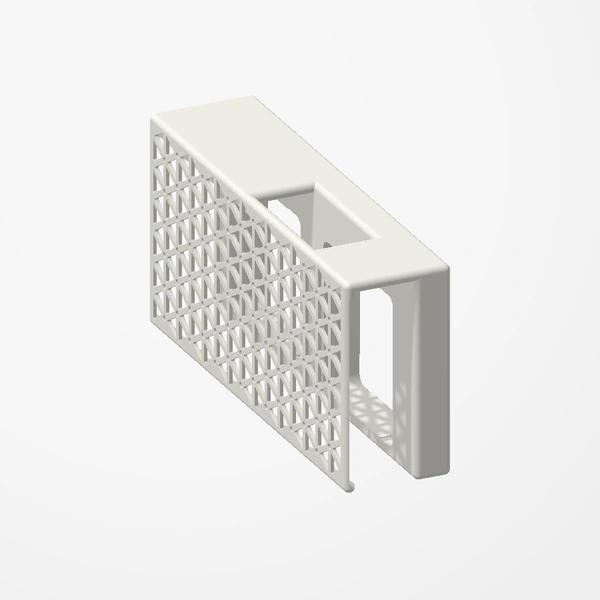
In stockBring airflow to the drive cage of a Lian Li O11 Dynamic Mini. This cover takes the place of the solid stock cover and holds two 40 mm or two 50 mm fans right at the drives.
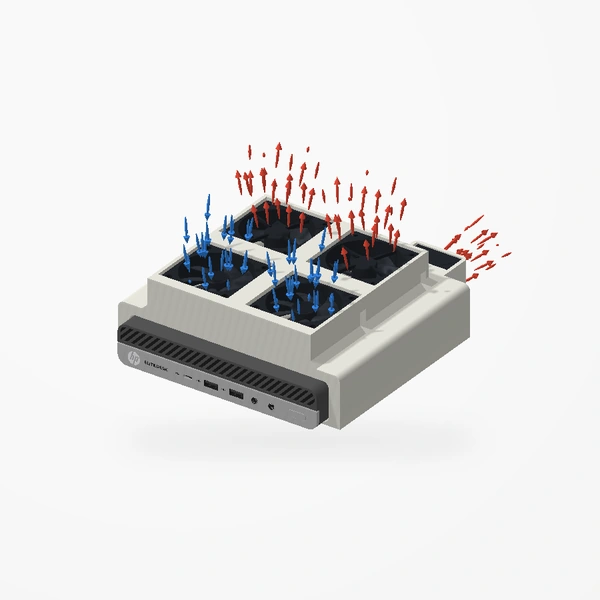
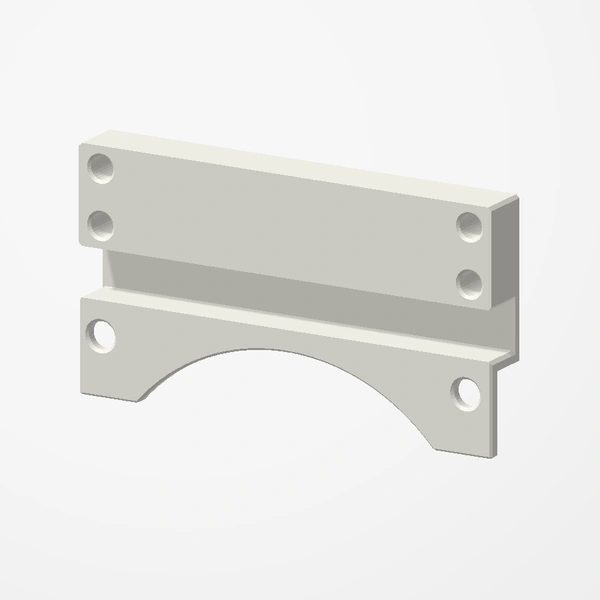
Made for the Lian Li O11 Dynamic Mini. Choose the 40 mm or 50 mm version. Fans mount with 8 M3 x 15 mm screws or the screws that came with them. The cover fits in place of the stock one: its bottom tab slots into the case and the old cover’s screw holds it at the top. Fans and screws are not included; fans are shown for fit and scale, and airflow is illustrative. See Etsy for available colors.
Manufactured from premium PETG-HF for thermal resistance and structural durability.
Why it’s designed this way
Get air moving across the drives in the O11 Dynamic Mini’s drive cage.
Before you order
- A Lian Li O11 Dynamic Mini
- Two 40 mm or two 50 mm fans, to match the version you choose
- 8 M3 x 15 mm screws, or the screws that came with your fans
Setup & use
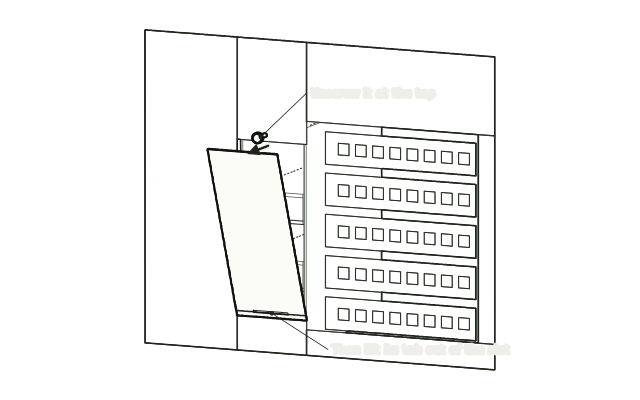 Step 1
Remove the stock cover
Remove the stock drive-cage cover from the back of the case.
 Step 2
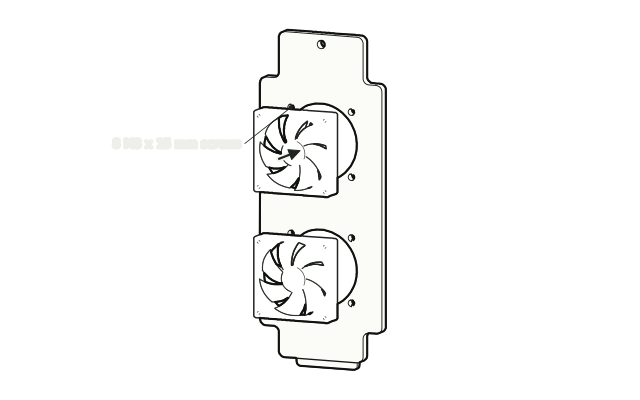
Screw the fans to the cover
Screw both fans to the new cover with 8 M3 x 15 mm screws. You can also use the fans’ own screws, driven in from the case side.
 Step 3
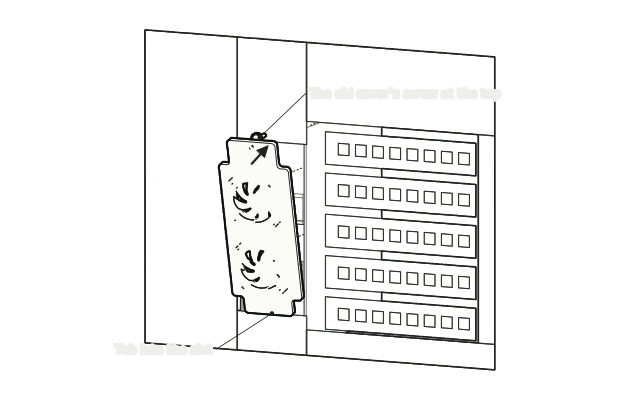
Fit the cover
Slot the cover’s bottom tab into the cutout, swing it upright and fasten it at the top with the old cover’s screw, then connect the fans.
Drawn from the product’s 3D models. Cases, desks, devices and other surroundings are illustrative; drawings are not measured plans.
Care & troubleshooting
Check the top screw is snug. Clear dust from the fans now and then.