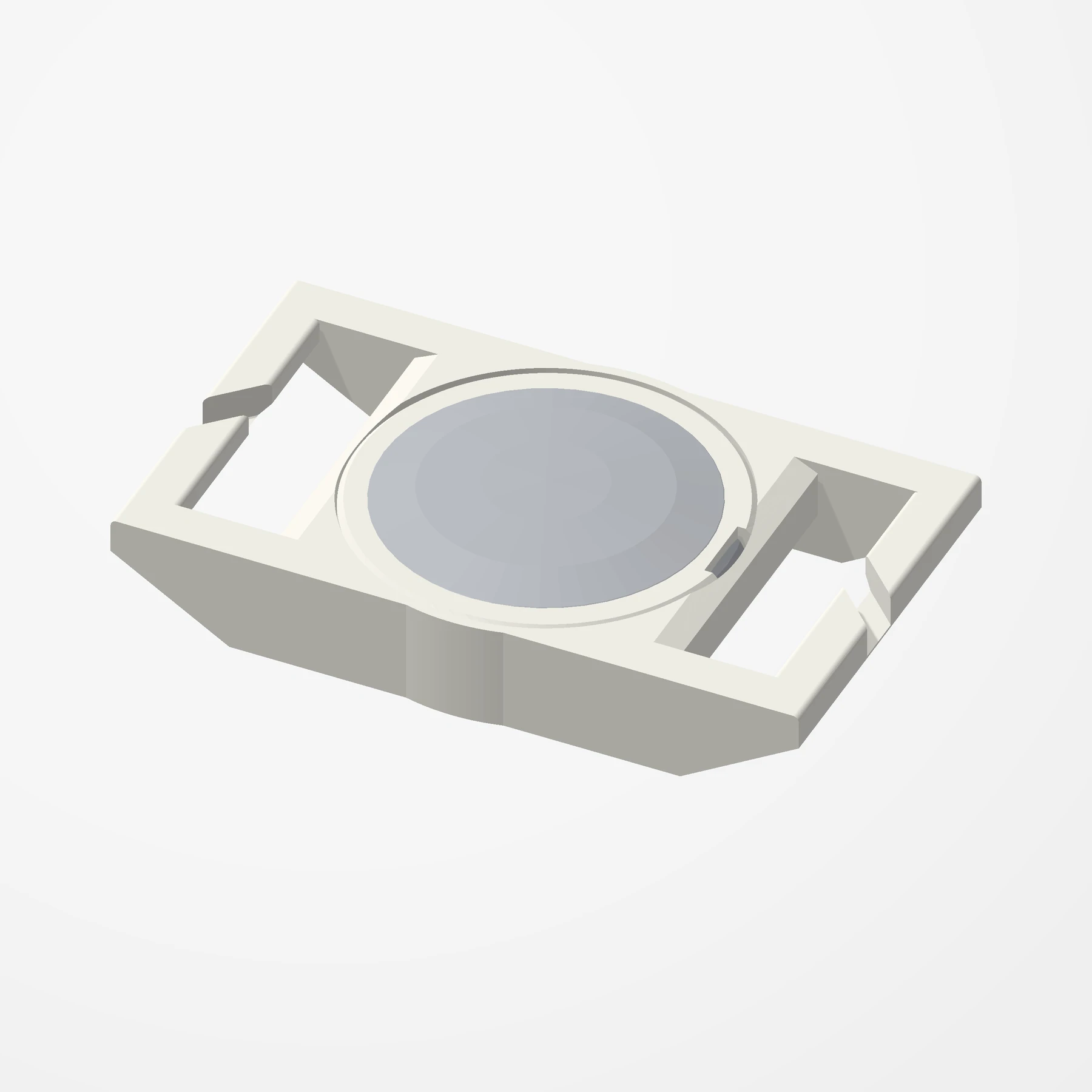
MOLLE · 25 mm webbing · Press-in cap
AirTag MOLLE and Webbing Mount
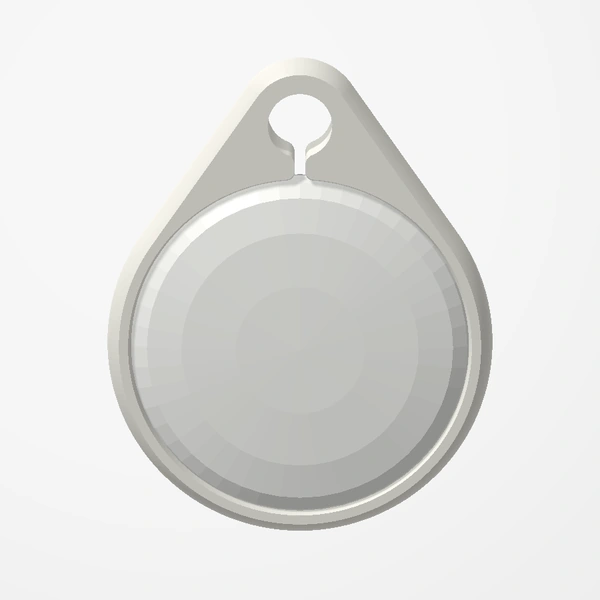
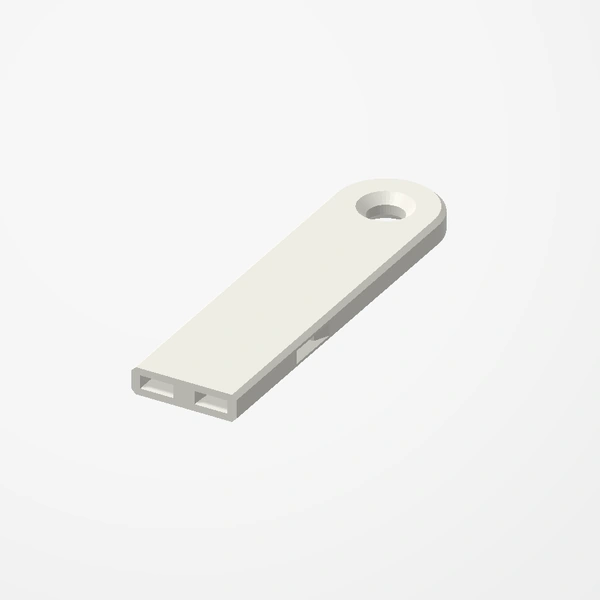
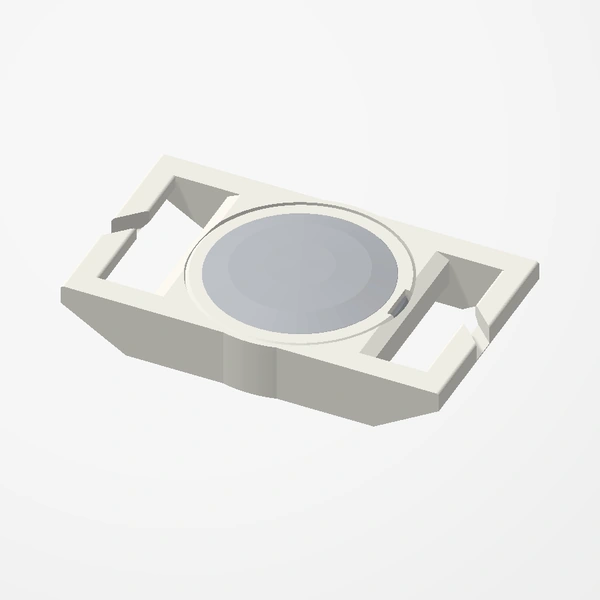
In stockA mount that keeps an AirTag hidden on your backpack. It weaves onto MOLLE webbing, laser-cut MOLLE panels or any standard 25 mm strap, and a press-in cap locks the AirTag inside.
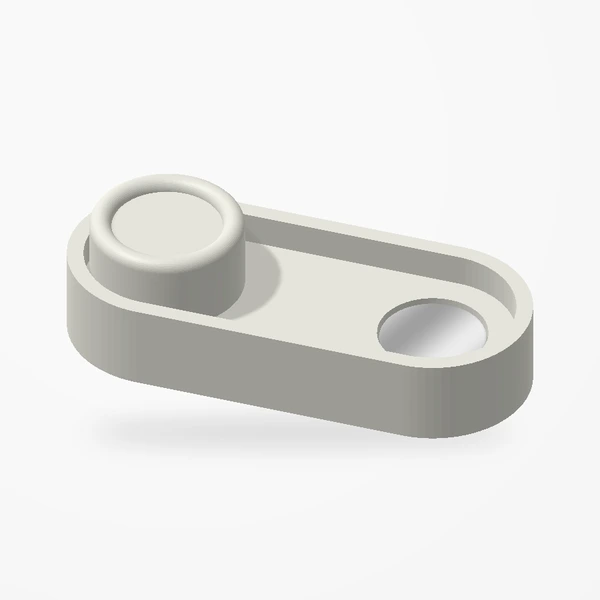
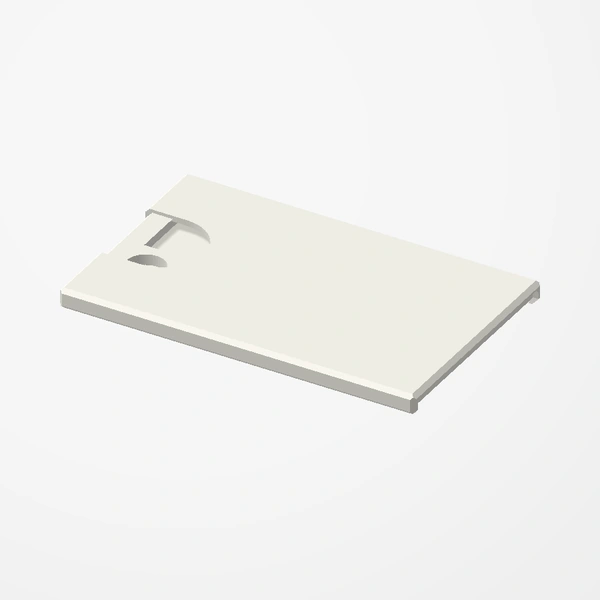
About 58 x 34 x 9 mm. The pocket follows Apple’s AirTag design guidelines for a snug fit, and the cap has a notch so a small flat screwdriver can lift it out. Sold singly or as a pair. AirTag not included. See Etsy for available colors.
Manufactured from premium PETG-HF for thermal resistance and structural durability.
Why it’s designed this way
Keep an AirTag hidden and secure on your backpack or bag.
Before you order
- MOLLE webbing, a laser-cut MOLLE panel or a 25 mm (1 inch) strap
Setup & use
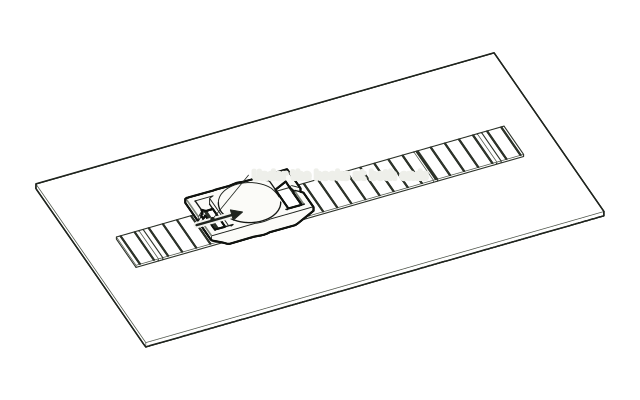 Step 1
Weave it onto the strap
Weave the webbing or strap under the hooks at both ends of the mount.
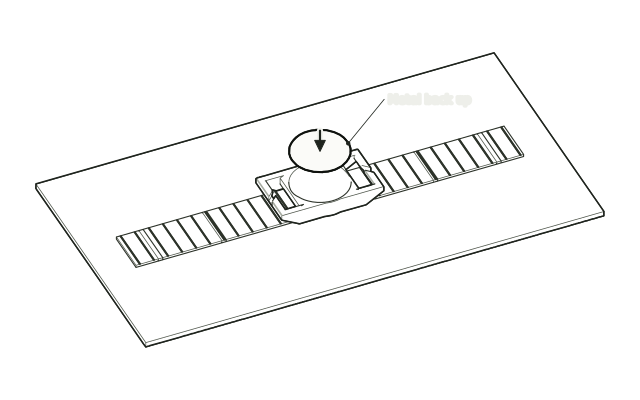 Step 2
Drop the tracker in
Drop the AirTag into the pocket.
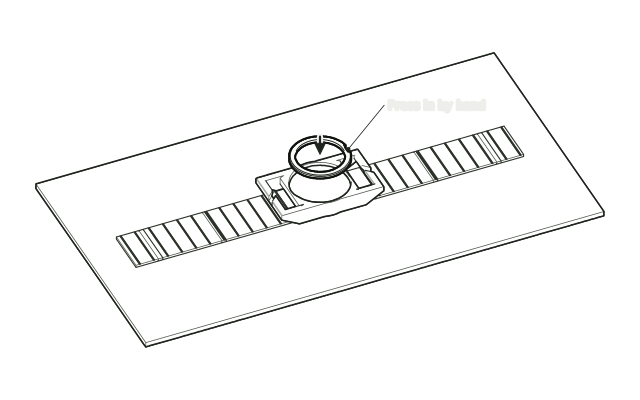 Step 3
Press the cap in
Press the cap in by hand until it locks the AirTag in place.
Drawn from the product’s 3D models. Cases, desks, devices and other surroundings are illustrative; drawings are not measured plans.
Care & troubleshooting
To take the AirTag out, lift the cap with a small flat screwdriver in its notch.