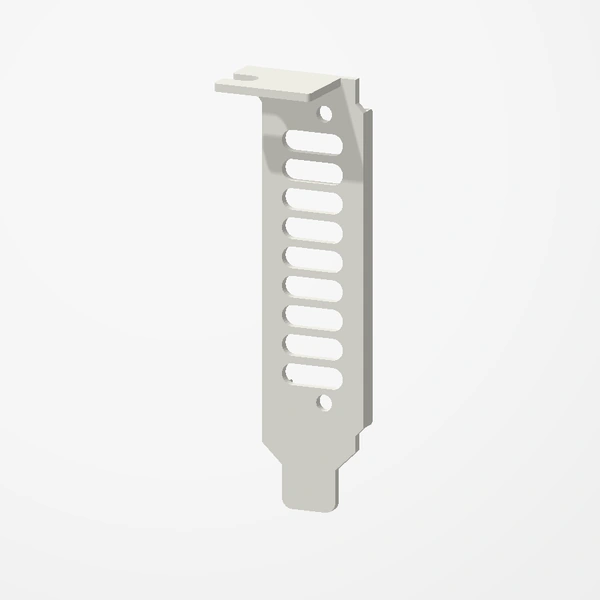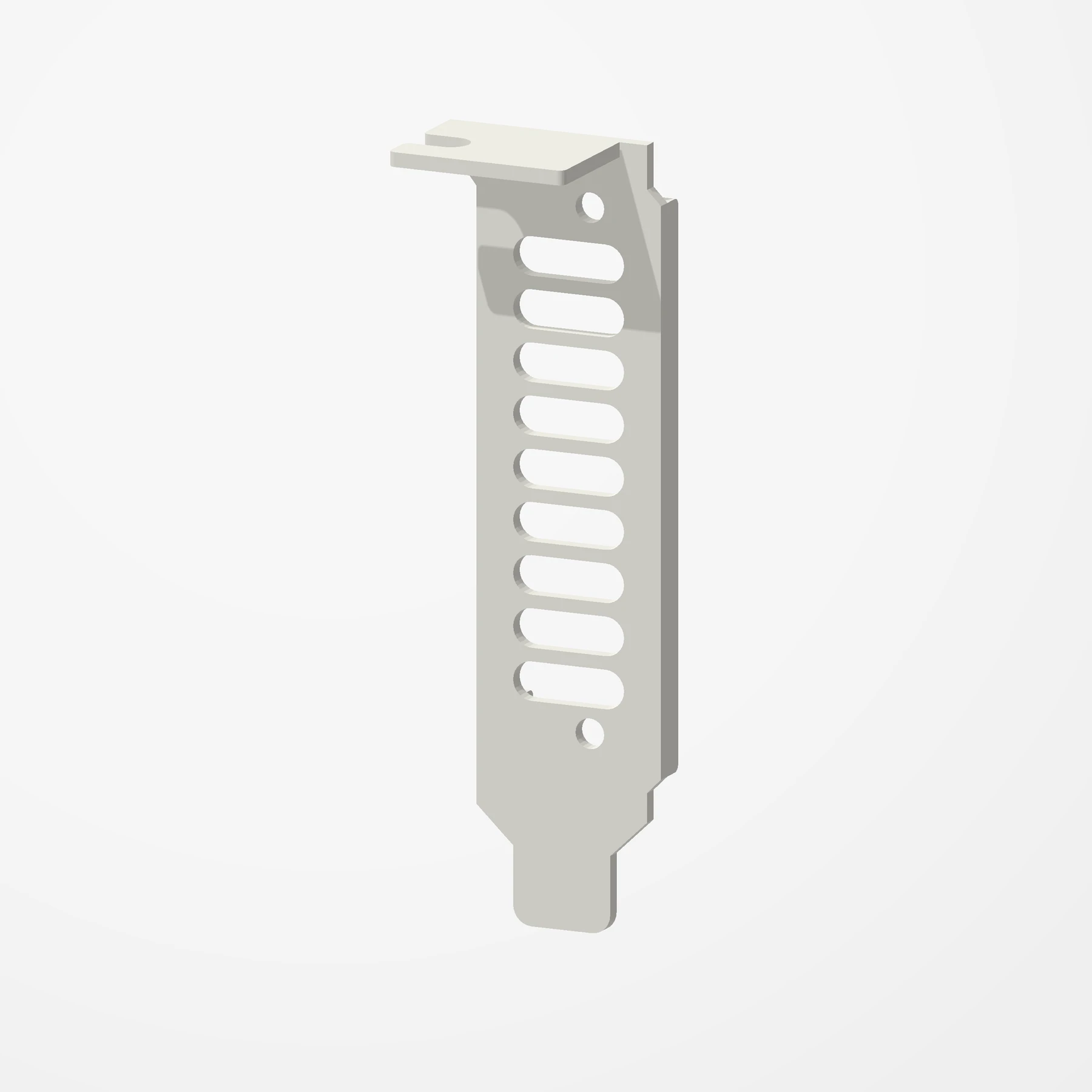
Low-profile slots · Vented face
Nvidia Tesla T4 Low Profile Bracket
In stockA vented low-profile bracket for the Nvidia Tesla T4. It replaces the card’s full-height bracket, so the T4 fits servers and compact builds with low-profile PCIe slots.
About 80 mm long, the standard low-profile size. Fits with the two screws from the T4’s original bracket, which are not included. Sold singly or as a 3-pack. See Etsy for available colors.
Manufactured from premium PETG-HF for thermal resistance and structural durability.
Why it’s designed this way
Fit a Tesla T4 into a low-profile PCIe slot.
Before you order
- A low-profile PCIe slot in your case or server
- The two screws on your T4’s original bracket
Setup & use
 Step 1
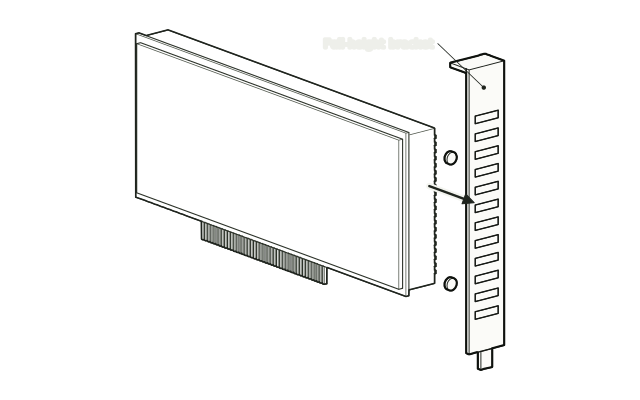
Take off the full-height bracket
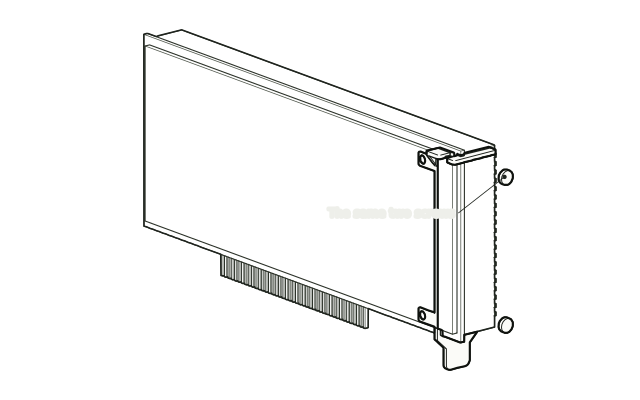
Remove the two screws holding the T4’s full-height bracket and take the bracket off.
 Step 2
Fit the low-profile bracket
Fit the low-profile bracket in its place and fasten it with the same two screws.
 Step 3
Install the card
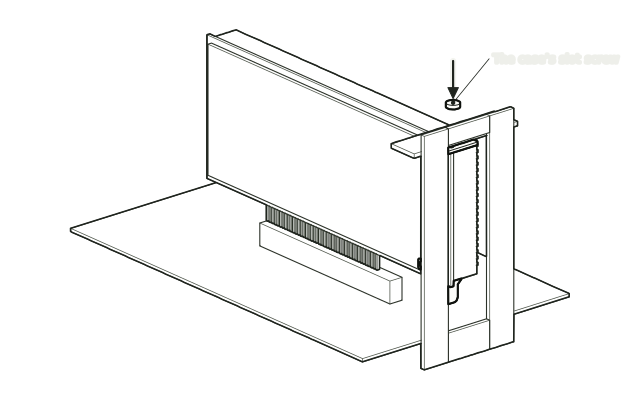
Install the card in a low-profile slot and secure the bracket’s top flange with the case’s slot screw.
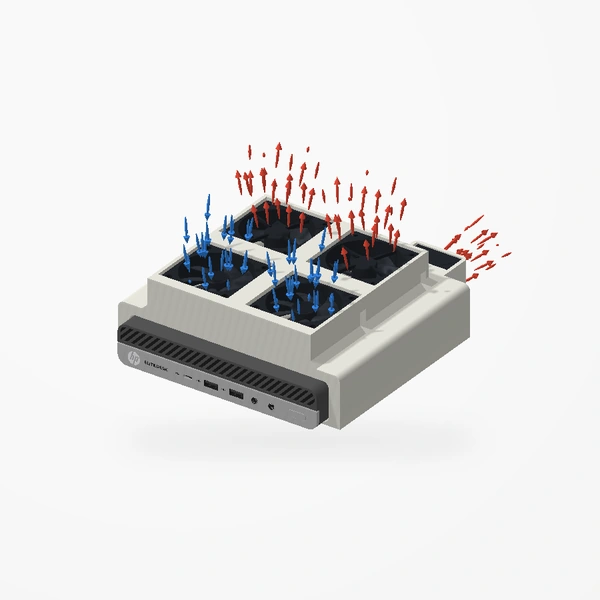
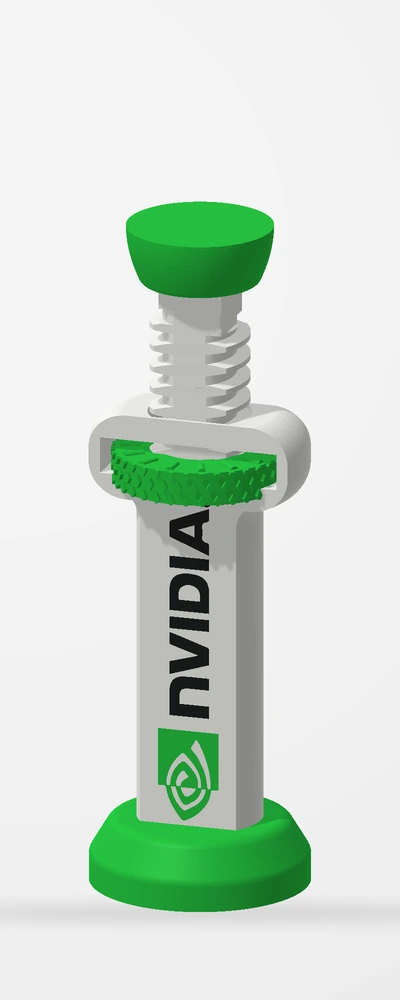
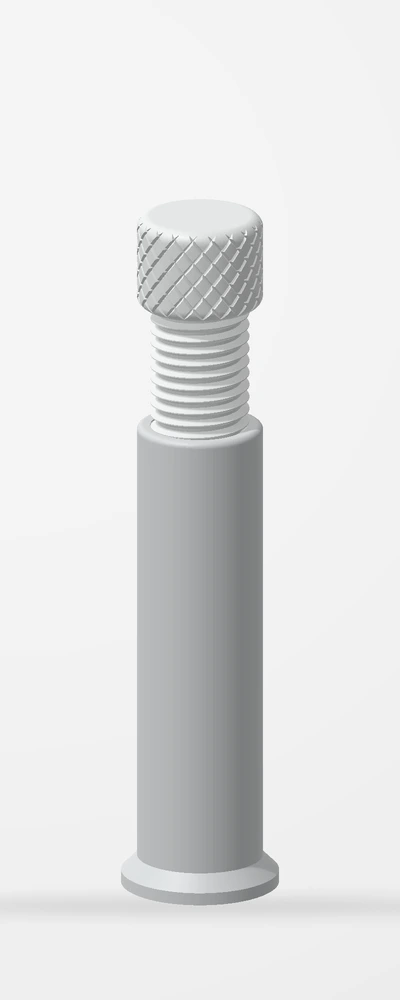
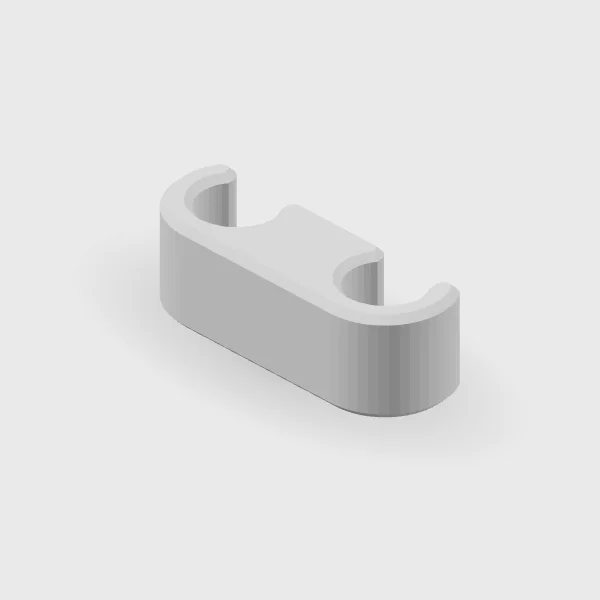
Drawn from the product’s 3D models. Cases, desks, devices and other surroundings are illustrative; drawings are not measured plans.
Care & troubleshooting
Do not overtighten the screws. Keep the vent slots clear of dust.