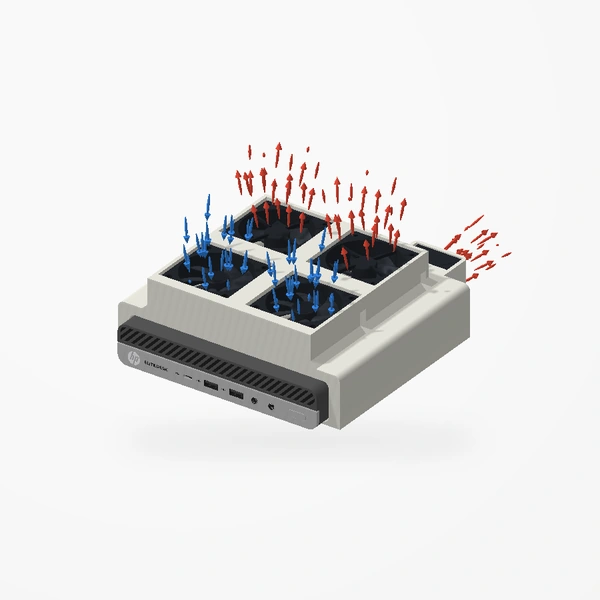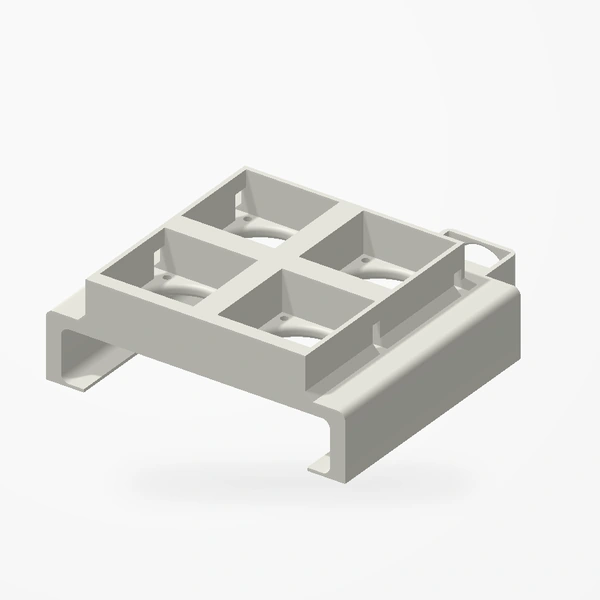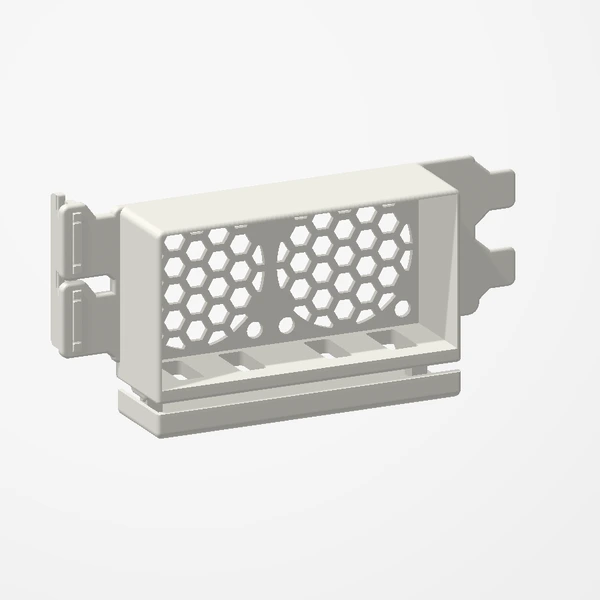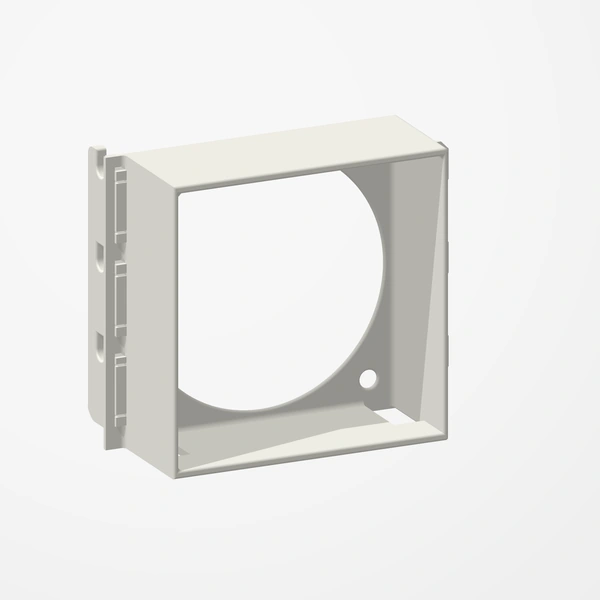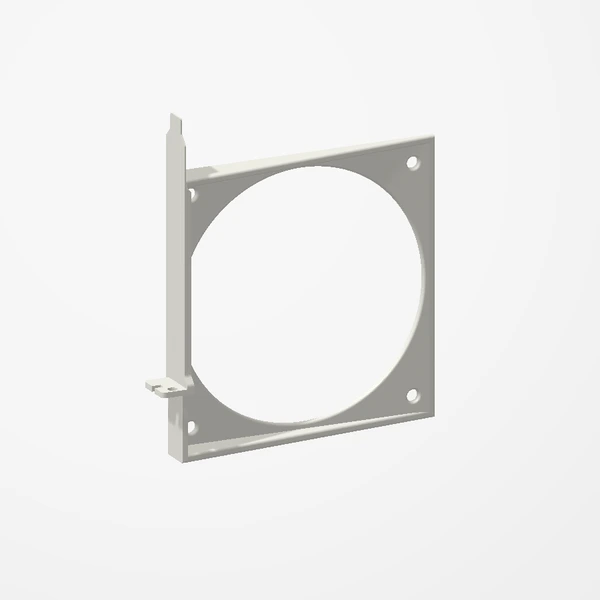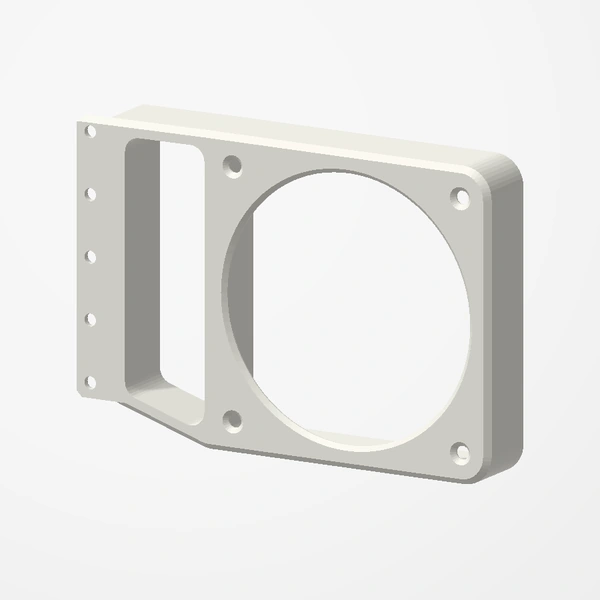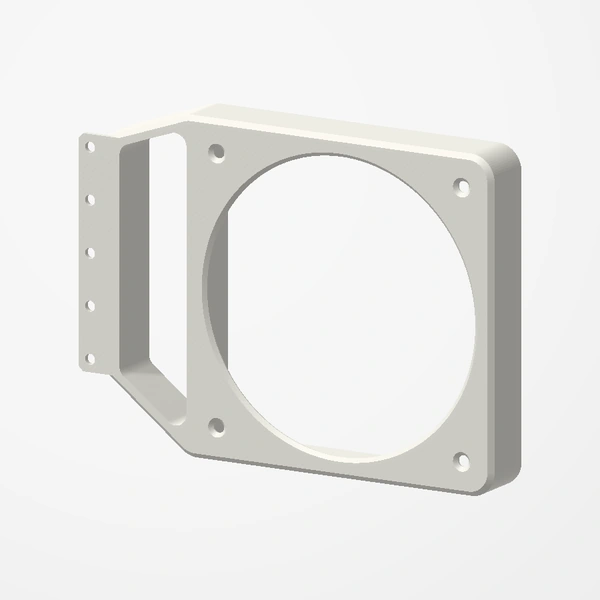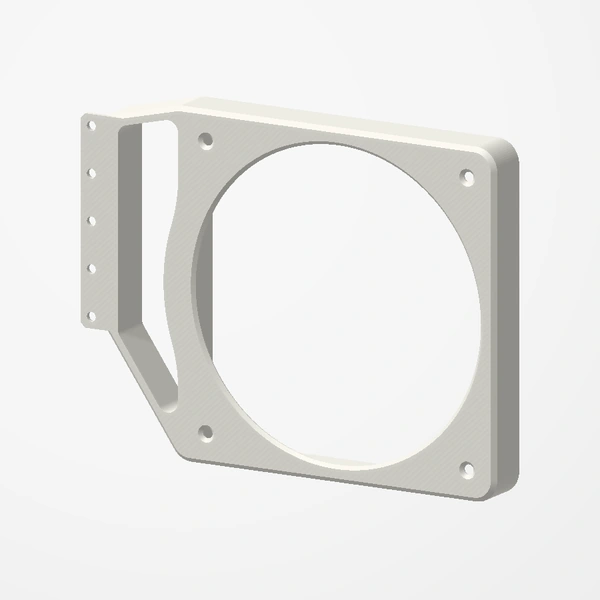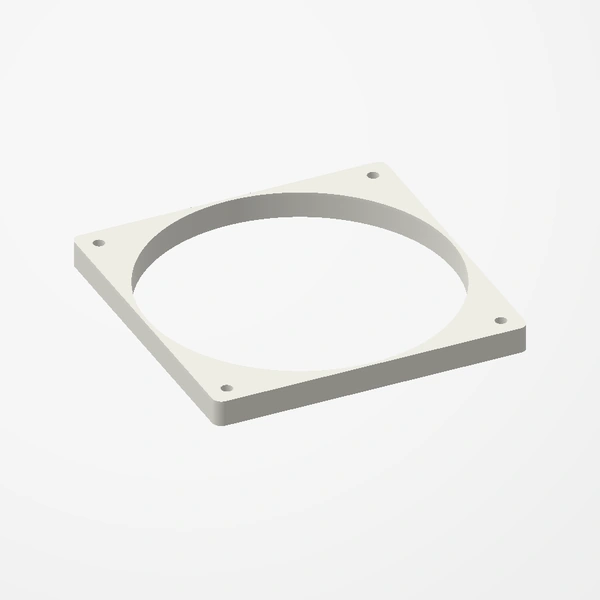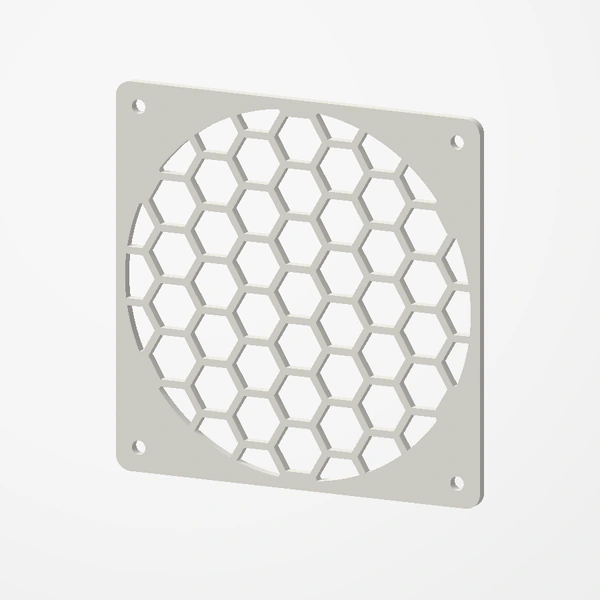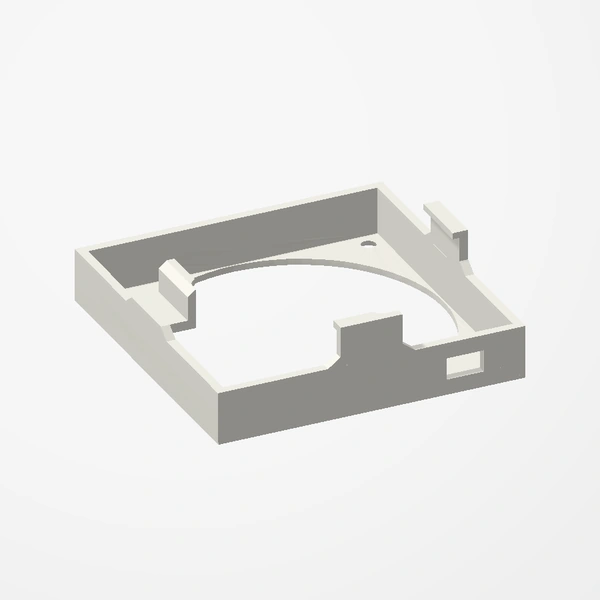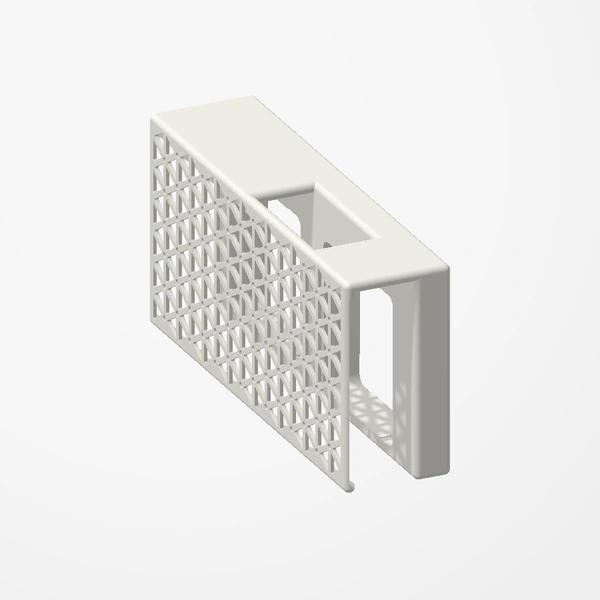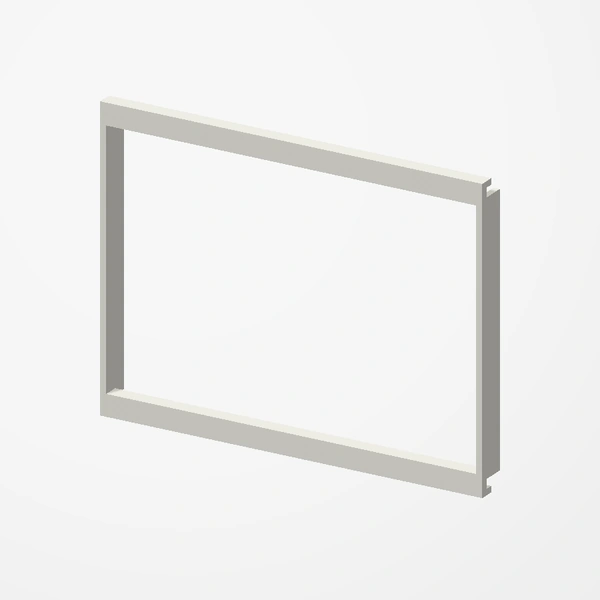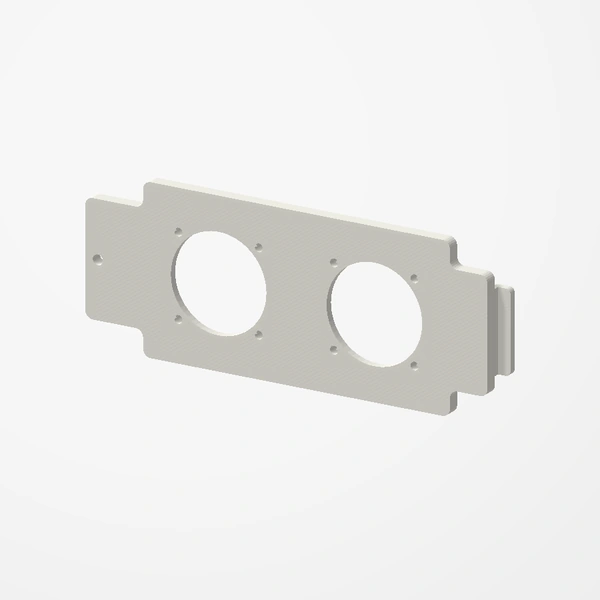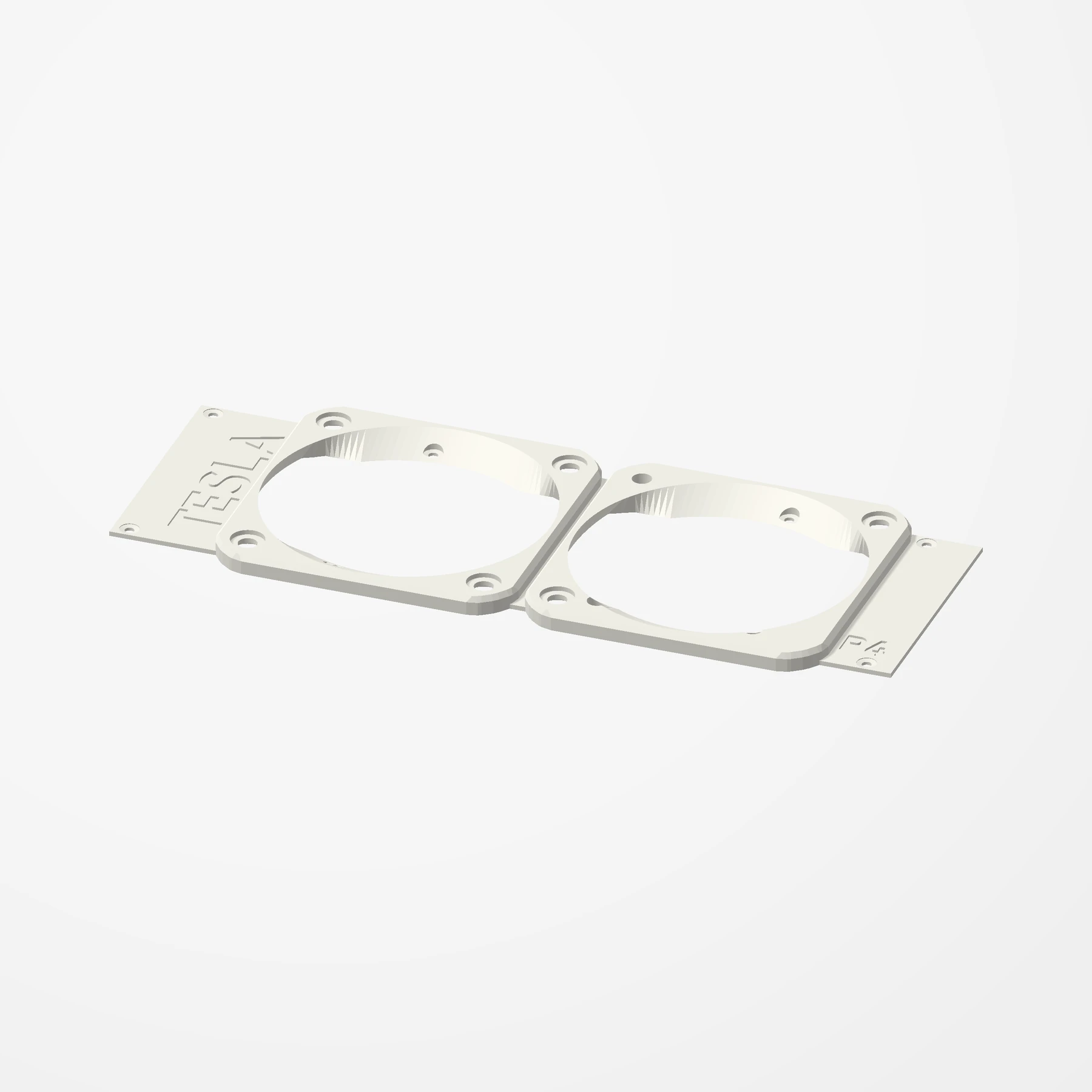
Two 60 mm fans · Replaces the stock cover
Nvidia Tesla P4 Dual 60 mm Fan Shroud
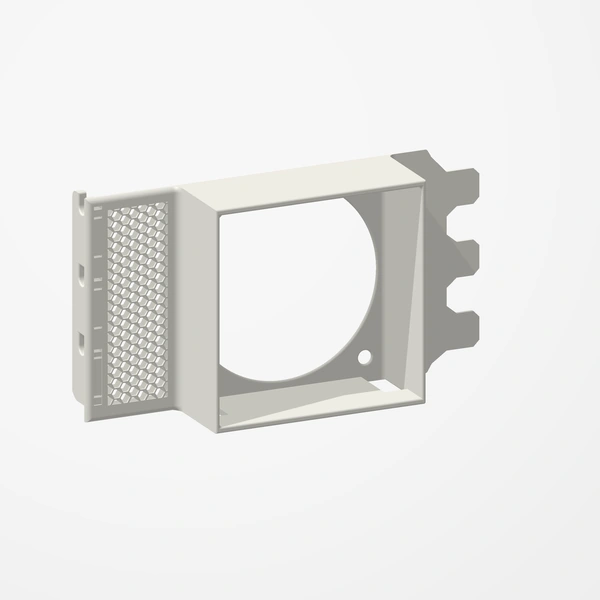
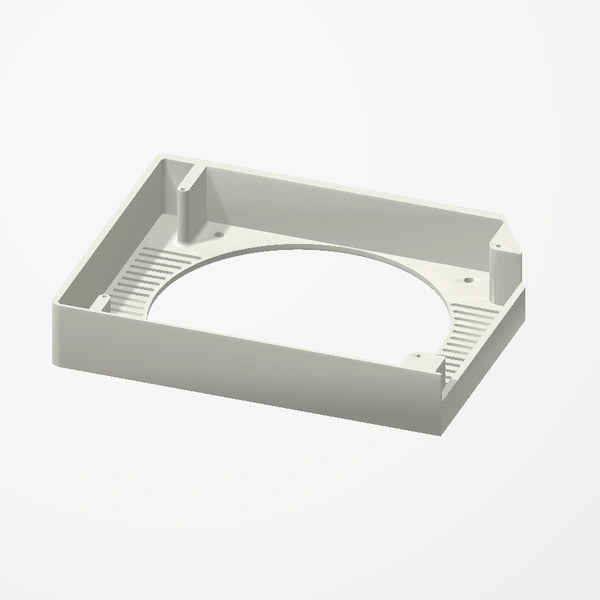
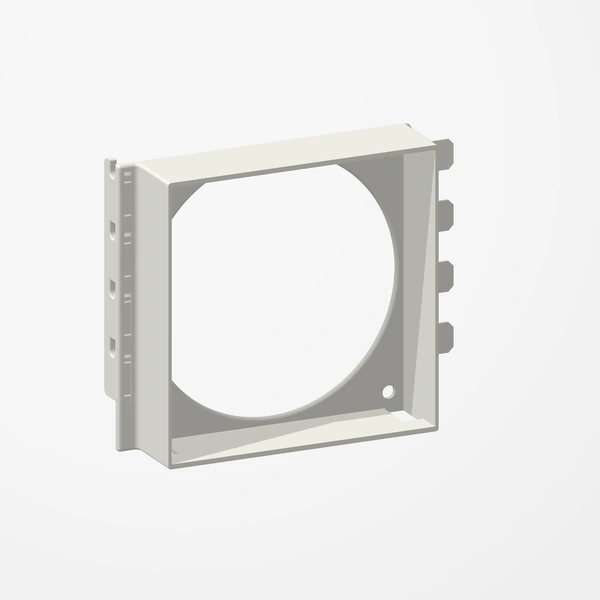
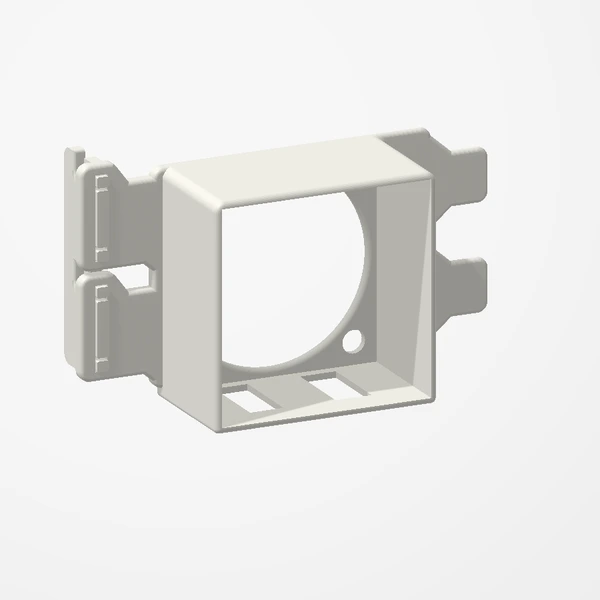
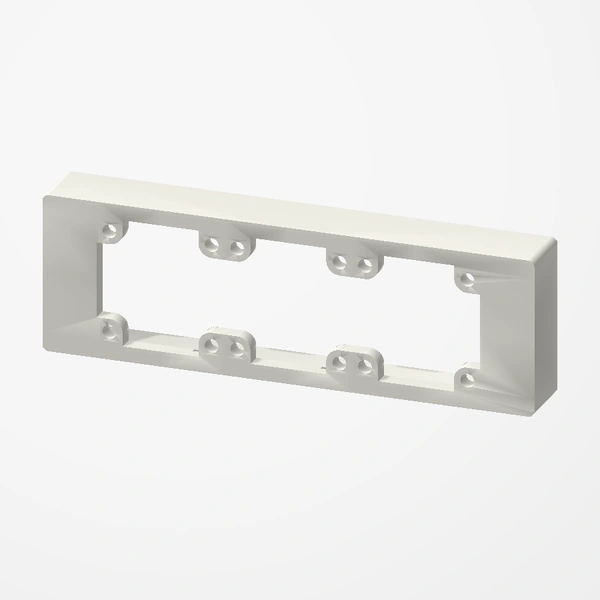
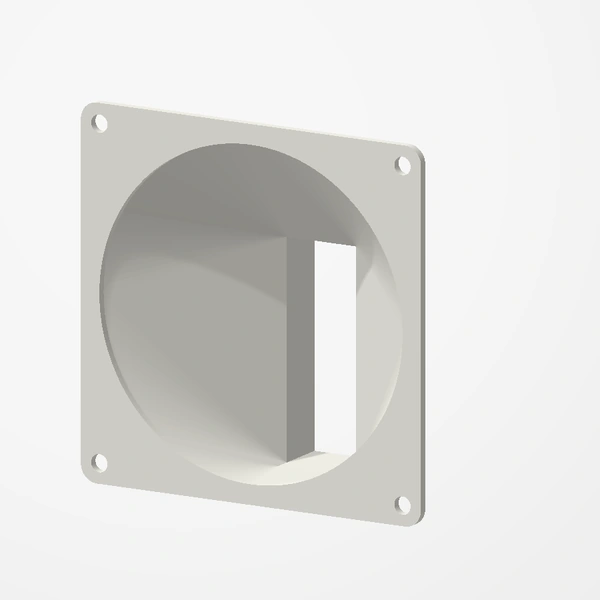
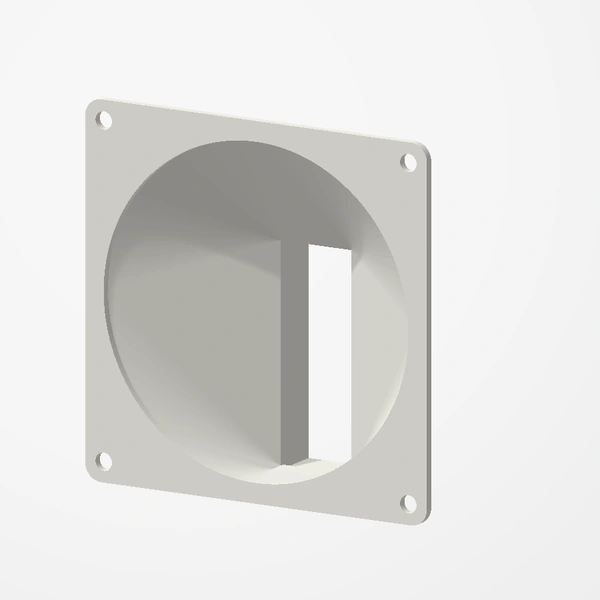
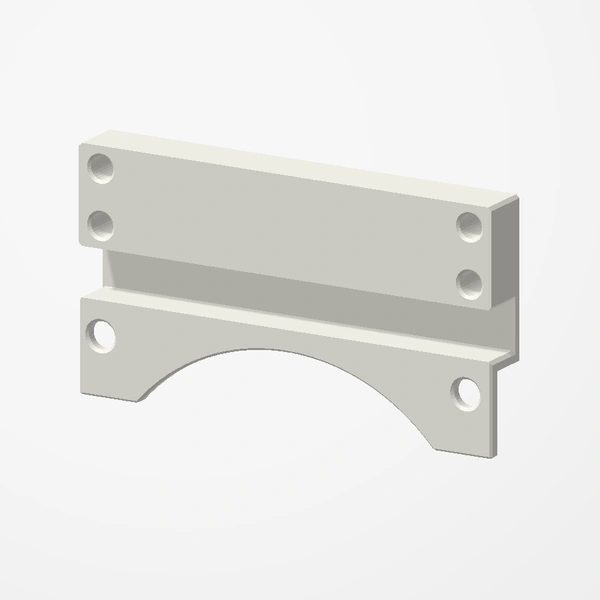
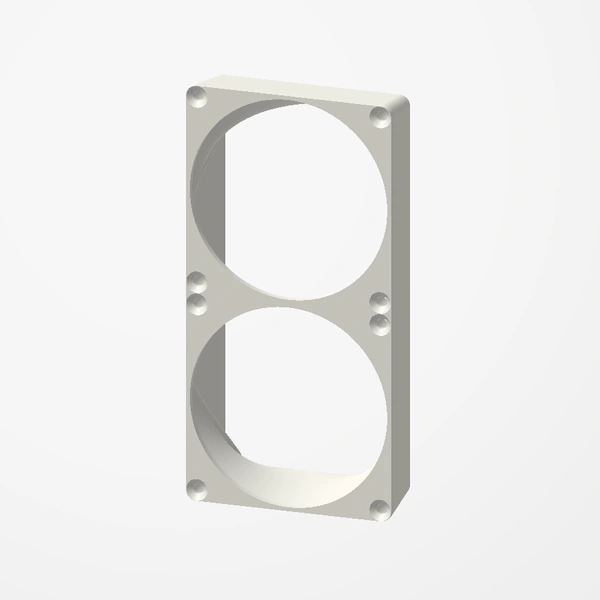
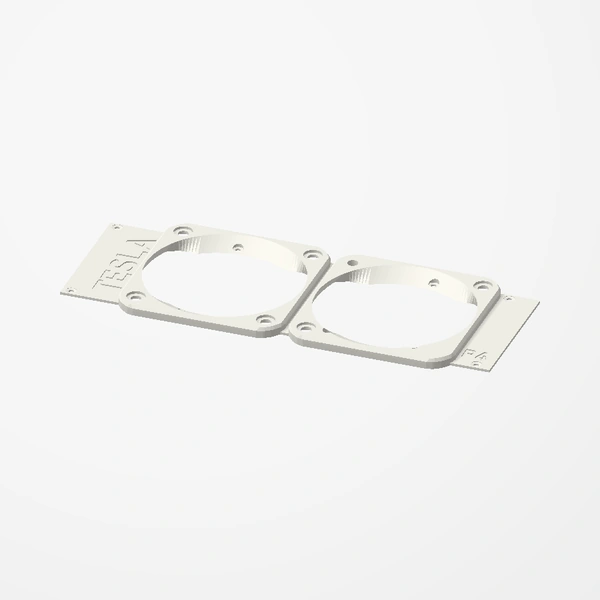
In stockA replacement top cover for the passively cooled Nvidia Tesla P4. It holds two 60 mm fans directly over the card’s heatsink, so the card brings its own airflow in cases that have none.
Built for two Noctua NF-A6x25 fans; any standard 60 mm fan fits, mounted with its own screws or Noctua’s rubber mounts. Countersunk screw holes, and the shroud sits 1 mm lower than the stock cover. With 25 mm fans the card is a little over 2 slots thick. Fans and screws are not included. See Etsy for available colors.
Manufactured from premium PETG-HF for thermal resistance and structural durability.
Why it’s designed this way
Give a passively cooled Tesla P4 its own airflow, using two 60 mm fans.
Before you order
- Your P4’s stock top cover and its screws
- Two 60 mm fans (25 mm thick fans make the card a little over 2 slots)
Setup & use
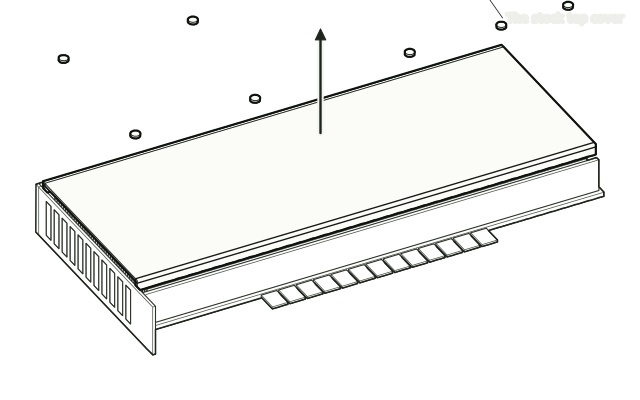 Step 1
Take off the stock cover
Remove the screws holding the P4’s stock top cover and lift the cover off.
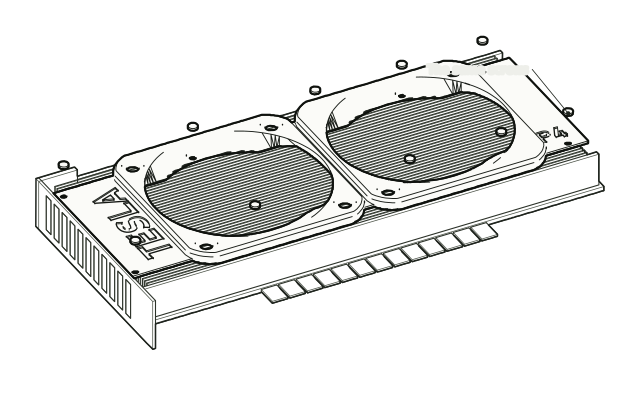 Step 2
Fit the shroud
Fit the shroud in its place and fasten it with the same screws.
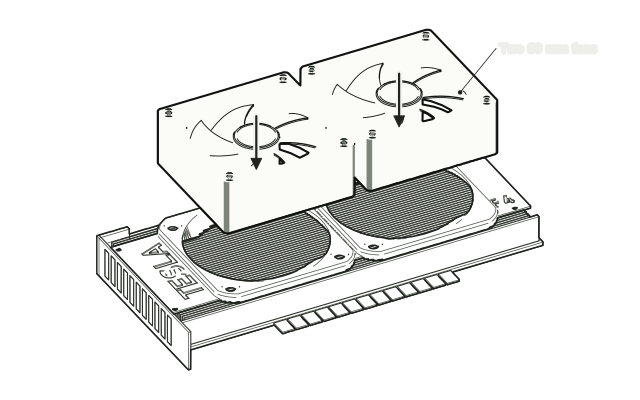 Step 3
Mount the two fans
Mount the two 60 mm fans on the shroud with their screws or Noctua’s rubber mounts, and connect them to fan headers.
Drawn from the product’s 3D models. Cases, desks, devices and other surroundings are illustrative; drawings are not measured plans.
Care & troubleshooting
Keep the fan openings clear of dust, and route the fan cables away from the blades.