Screw or tape · Ports stay open
Nvidia Shield TV Pro Wall Mount
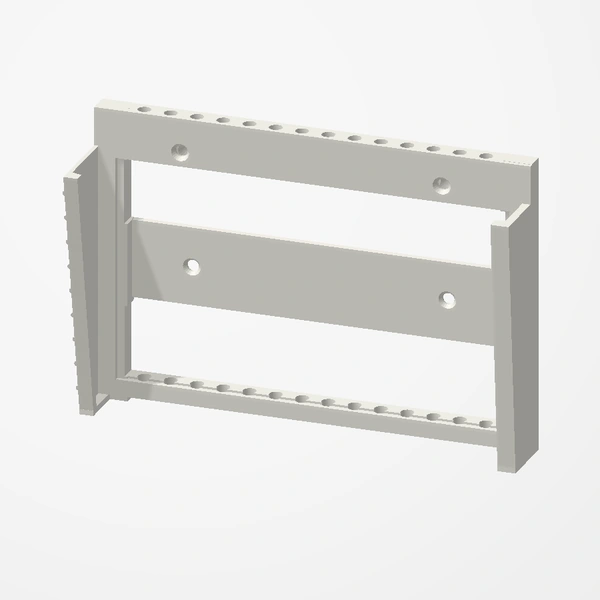
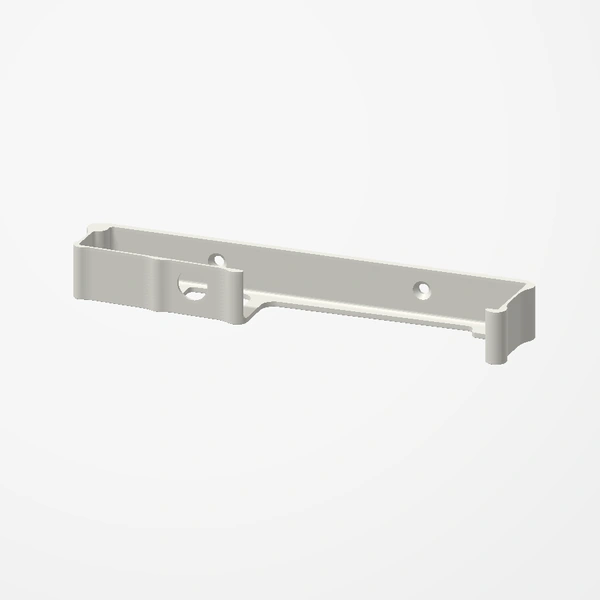
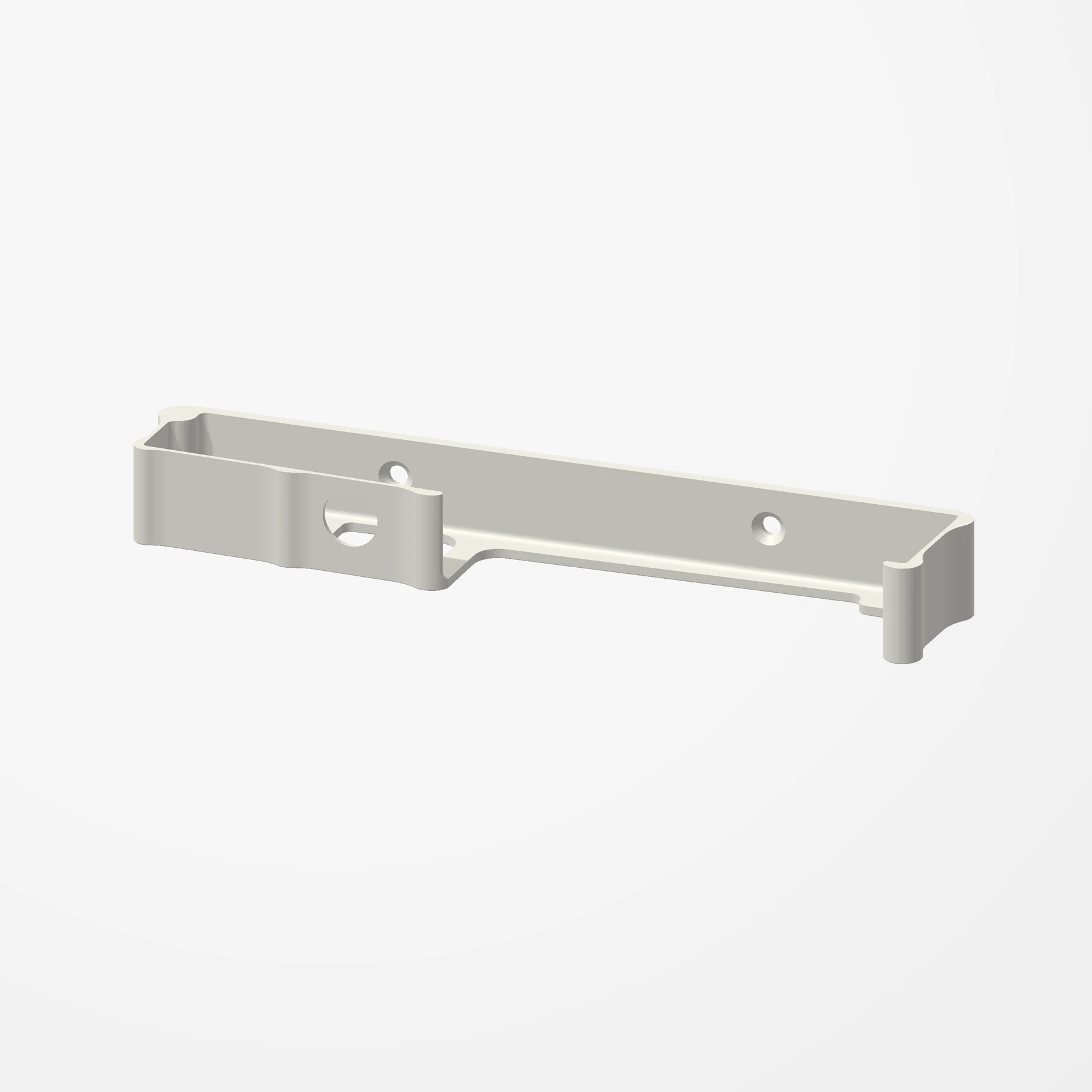
In stockA slim ledge that holds a Shield TV Pro upright on the wall or behind a TV. It screws on with two M4 screws, or sticks on with mounting tape, and every port stays free.
For the Shield TV Pro (2019 model). About 167.5 x 32.5 x 20 mm. Countersunk M4 holes, with an opening in the front lip so a bit driver reaches the screw behind it. Screws, anchors and tape are not included. See Etsy for available colors.
Manufactured from premium PETG-HF for thermal resistance and structural durability.
Why it’s designed this way
Get the Shield TV Pro off the shelf and onto the wall or behind the TV.
Before you order
- Two M4 screws, with wall anchors for drywall, or 3M mounting tape
Setup & use
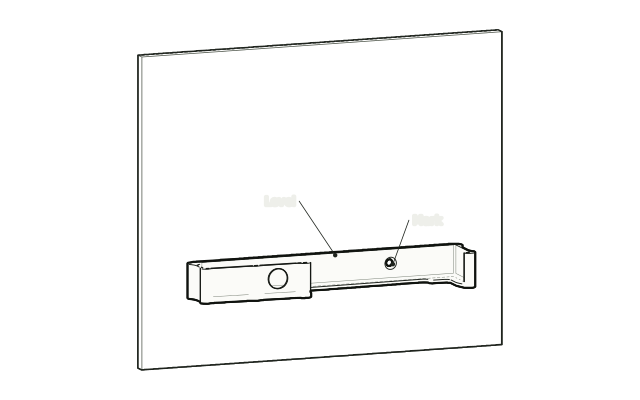 Step 1
Mark the holes
Hold the mount level where the Shield will sit and mark the two screw holes.
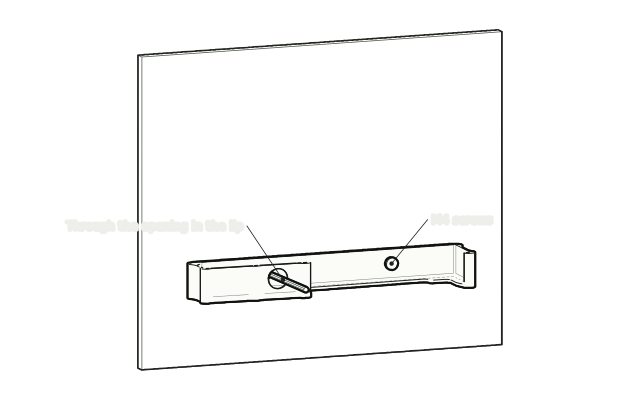 Step 2
Screw it to the wall
Drive the two M4 screws through the countersunk holes, reaching the left one through the opening in the front lip. Or stick the flat back on with mounting tape.
 Step 3
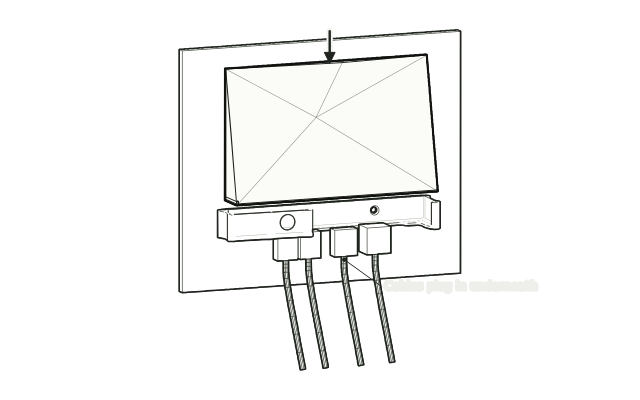
Stand the Shield in it
Stand the Shield in the ledge and plug in its cables underneath.
Drawn from the product’s 3D models. Cases, desks, devices and other surroundings are illustrative; drawings are not measured plans.
Care & troubleshooting
Check the wall type and use suitable anchors. Keep the mount away from heat sources.